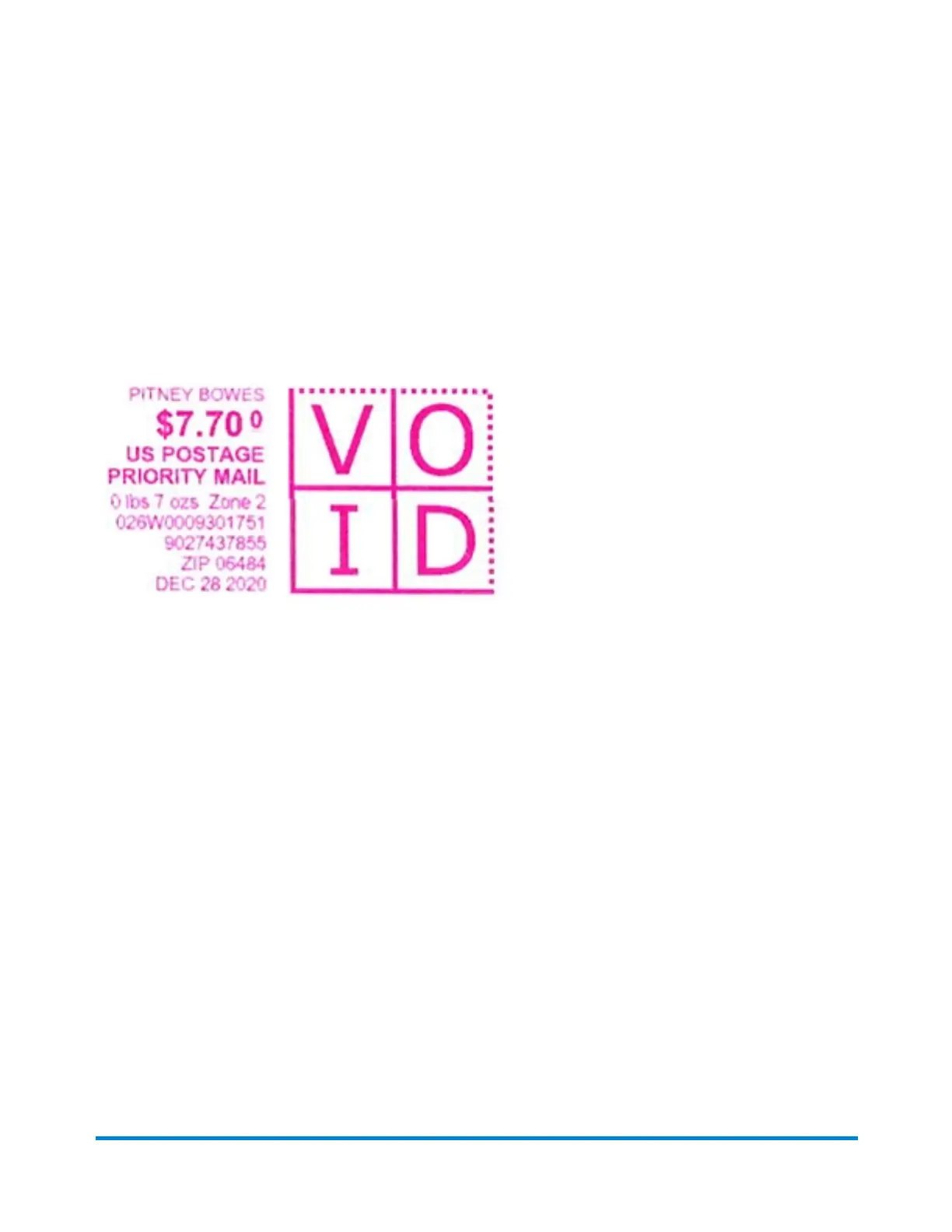
1. Tap the mail type in the Home screen until you reach Priority Mail.
2. Select your package type.
3. Enter the destination ZIP Code.
4. Insert the letter into the device, pushing in all the way to the back and right. The device will clamp
the letter and print postage. The power button will flash while the device is printing.
5. When the device finishes printing, remove the letter. Do not pull the letter out of the machine while
the power button is flashing.
The Priority Mail stamp has a larger barcode than the regular First Class stamp.
IMPORTANT: Depending on the packaging you select, you will need one of the following:
l Flat Rate envelope or box from the Post Office
l USPS label 400, available from the Post Office
l USPS Label 888-PV, available in the PB.com Supplies Shop.
SendPro Online
l Printing a shipping label in SendPro Online
Related topics:
l Sections of the meter stamp
If you need further assistance, please use the Contact Us options below.
Sending Certified Mail
You can use your SendPro Mailstation device to send Certified Mail®.
Using your device
Pitney Bowes User Guide January 2021 15











 To Next Page