Replacing the ink cartridge
Your device will display a message when you're out of ink, and you will not be able to print postage until
you replace the ink cartridge.
1. Tap the Settings icon.
2. Tap Ink Functions.
3. Tap Replace Ink.
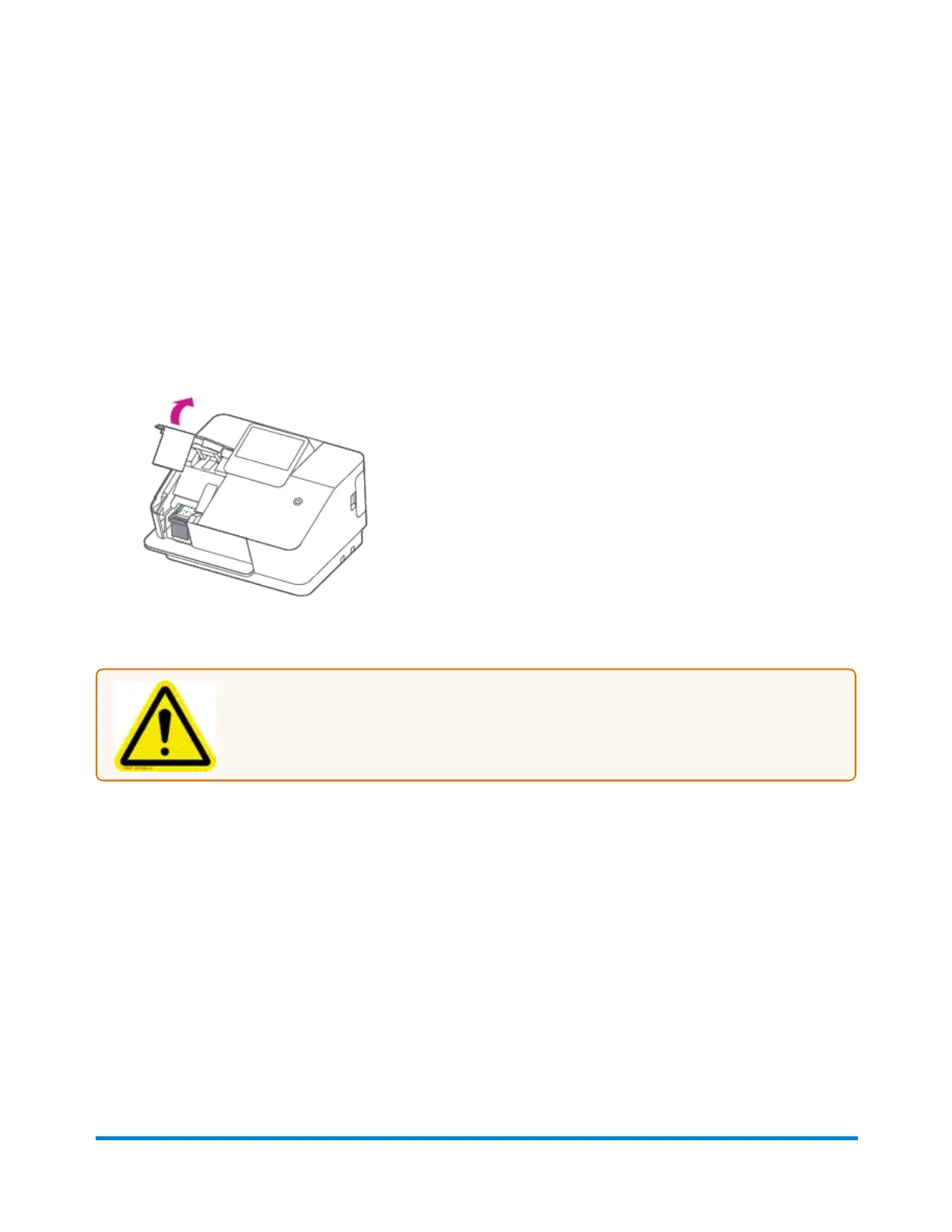
4. Lift the ink door by pulling up on the tab.
5. Remove the ink cartridge.
Caution: Do not touch the metal parts; they may be hot. Do not shake the ink
cartridge; this may cause ink to spill.
Using your device
Pitney Bowes User Guide January 2021 22











 To Next Page