User’s Manual of WGR-500-4P and WGR-500-4PV
■ Reset Button
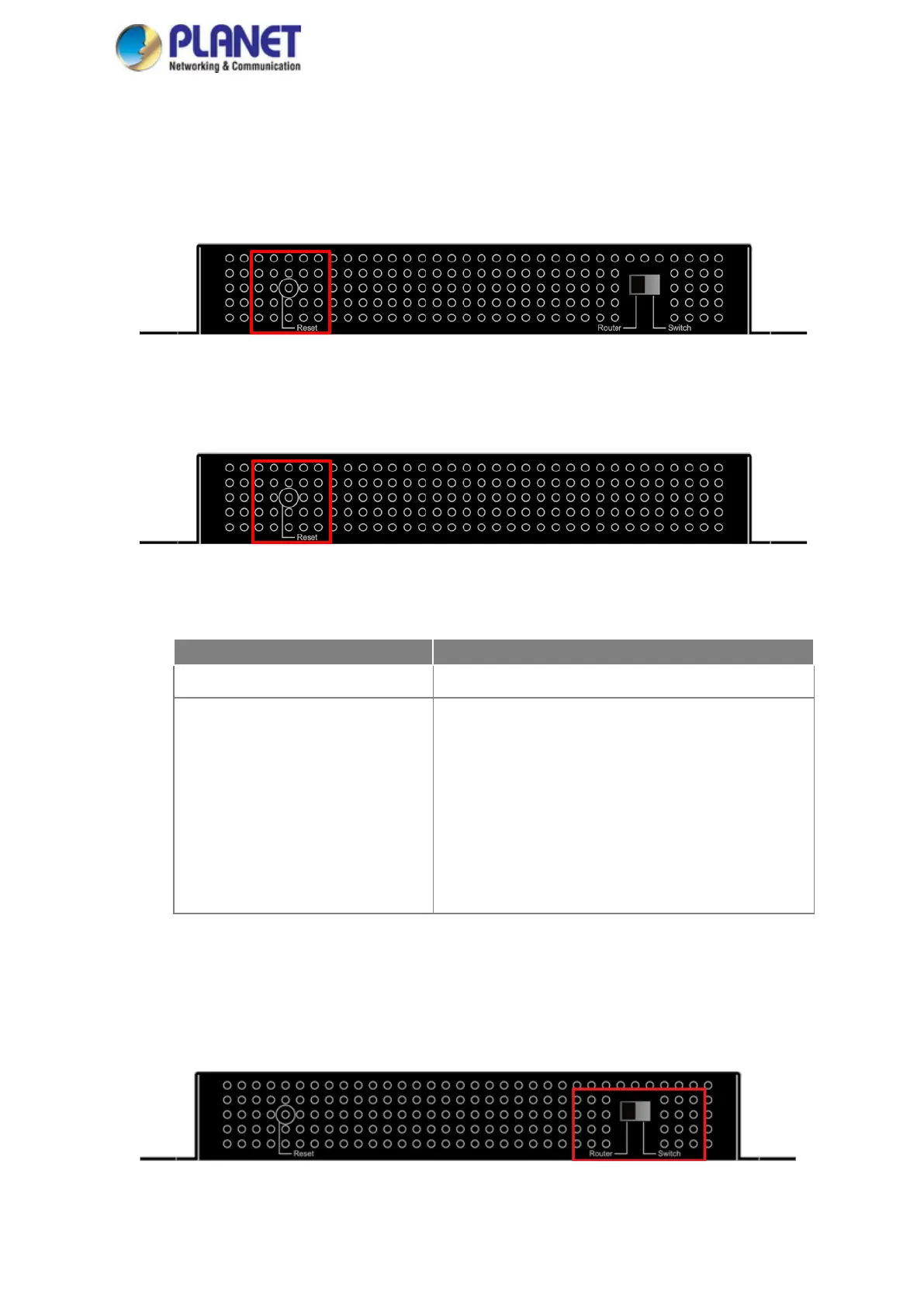
The bottom of the industrial wall-mount Gigabit router comes with a reset button designed for rebooting
system or resetting to factory default. The reset buttons are shown in Figures 2-3 and 2-4 and following is the
summary table of reset button functions:
Figure 2-3: Reset Button of WGR-500-4P
Figure 2-4: Reset Button of WGR-500-4PV
Reset Button Pressed and Released
< 5 sec: System Reboot Reboot the system.
> 5 sec: Factory Default
Reset the system to factory default. The industrial
wall-mount Gigabit router
will then reboot and load the
default settings as shown below:
。 Default Username: admin
。 Default Password: admin
。 Default IP Address: 192.168.1.1
。 Subnet Mask: 255.255.255.0
。 Default Gateway: 192.168.1.254
■ DIP Switch
Only the WGR-5004P has the DIP switch, which is for selecting an operation mode. The DIP switch is shown
in Figure 2-5.
Figure 2-5: DIP Switch of WGR-500-4P



 To Next Page