User’s Manual of WGR-500-4P and WGR-500-4PV
4.6.2 Save/Restore Configuration
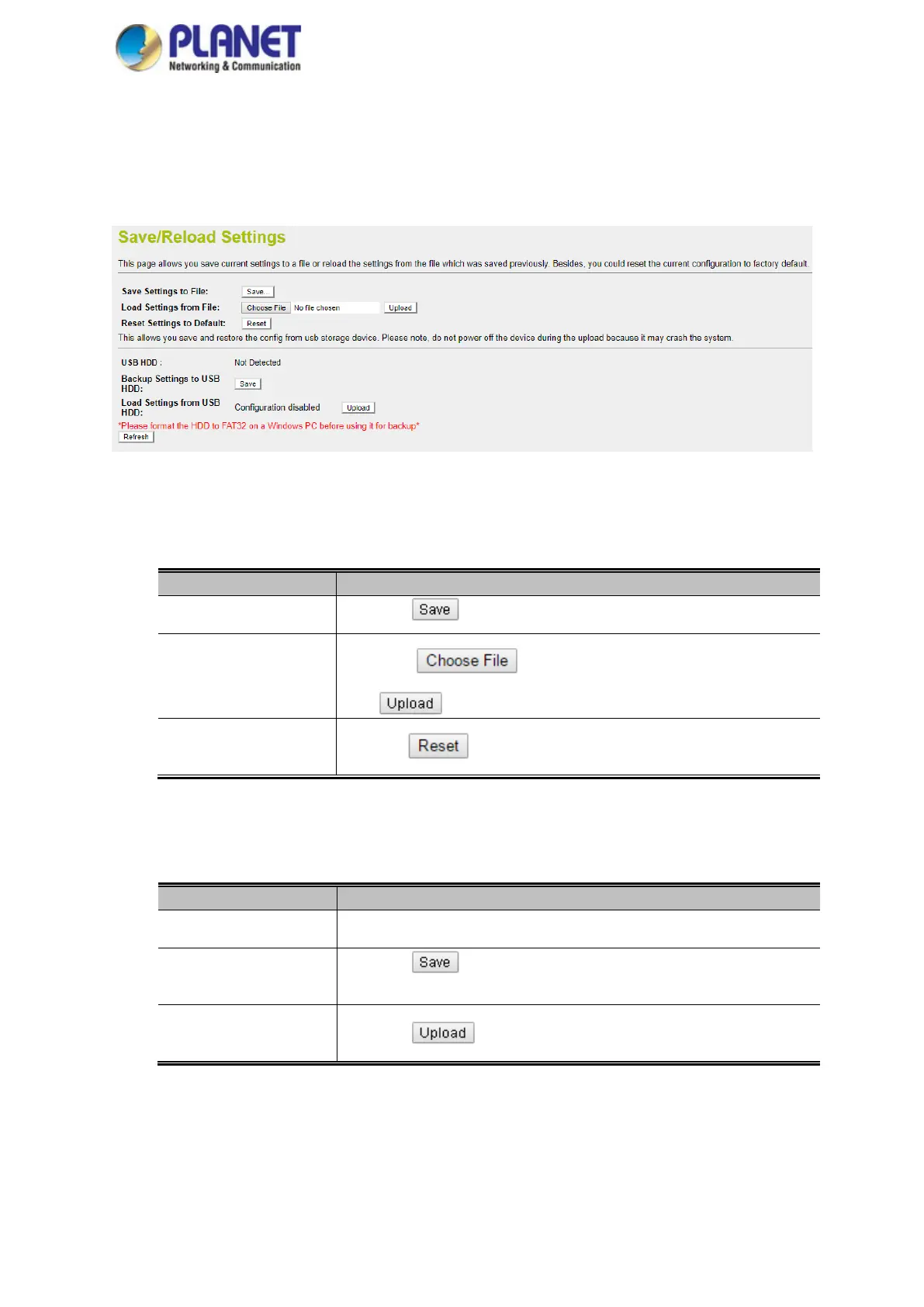
This page shows the status of the configuration. You may save the setting file to either USB HDD or PC and load
the setting file from USB HDD or PC as Figure 4-54 is shown below:
Figure 4-54: Save/Restore Configuration
■ Save Setting to PC
Object Description
Save Settings to File
Press the
button to save setting file to PC.
Load Settings from File
Press the button to select the setting file, and then press
the button to upload setting file from PC.
Reset Setting to Default
Press the button to reset to factory default.
■ Save Setting of USB HDD
Object Description
USB HDD The status of USB HDD.
Save Settings to USB
HDD
Press the
button to save setting file to USB HDD.
Load Settings from USB
HDD
Press the
button to upload setting file from USB HDD.



 To Next Page