User’s Manual of WGR-500-4P and WGR-500-4PV
4.2.1 Dashboard
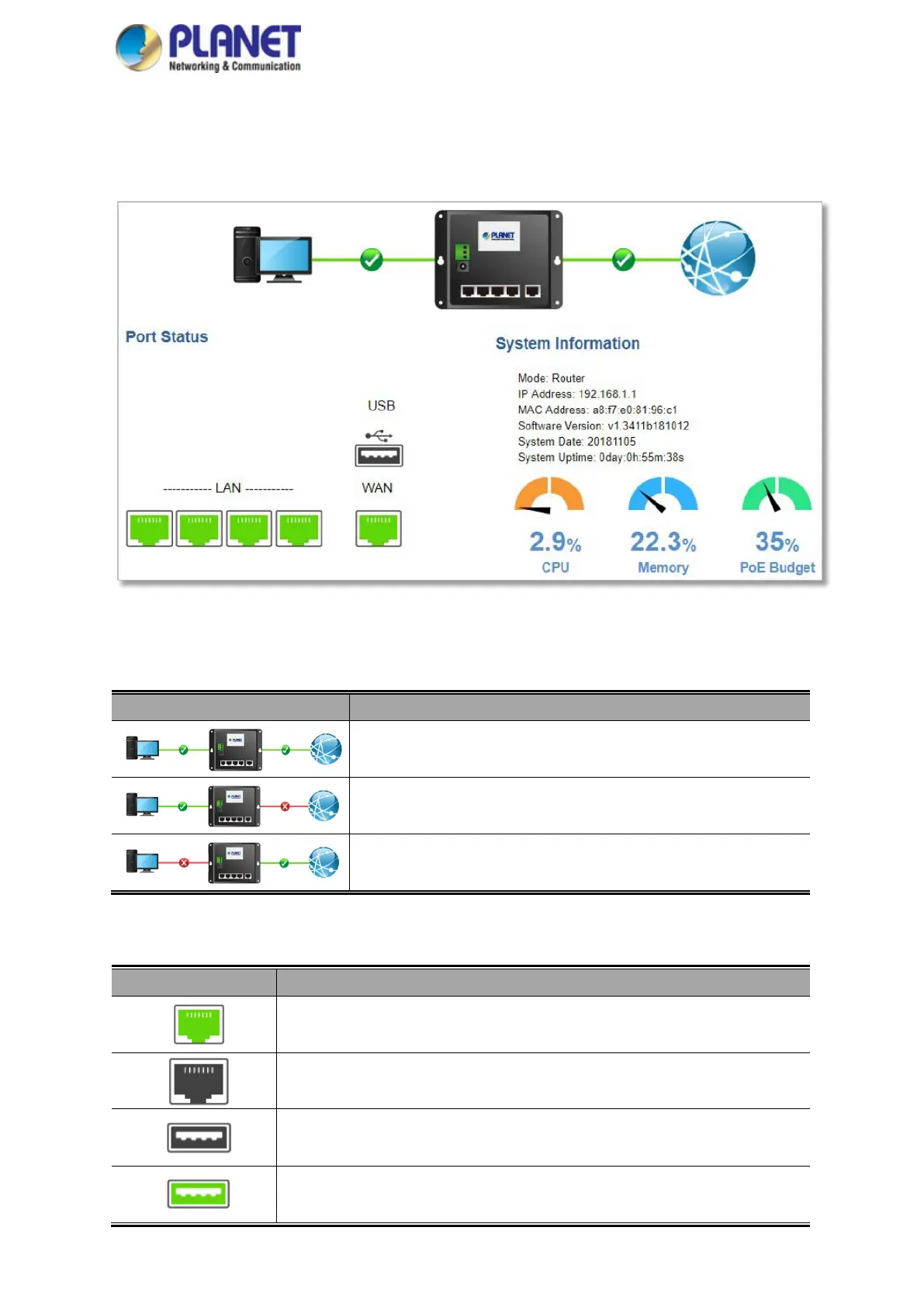
The dashboard provides an overview of system information including connection, port, and system status as
shown in Figure 4-6.
Figure 4-6: Dashboard
WAN/LAN Connection Status
Object Description
The status means WAN is connected to Internet and LAN is connected.
The status means WAN is disconnected to Internet and LAN is
connected.
The status means WAN is connected to Internet and LAN is
disconnected.
Port Status
Object Description
LAN or WAN port is in use.
LAN or WAN port is not in use.
USB port is in use.
USB port is not in use.



 To Next Page