User’s Manual of WGR-500-4P and WGR-500-4PV
4.4.5 MAC Filtering
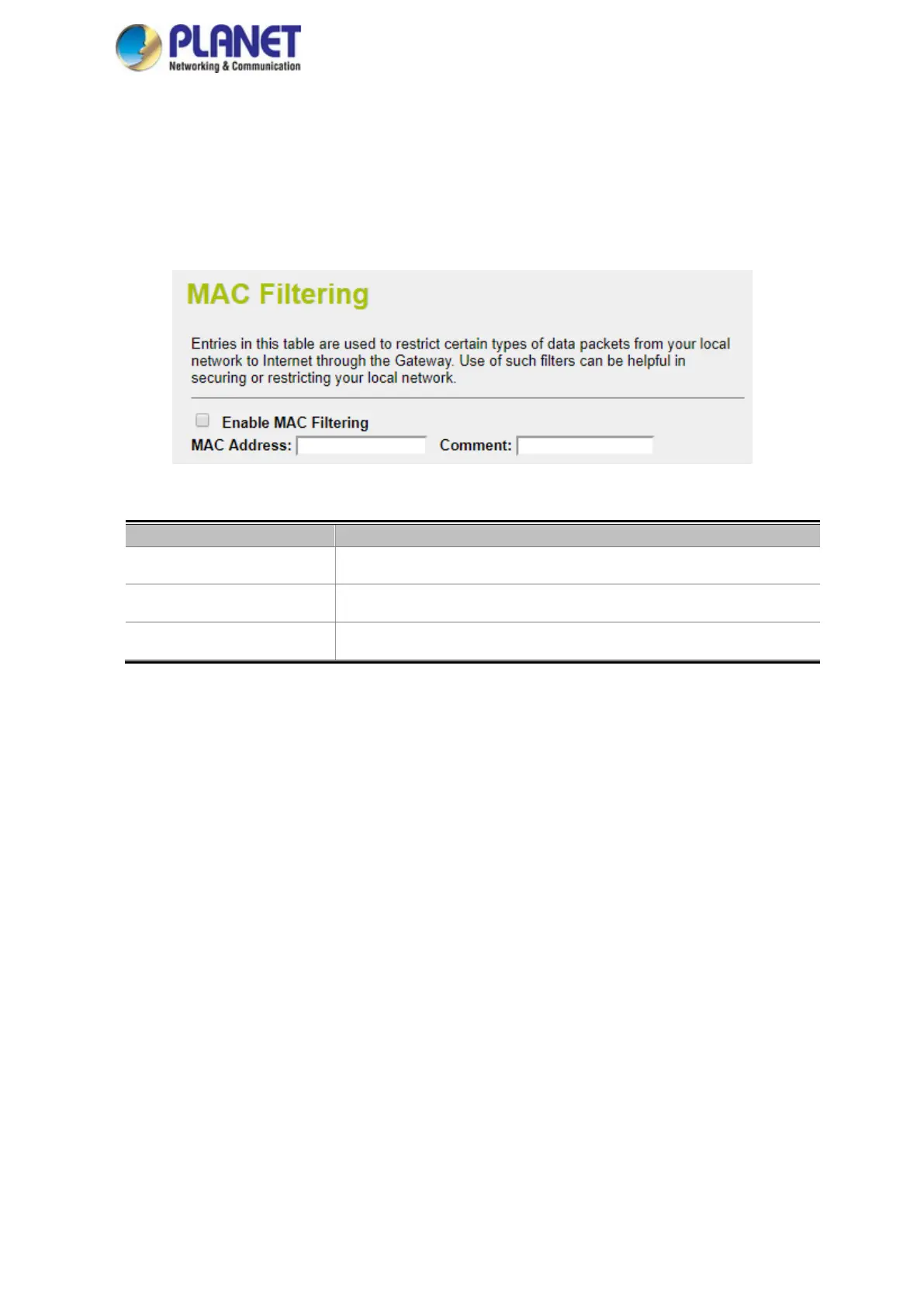
Entries in this table are used to restrict certain types of data packets from your local network to Internet through
the Industrial wall-mount Gigabit router. Use of such filters can be helpful in securing or restricting your local
network as shown in Figure 4-42.
Figure 4-42: MAC Filtering
Enable MAC Filtering Check this box to enable MAC filtering.
MAC Address Add MAC address you want to control.
Comment Enter the description for this setting.



 To Next Page