User’s Manual of WGR-500-4P and WGR-500-4PV
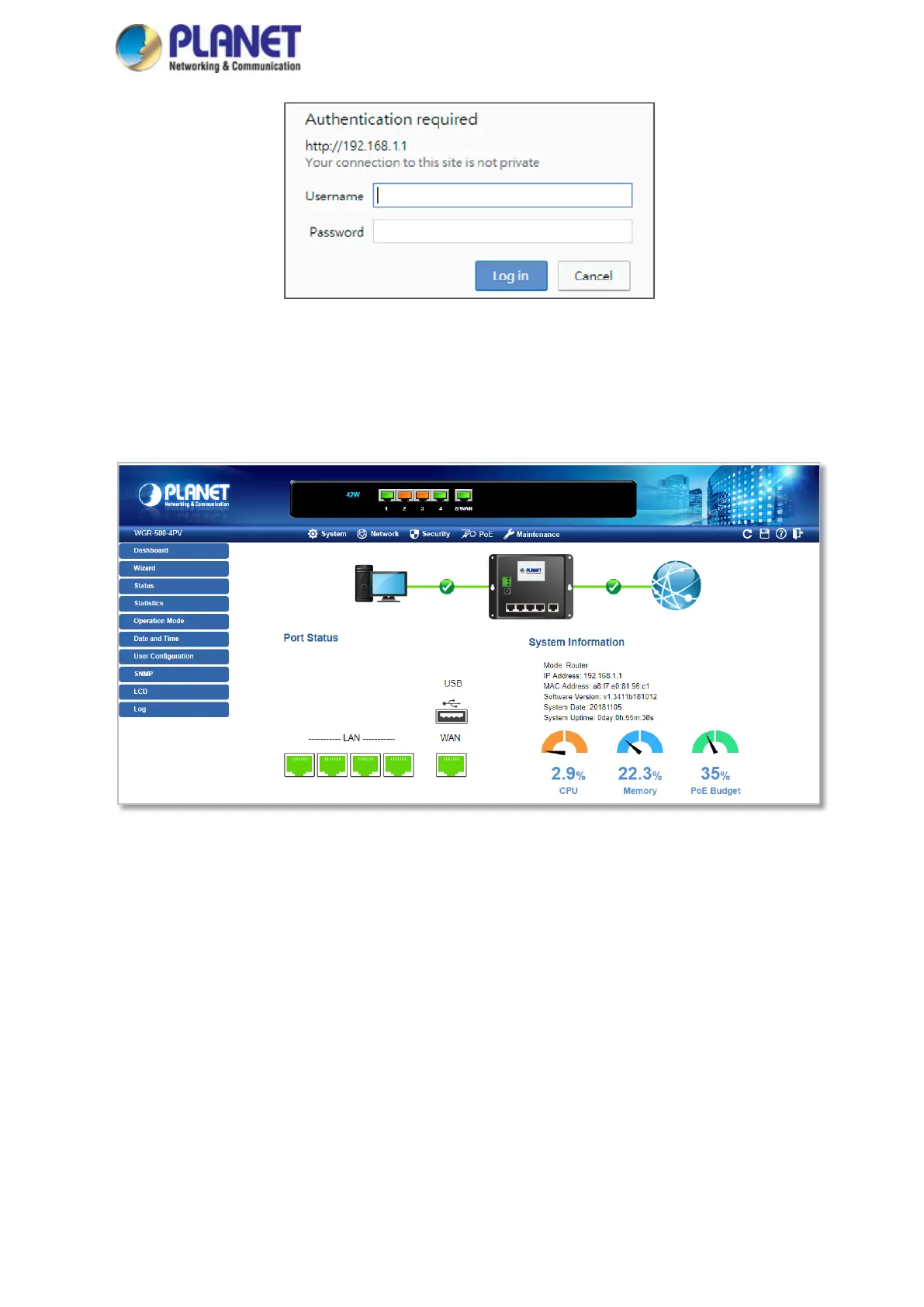
Figure 3-2: Web login Screen
After successfully logging into the web UI of the WGR-500 Series, you will see the main menus on the menu bar
and sub menus on the left side. The Figure 3-3 is the web main page of the WGR-500-4PV.
Figure 3-3: Web Main Page of WGR-500-4PV



 To Next Page