Planmeca Proline XC Panoramic X-ray 11
GRAPHIC USER INTERFACE
User's manual
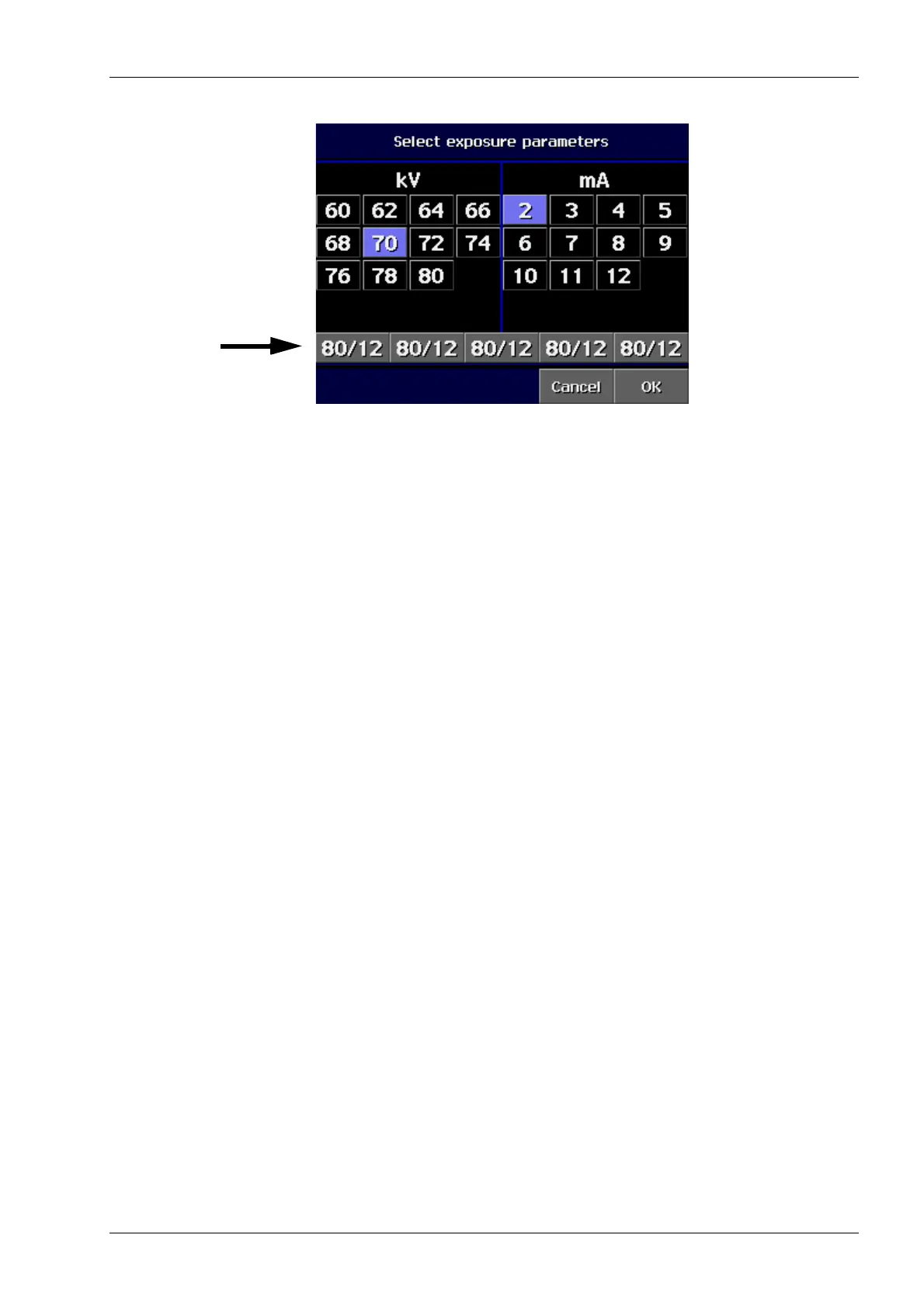
The following display appears.
Select the correct kV and mA values for the patient
being X-rayed according to the build of the patient.
Alternatively you can select one of the quick buttons
on the bottom of the Select kV/mA display.
The exposure values for a panoramic exposure are
given in section “9 PANORAMIC EXPOSURE” on
page 31.
Confirm the selection and return to the main display by
touching OK.
Programming quick button values
You can use the quick buttons on the bottom of the
Select kV/mA display. The quick button values have
been preset at the factory but you can also program
the values.
If you want to program the values select first the kV
and mA values by touching the corresponding fields
and then touch the desired quick button until you hear
a signal tone. By doing this the kV and mA values will
be changed for the quick button.
You can program the quick button values for each
exposure program, i.e. panoramic, sinus and TMJ
exposure programs.
Confirm the selection and return to the main display by
touching OK.
Quick buttons














 To Next Page