GRAPHIC USER INTERFACE
12 Planmeca Proline XC Panoramic X-ray
User's manual
7.1.3 Panoramic AEC (optional)
The Automatic Exposure Control (AEC) adjusts the
exposure values in order to achieve the desired optical
density and contrast on the X-ray image.
The basic idea of the AEC is to measure the patient
radiation transparency during the exposure and to
adjust the correct kV and mA values in order to
achieve the desired optical density and contrast on the
X-ray image.
Before starting the exposure the user can select the
density level, patient size and kV and mA values. The
patient size preselection is used to assist the system to
start the exposure with the best imaging values. The
maximum kV value is 80 kV and the minimum value is
60 kV. The maximum mA value is 12 mA and the
minimum value is 4 mA.
During the exposure, the continuous AEC function
automatically adjusts the correct exposure values.
NOTE Make sure that the cassette is AEC compatible,
i.e. marked with text “AEC COMPATIBLE”.
NOTE The AEC is not compatible with phosphorus
plates. Use only X-ray film.
NOTE The AEC can only be used in the panoramic
mode, not with sinus, temporomandibular
joint or cephalometric exposures.
NOTE The sector on the patient’s left can not be de-
selected when using AEC.
Using the AEC function
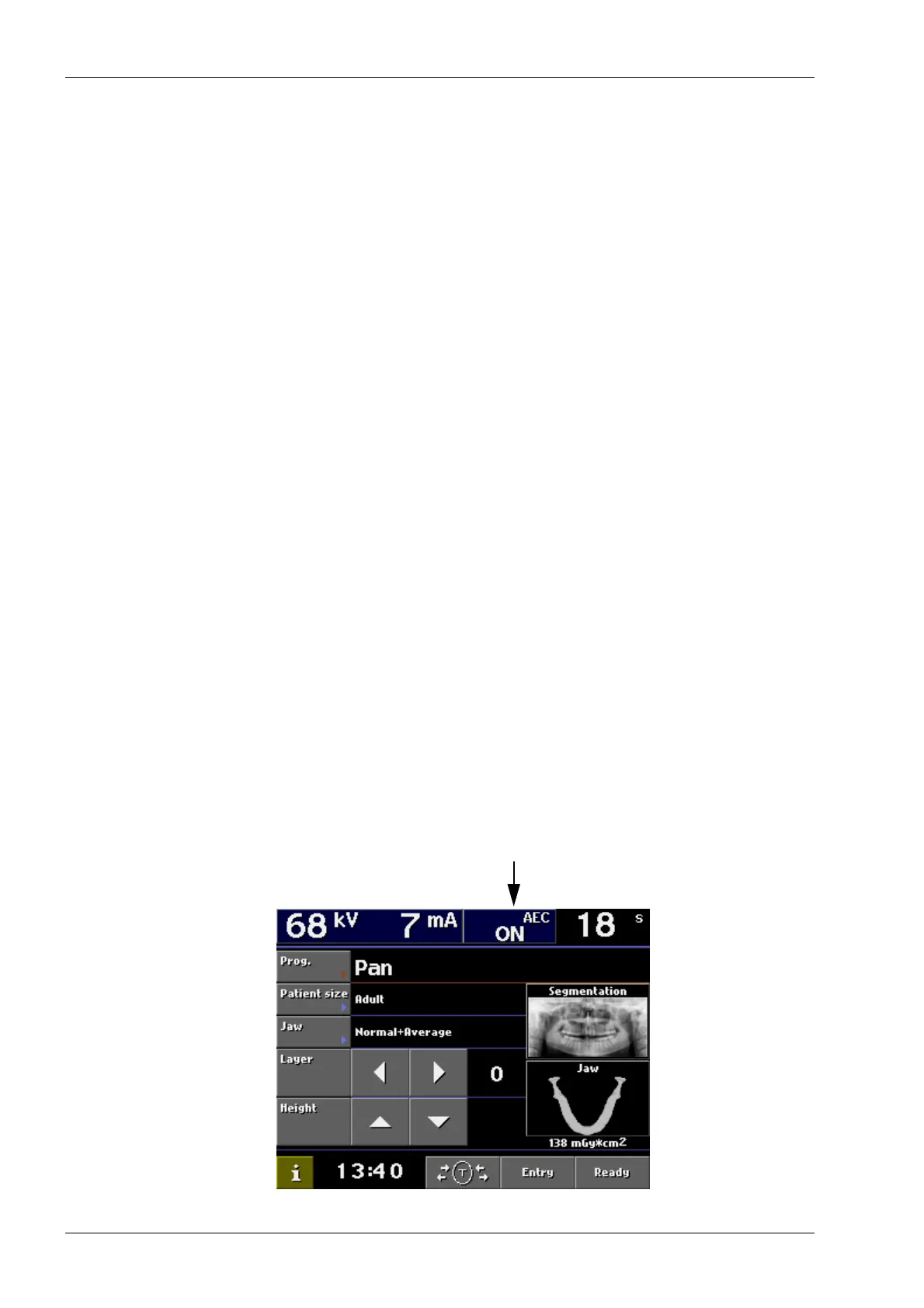
If your X-ray unit is equipped with the panoramic AEC
function it can be activated by touching the AEC field
on the top of the main menu in the panoramic mode.
When the AEC function is activated it automatically
selects the kV and mA starting values based on the
patient and jaw size for optimal exposure. Selecting
the right patient and jaw size will assist in the AEC
operation.














 To Next Page