Planmeca Proline XC Panoramic X-ray 13
GRAPHIC USER INTERFACE
User's manual
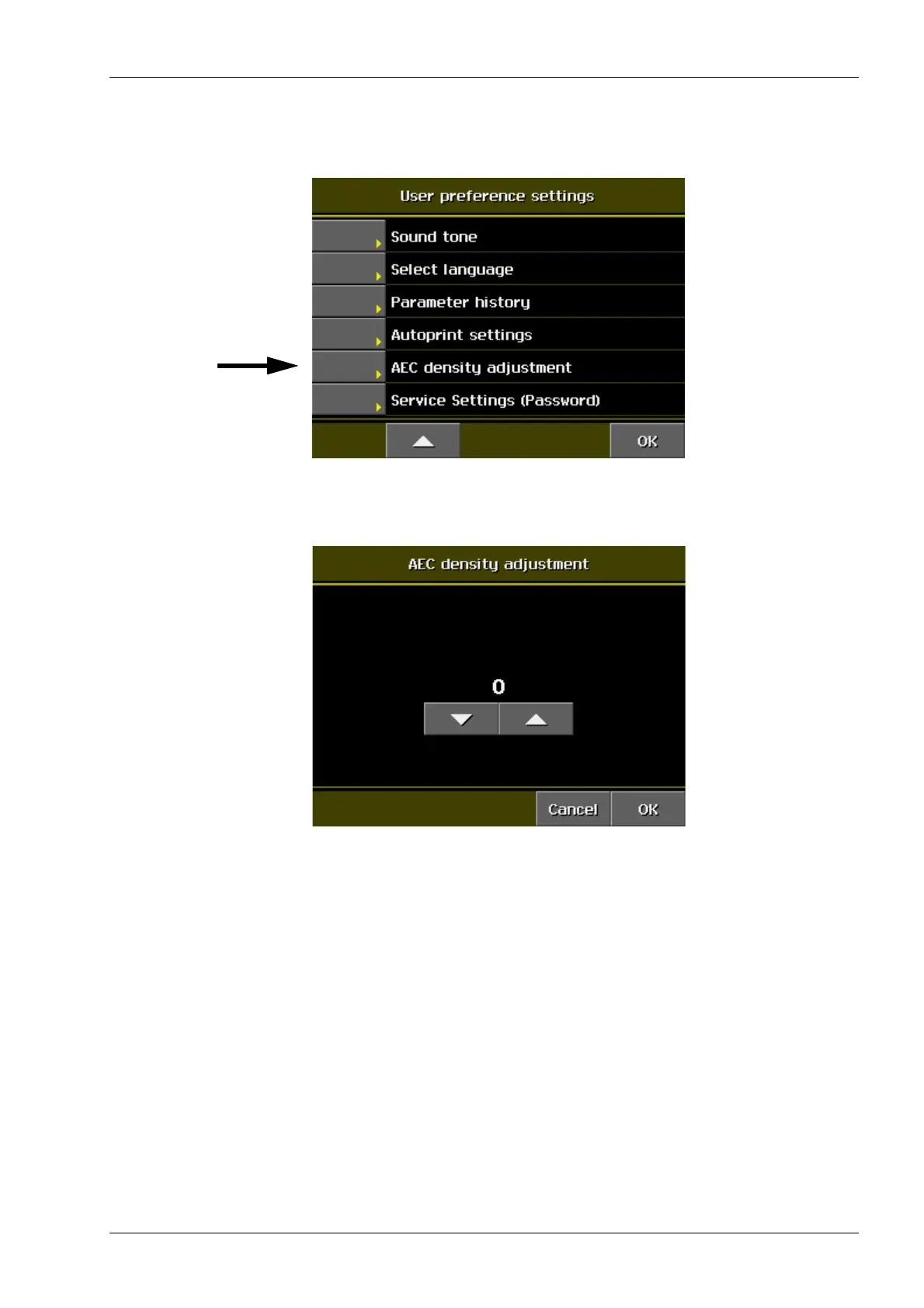
Selecting optical density
Touch the i field on the main display. Select AEC
density adjustment on the User preference settings.
Set the optical density by touching the arrows. The
default value is 0.
Touch OK to confirm your selection.
NOTE If the optical density is not selected the
previously selected density will be used.














 To Next Page