GRAPHIC USER INTERFACE
14 Planmeca Proline XC Panoramic X-ray
User's manual
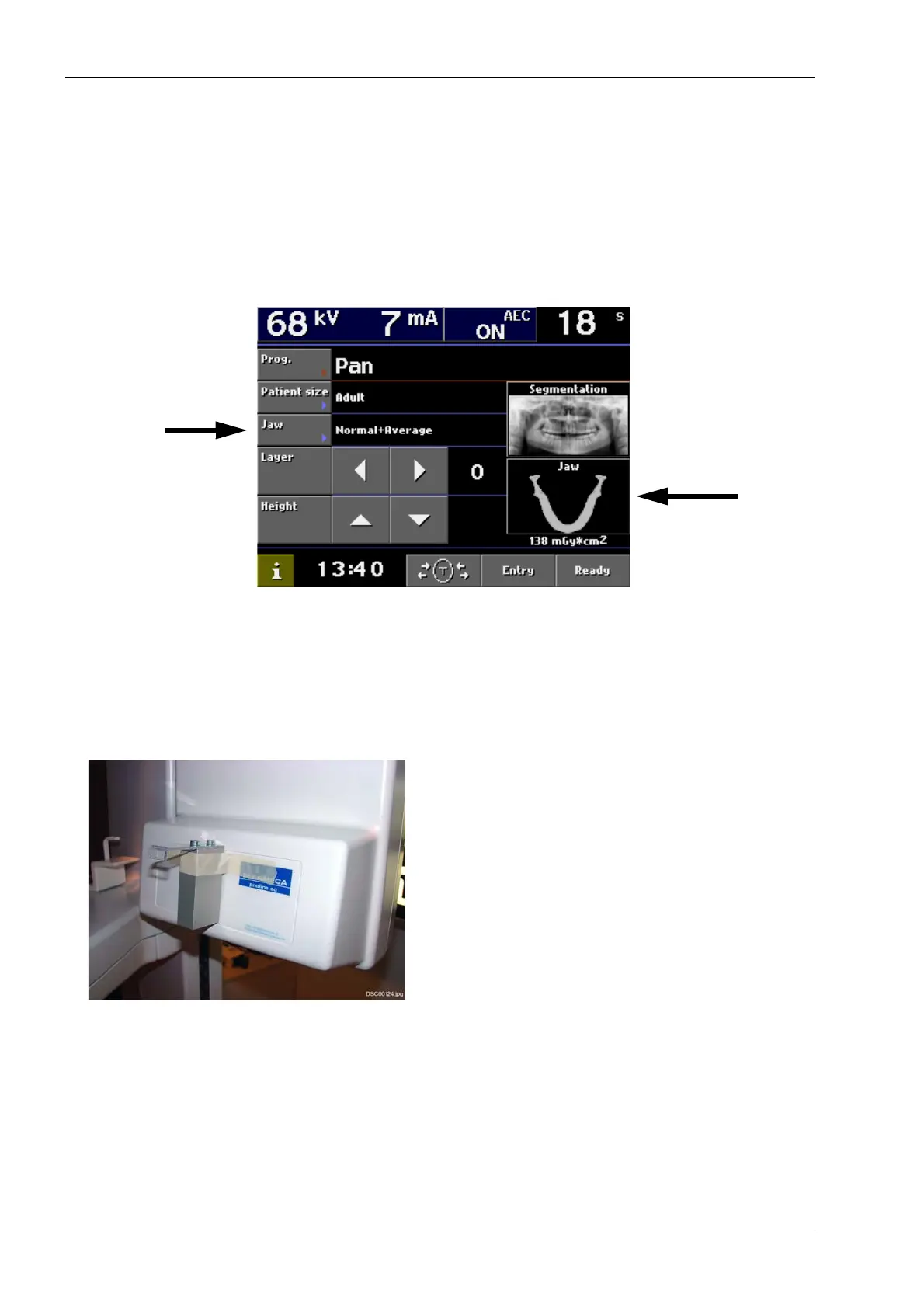
Patient size selection
The patient size selection adjusts the kilovolt (kV) and
milliampere (mA) default starting values. After
selecting the patient size the user can freely select the
kV and mA values according to the patient size.
Touch the Jaw field or the Jaw icon on the main
display to select the kV and mA parameter values. If
the patient size Child is selected the unit will
automatically reduce the parameter values.
NOTE After the exposure has been taken, the
selected exposure parameters remain on the
main display. The default values will appear
again on the main display after you have
selected a different jaw size.
Verifying the function of AEC
Proceed as follows to check the functioning of the
AEC:
1. Remove the temple supports and patient positioning
mechanism and insert an AEC compatible cassette
into the cassette carriage.
2. Attach the calibration filter with tape in the middle of
the tube head assembly as shown on the figure
beside.
3. Make sure that the unit is in AEC mode. Take an
exposure with default values (e.g. 68 kV/8 mA). If the
AEC function is in order, the exposure values should
not change.
4. Decrease the mA value manually by 4 mA from the
calibration value. Take another exposure. The AEC
function should now adjust the exposure values
upwards.
5. Increase the mA value manually by 4 mA from the
calibration value. Take another exposure. The AEC
function should now adjust the exposure values
downwards.














 To Next Page