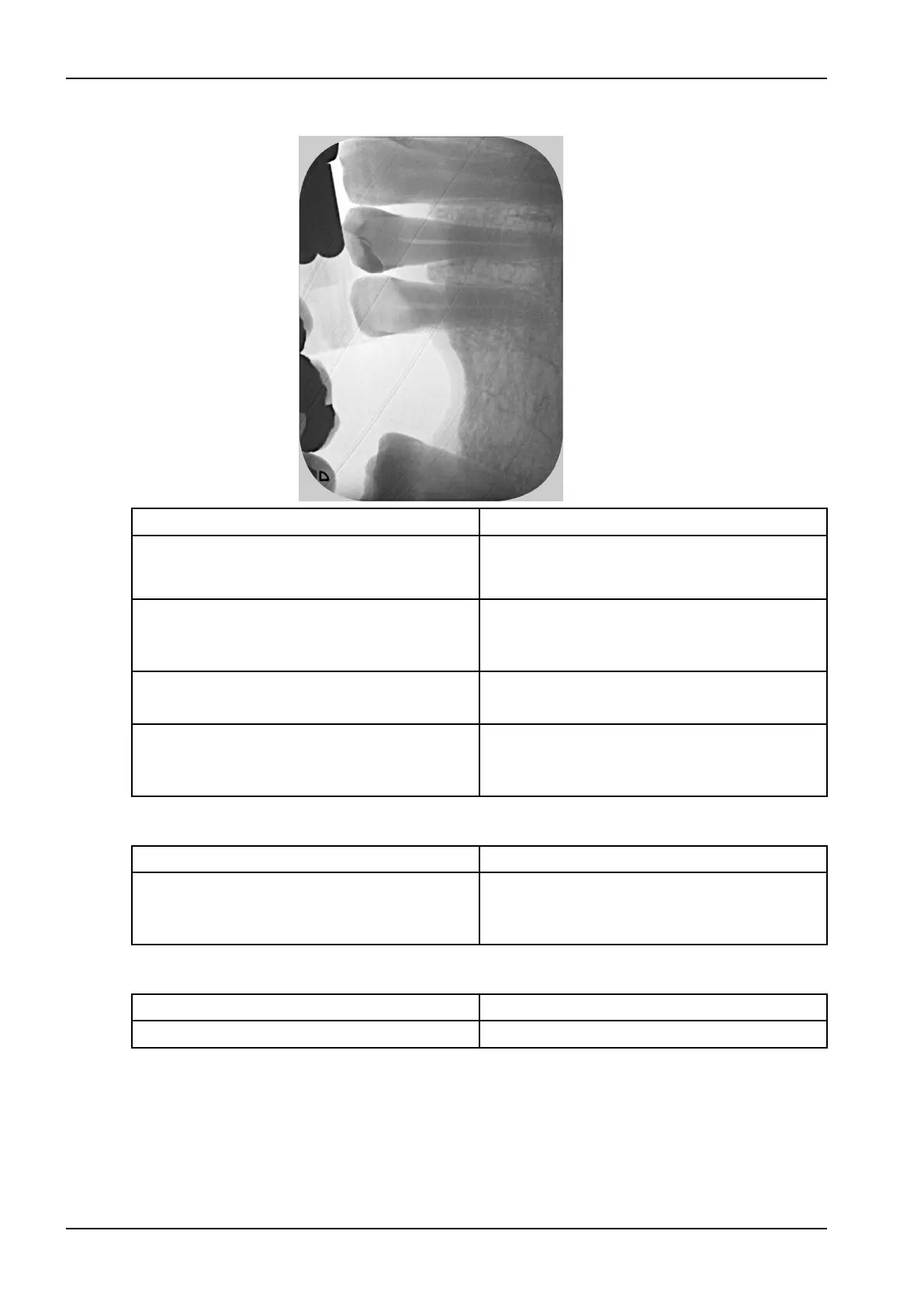
X-ray image has strips on image
Possible cause Remedy
Image plate has been pre-exposed, e.g. by
natural radiation or stray X-ray radiation
If the image plate has been stored for longer
than one week, erase the image plate prior to
use.
Parts of image plate exposed to light during
handling
Do not expose used image plates to bright light.
Scan image data within half an hour after the
exposure.
Image plate dirty or scratched Clean the image plate.
Replace scratched image plates.
Unit was shaken by impact or light protection
cover closed during scanning process
Set up the unit so that it cannot be shaken.
Prevent the unit from being touched during the
scanning process.
Light strips in CaptureUI
Possible cause Remedy
Too much incident ambient light during the
scanning process
Darken the room.
Turn the unit so that the light does not fall
directly onto the input unit.
X-ray image with small bright spots or clouding
Possible cause Remedy
Micro scratches on the image plate Replace the image plate.
5 Troubleshooting
56 Planmeca ProScanner 2.0 User's manual












 To Next Page