6
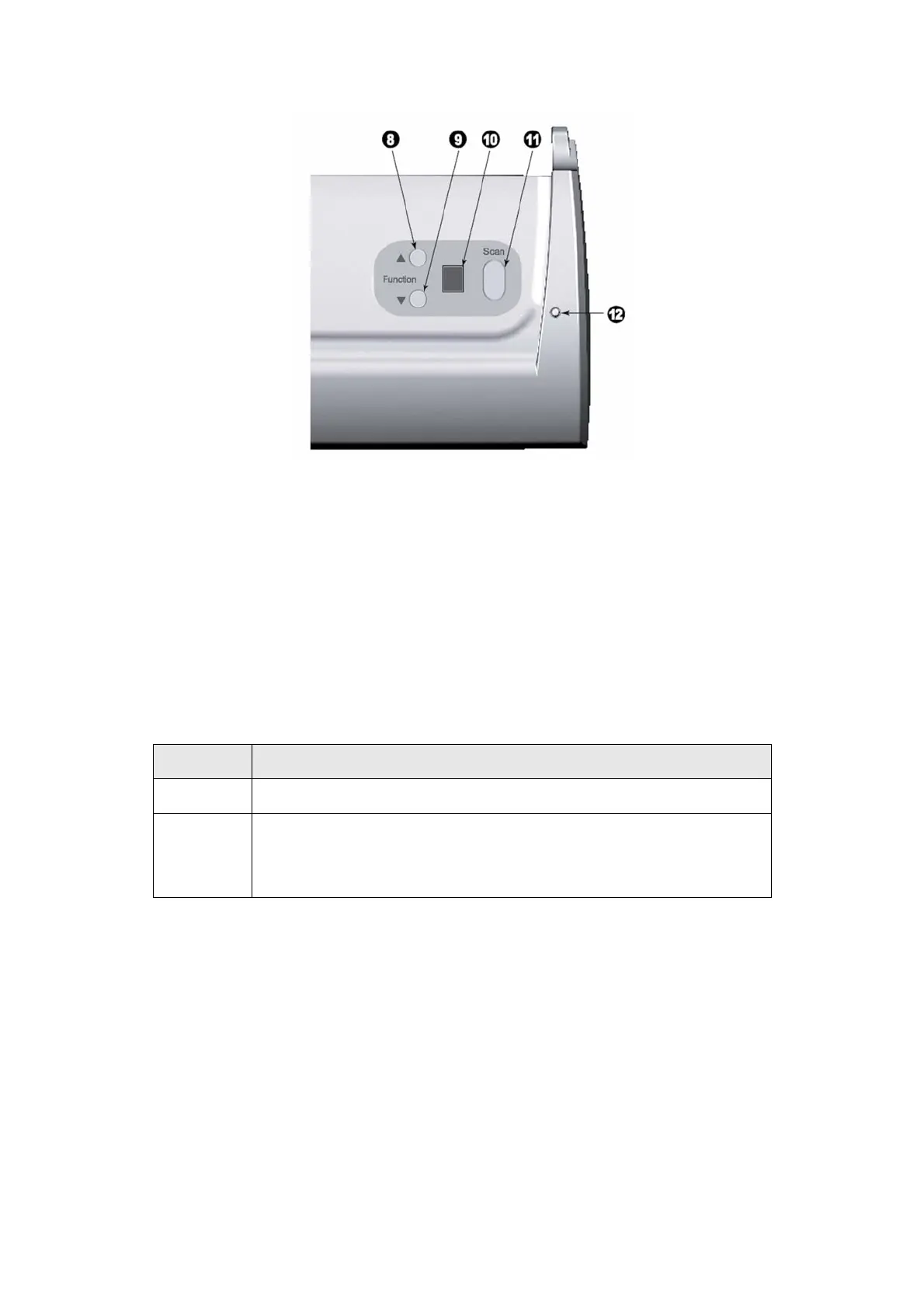
8. UP BUTTON—Press to move forward the scanning task number indicated in the
function number display.
9. DOWN BUTTON—Press to move backward the scanning task number indicated in
the function number display.
10. FUNCTION NUMBER DISPLAY—Indicates the number of the predefined scanning
task selected by the up or down button.
11. SCAN BUTTON—Press to perform a predefined scanning task selected by the up
or down button.
12. POWER LED—Indicates the scanner status.
Light Status
On The scanner is turned on, ready to scan images.
Off
The scanner is off, either because the power is not turned on, or
because the AC adapter is not properly plugged into an AC power
outlet.











 To Next Page