18
3. Close the ADF cover by pushing it back down until it snaps back into place.
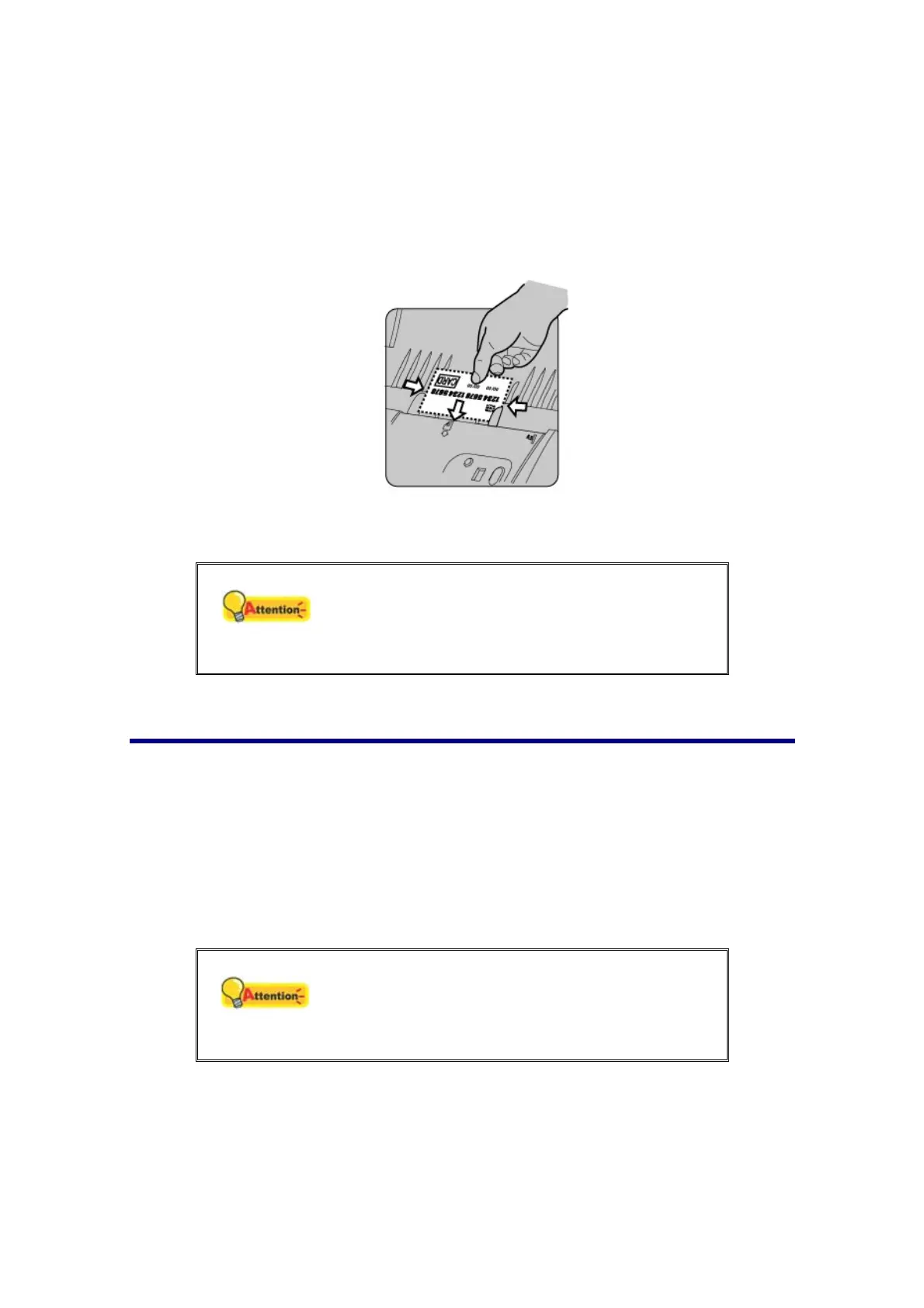
4. Horizontally load the plastic card, headfirst and face up, toward the center of
the ADF.
For single-sided scans, load the card face up.
For double-sided scans, load the card in desired order.
5. Adjust the paper width slider to the card width. The paper width slider should be
gently touching both sides of the card.
Attention
Make sure the plastic cards you wish to scan
are horizontally loaded into the ADF.
Maximum thickness of each plastic card is 1.2
mm.
SCANNING DOCUMENTS
There are 3 different ways to operate the scanner:
1. By scanning from the buttons on the scanner front panel.
2. By scanning from the icon in the left side of the MacAction II window.
3. By scanning from MacAction II's Execute menu on the screen.
The MacAction II software is automatically installed to your system along with the
scanner driver.
Attention
Before you start scanning, check the following:
The power of both your computer and scanner
is turned on.
Paper is appropriately loaded into the ADF.











 To Next Page