MacAction Help8
All rights are reserved.
Copy
Button Settings
E-Mail
Button Settings
PDF
Button Settings
FTP
Button Settings
2.2
Copy Button Settings
icon on the left pane in the Button Configuration window
displays its current button settings on the right pane.
The settings can be categorized into two: Printing
Settings on the upper part,
and Scan
Parameters on the lower part.
The items and parameters available in the window are explained as follows:
Because all printers have their own printing characteristics and no two printers
will give the exact same output (especially where colors and images are
concerned), this Button Configuration window provides a number of options or
settings, allowing you to adjust the scanning process to tailor the output to your
particular printer. You will need to experiment with the settings to optimize the
quality of the printed image.
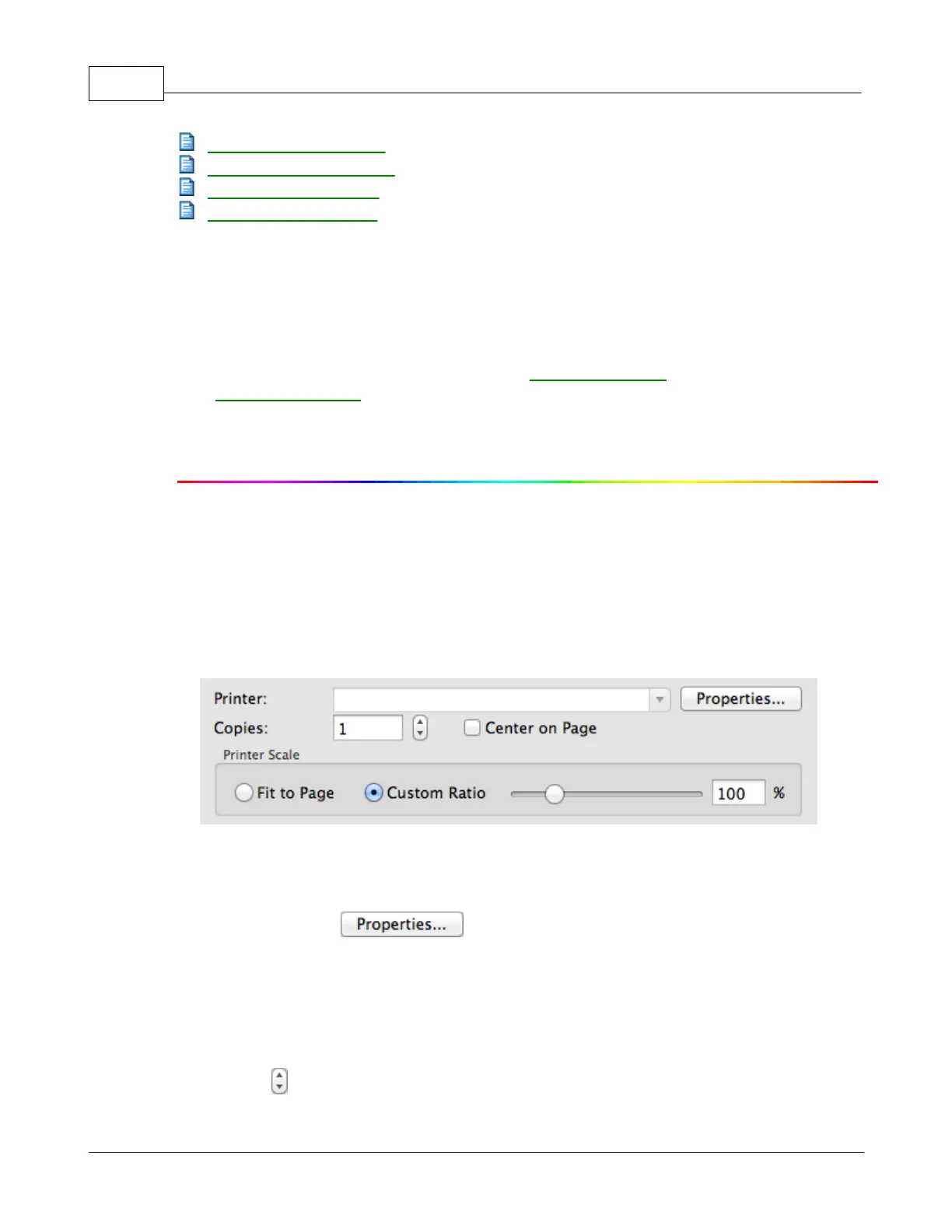
All printers that are currently installed in Mac OS are displayed in the drop-
to configure the printer.
This setting decides the number of copies to be printed. Do one of the
Enter the numeral in the edit box directly; or
to increase/decrease the number.











 To Next Page