MacAction Help10
All rights are reserved.
· Remove
Blank Pages
· Image
Edge Fill
· Global
Settings
· Preview
· Default
2.3
E-Mail Button Settings
Clicking the E-Mail icon on the left pane in the Button Configuration window
displays its current button settings on the right pane.
The settings can be categorized into two: File
Saving Settings on the upper
part, and Scan
Parameters on the lower part.
The items and parameters available in the window are explained as follows:
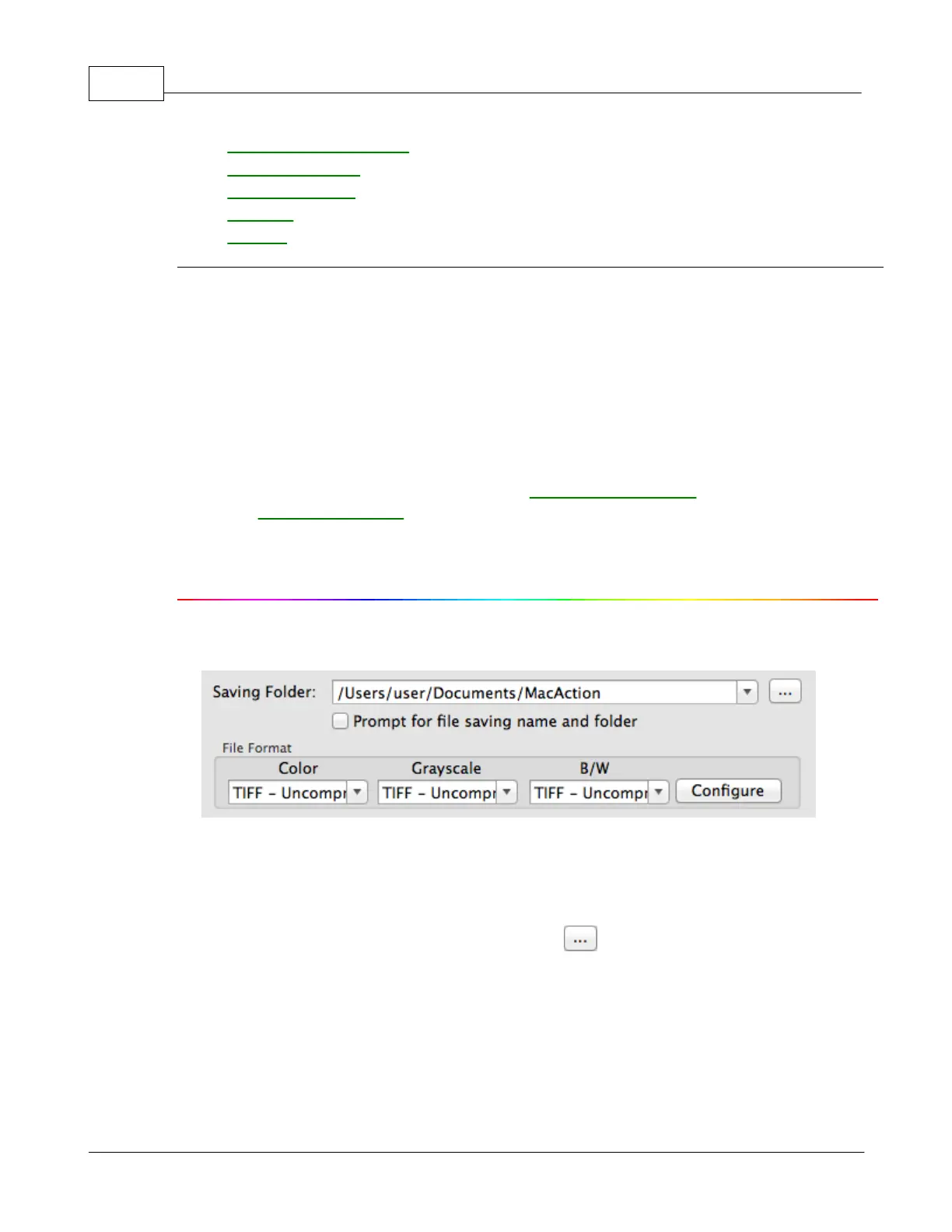
File Saving Settings
Saving Folder
The scanned documents or images are automatically saved to the folder
displayed here.
To select or modify the saving folder, click to open a dialog box where
you may browse your disk drives to select a desired saving folder. This
newly added saving folder will be added to the drop-down menu. Next time
when you want to use this folder again, you may simply click to select it
from this drop-down menu.
MacAction will automatically assign the file name to save the images.











 To Next Page