Button Configuration Window Overview 27
All rights are reserved.
Prompt for confirming file name prefix
Tick the check box to enable the function of
Prompt for confirming file
. After this function is enabled, the dialog page of
will appear on the screen when you try to scan
Action's Execute Menu. In the
, you are able to modify and confirm
the saving folder as well as the file name prefix.
You are recommended to check existing files in the saving folder
before configuring the file name format here, and make sure there are no
existing files having the same file name and file extension combination.
2.7
FTP Button Settings
icon on the left pane in the Button Configuration
displays its current button settings on the right pane.
The settings can be categorized into two:
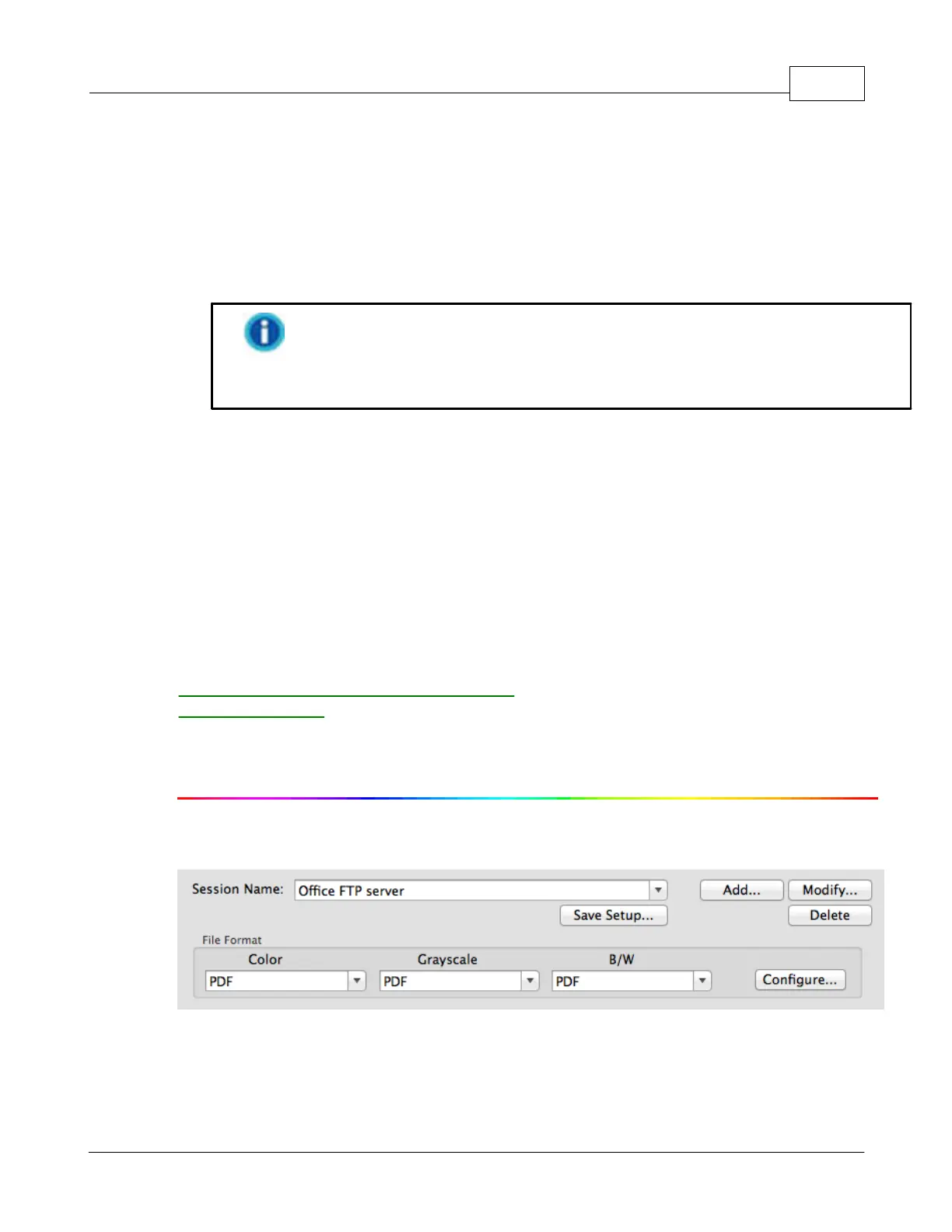
Session
Name and File Saving Settings on the upper part, and
Scan
Parameters on the lower part.
The items and parameters available in the window are explained as follows:
Session Name and File Saving Settings
dialog box. You may select the desired FTP session from the











 To Next Page