19
Scanning from the Scanner’s Front Panel
To complete your scanning projects by using the scanner buttons is very easy and
convenient. The number of scanning task displayed on the scanner’s front panel is
configured through MacAction II. MacAction II offers you quick access to the most
frequently-used scanning functions. They are especially useful when you need to
repeatedly scan with the same settings and send images to the same destination.
Before performing your first scan via scanner buttons, you are recommended to
configure the button settings to your needs and preferences first.
Scan from the Scanner Buttons
1. Place the document or images onto the scanner. (Refer to “Chapter II.
Scanning” of the Scanner User’s Guide for more information in placing paper
into the ADF properly.)
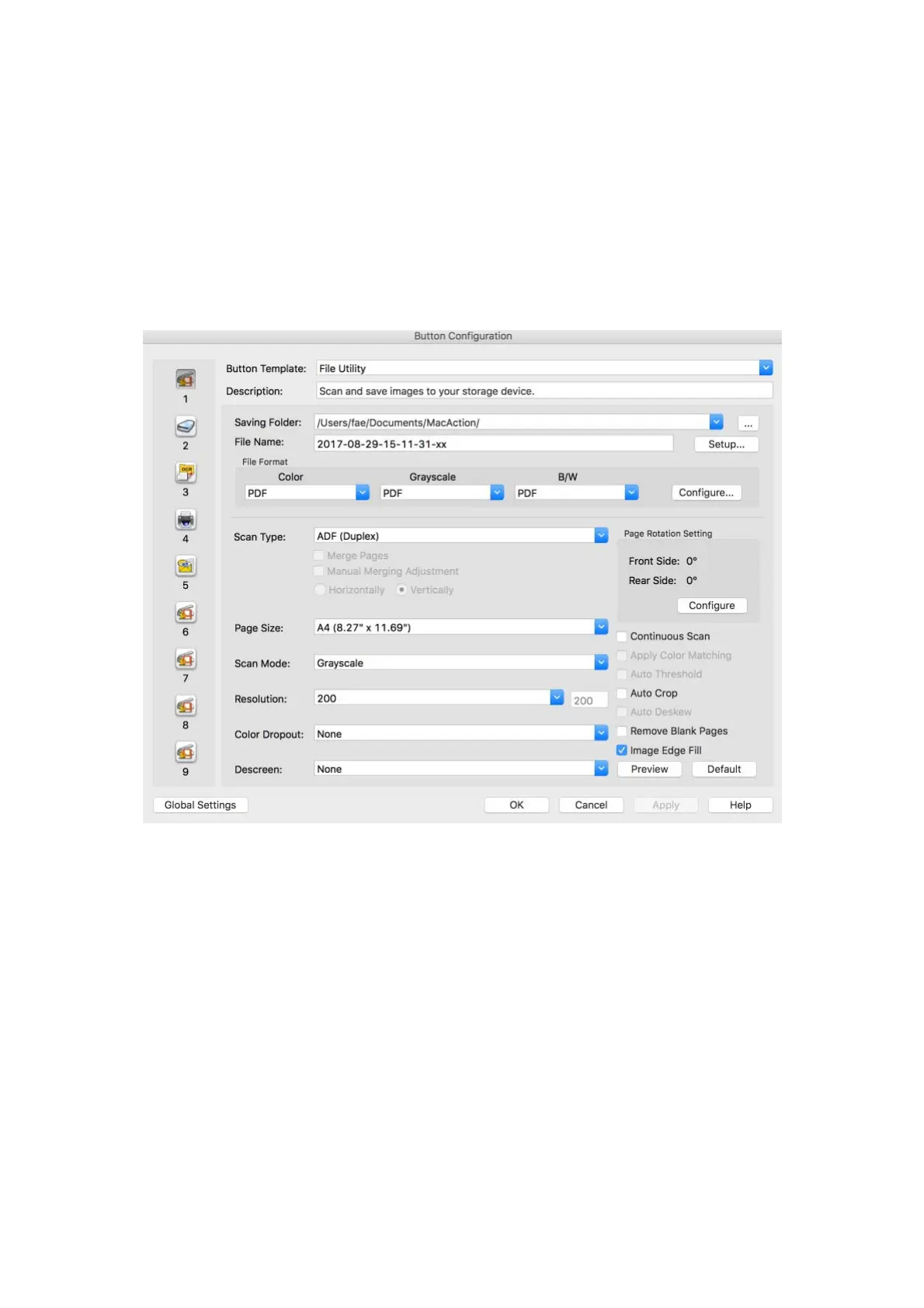
2. Check current button settings by viewing the Button Configuration window. If
needed, you may also modify settings to meet your current needs. (Refer to
“View Button Settings” and “Configure Button Settings” below for more
information.)
3. Press the UP or DOWN button to select the desired task.
4. Press the Scan button.
The scanner starts to scan immediately and carry out the corresponding action
according to settings you have set up in the Button Configuration window.











 To Next Page