MacAction Help38
All rights are reserved.
Select the recognition language to read your pages.
Tick this box if you want to display all languages in the list.
2.9
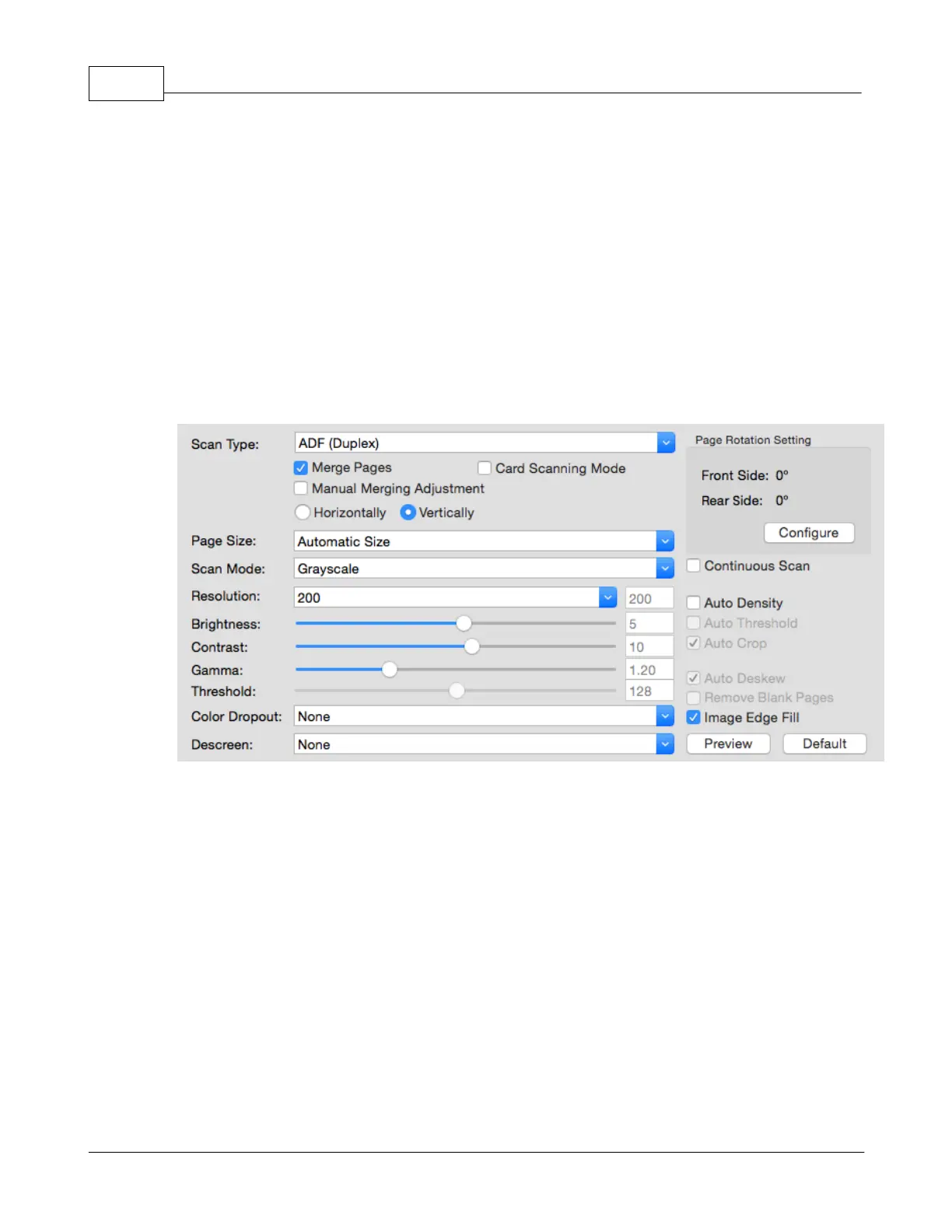
Common Scan Parameters
The following describes the scan parameters available to every button setting
Tells the scanner the method you will use to scan documents or images. The
following options are available from the drop-down menu:
-- Use this setting if you want to scan front side of the
-- Use this setting if you want to scan rear side of the
-- Use this setting if you want to scan double-sided documents.
-- Use this setting if you want to scan front side of
the documents that are longer than 14
Use this setting if you want to scan rear side of the
documents that are longer than 14











 To Next Page