Button Configuration Window Overview 43
All rights are reserved.
Descreen applies filtering to images that contain moir
e patterns (or
herringbone). A moir
e pattern is created from scanning pictures in magazines,
or printed material that use color dithering. The descreen filter is not needed
when scanning original photographs or black and white images and text, but is
recommended when scanning any printed color graphics, such as a page from
a magazine, in order to remove the unsightly interference patterns which may
occur.
This feature is not available when Black & White is selected as Scan Mode.
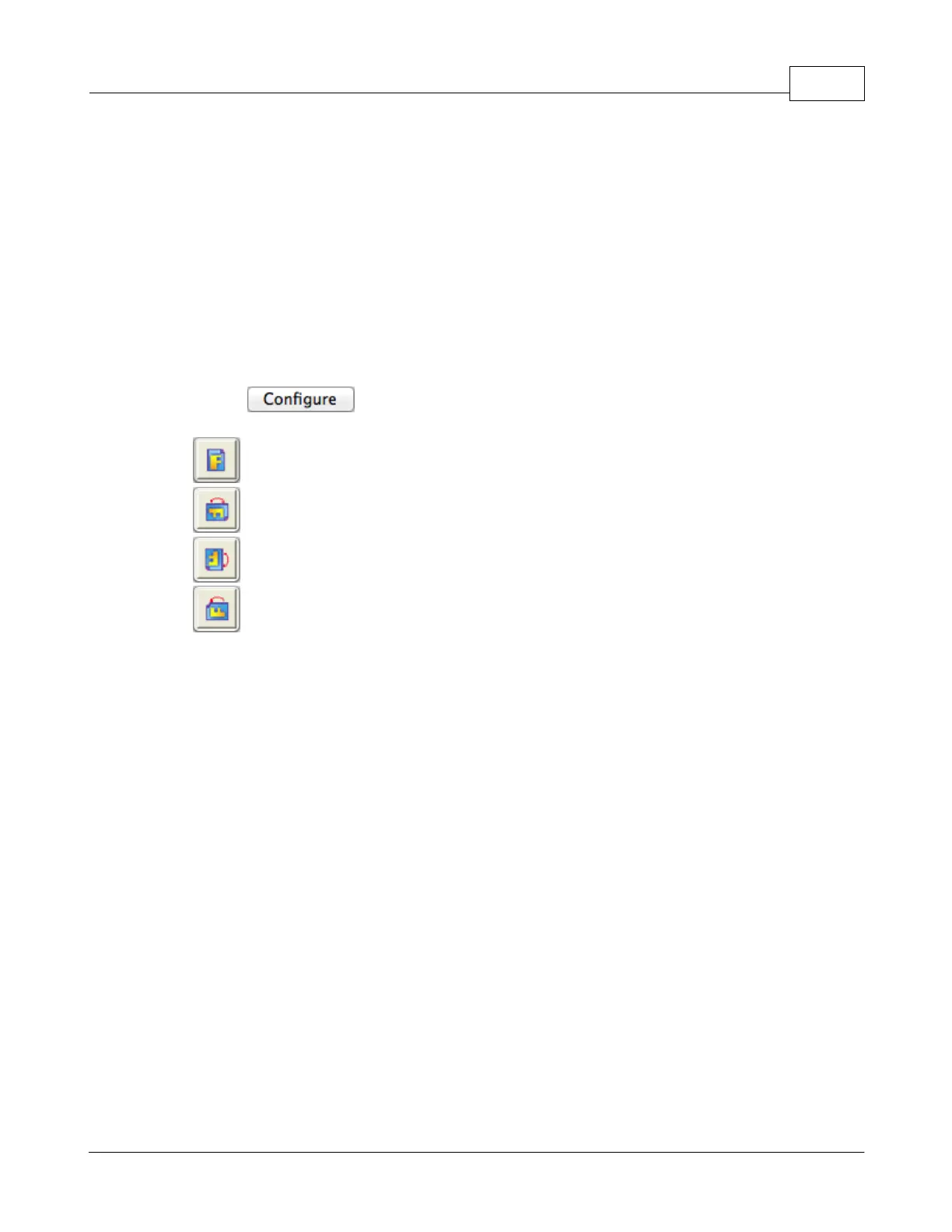
Page Rotation Setting
Clicking opens the Page Rotation Setting page.
·
0
-- Clicking this button keeps the image at its original orientation.
·
90
Right -- Clicking this button turns the image clockwise by 90 degrees.
·
180º-- Clicking this button turns the image by 180
degrees.
· 90
Left -- Clicking this button turns the image counterclockwise by
90
degrees.
Continuous Scan
Check this option if you want to scan multiple pages successively to the same
destination. After the document is scanned, a dialog will pop up asking you if
you will put in more paper to continue scanning, or if you want to end the scan.
Apply Color Matching (This function may or may not be available
depending on the scanner model you purchase.)
Different types of devices reproduce different ranges of colors (or color gamut).
For example, you may have noticed the colors of the scanned image displayed
on your monitor and on the paper printed from your printer are different.
Color Matching allows you to get consistent color between input and output
devices (e.g., scanner, monitor, printer). It works by embedding a color profile to
your image files. Each different device displays colors according to this profile
and therefore results in consistent color appearance among all devices.
Ticking this check box if you want MacAction to apply the built-in color sRGB
profile to the scanned images. This feature is available only when Color is
selected as Scan Mode.











 To Next Page