Using the Scanner Buttons 51
All rights are reserved.
configured and continue adjusting other settings.
button function in the pop-up menu.
Do one of the following to open the Button Configuration window:
in the Dock, and then choose
in the pop-up menu that opens.
When the Button Configuration window appears, click
pane. Select OCR Utility from the drop-down list of Button Template.
your personal memo in the Description field.
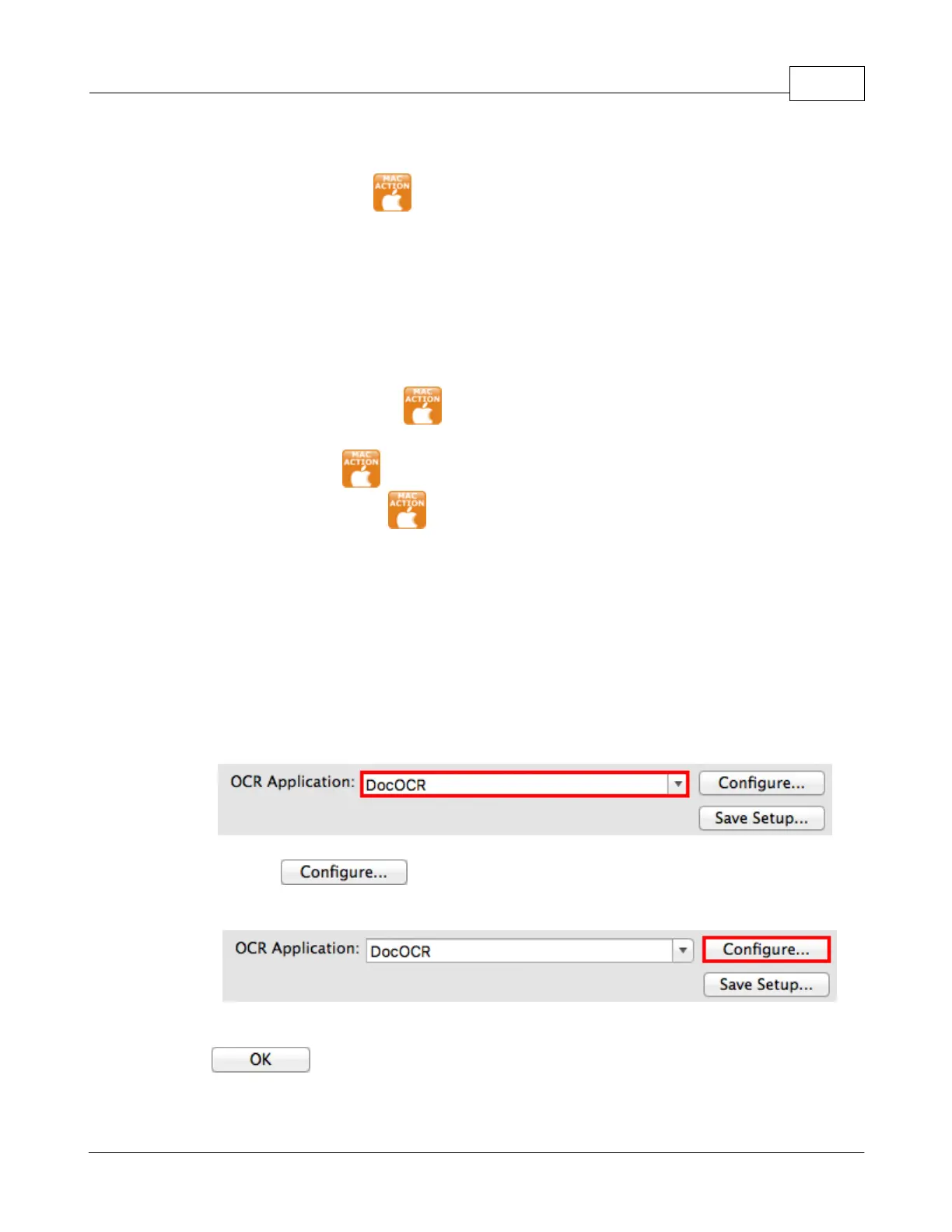
Select an OCR application to convert the scanned images into characters
readable by your word processor
The availability of the programs may vary depending on the scanner model
opens a configuration window for the selected OCR
Select Searchable PDF from the drop-down list of File Format











 To Next Page