4-3
4 Measuring
4.3 Setting up the Object Filter
With the object filter you can adjust the intensity of the light scattered back
from the object to the intensity of the reference light.
The following settings are available:
•
0%
: the object path is hidden
•
100%
: 100% transmission in the object path
•
12.5%
: 12.5% transmission in the object path
•
2.5%
: 2.5% transmission in the object path
The 0% Transmission setting can be used to help you decide which filter is
suitable for the measurement. The intensity ratio between the reference and
the object beam should ideally not be greater than 2:1.
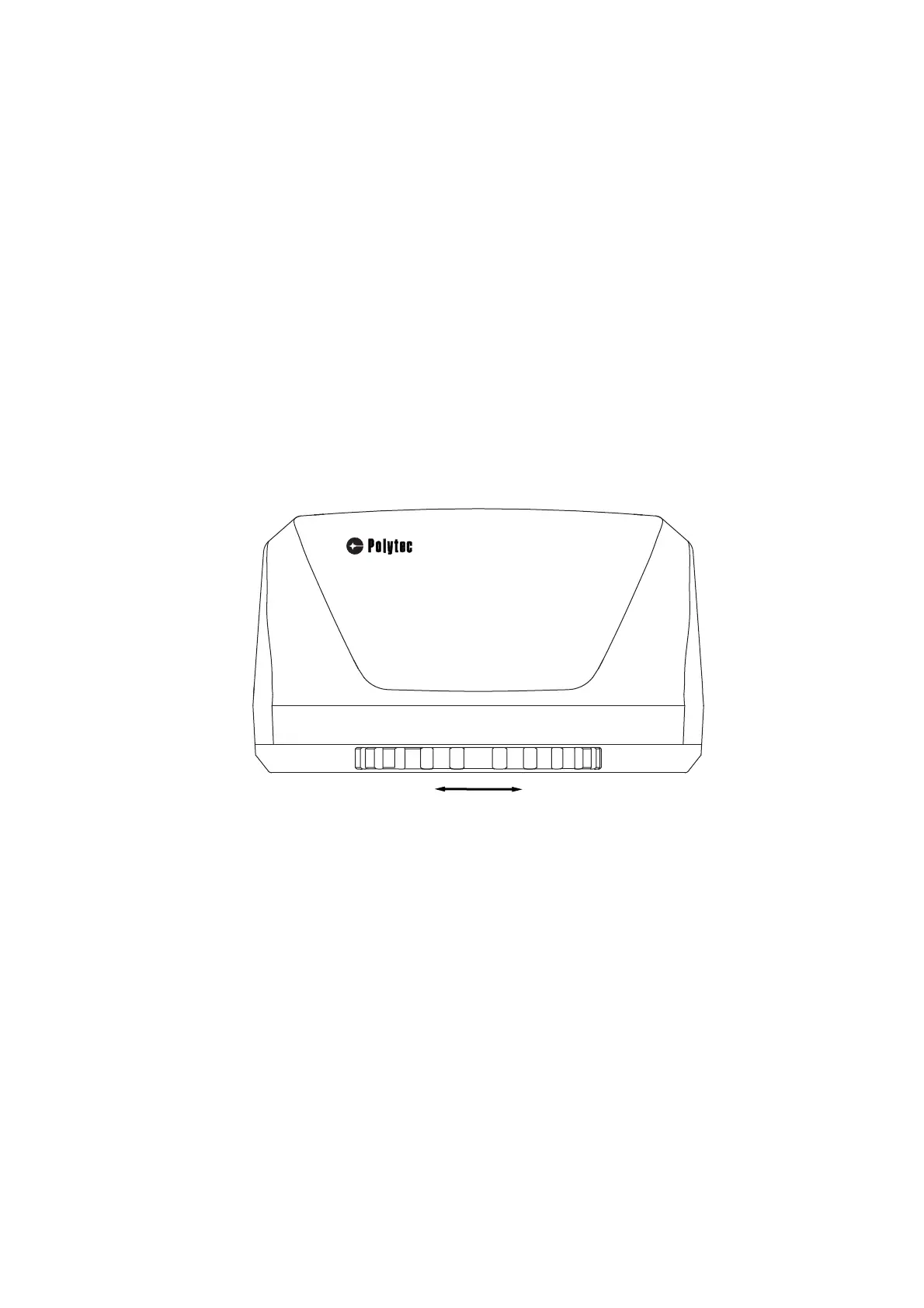
Adjust the object filter by rotating the filter wheel on the sensor head (refer to
the following figure). The individual positions are defined by mechanical
stops.
Figure 4.1: Filter wheel on sensor head
The filter settings are queried by the TMS software and the corresponding
reference file is automatically selected (refer to TMS software manual).



 To Next Page