3-8
3 First Steps
3.2.3 Data Management System
Front view
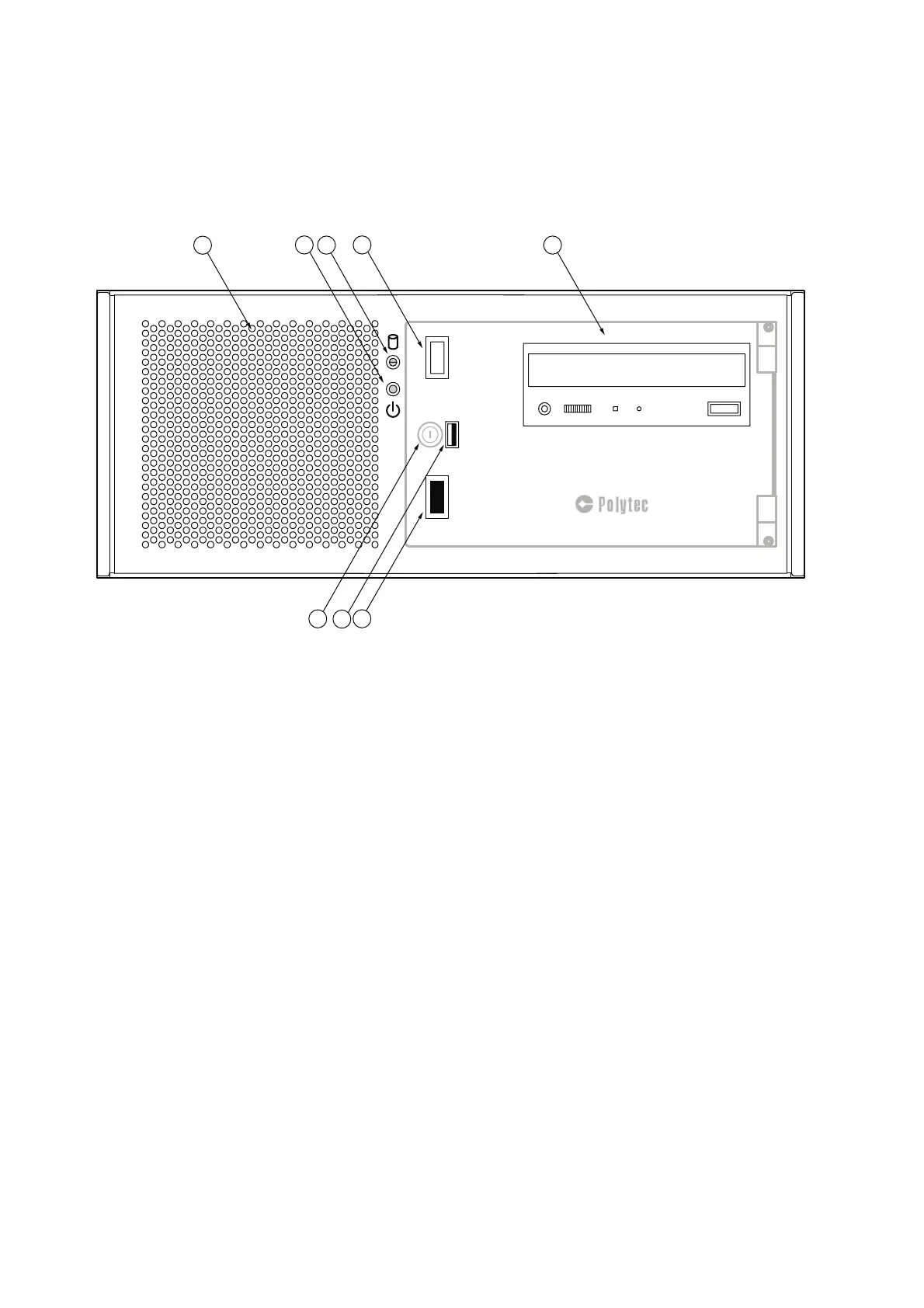
The front view of the industrial PC is shown in the following figure. The front
flap is shown as transparent.
Figure 3.6: Front view of the industrial PC
1
Cooling fan
2
Status display of the industrial PC
Status display is lit: The industrial PC is ready for operation.
3
Status display of the hard disk drive
Status display is lit: The hard disk drive is active.
4 RESET
key
Reset and restart the industrial PC
5
DVD burner
6POWER
key
Switch the device on/off
7
USB interface (Universal Serial Bus, type A)
Connection for a mass storage device
8
Lock with key in the front flap
The front flap is lockable.



 To Next Page