G2000e/G3000e/G6000e User’s Manual Chapter 5: Troubleshooting
38
Chapter 5: Troubleshooting
Occasionally situations occur that require some troubleshooting. Possible issues and potential
solutions are listed in this section. While not every situation is addressed, you may find some of
these tips useful.
5.1 LCD Error Messages
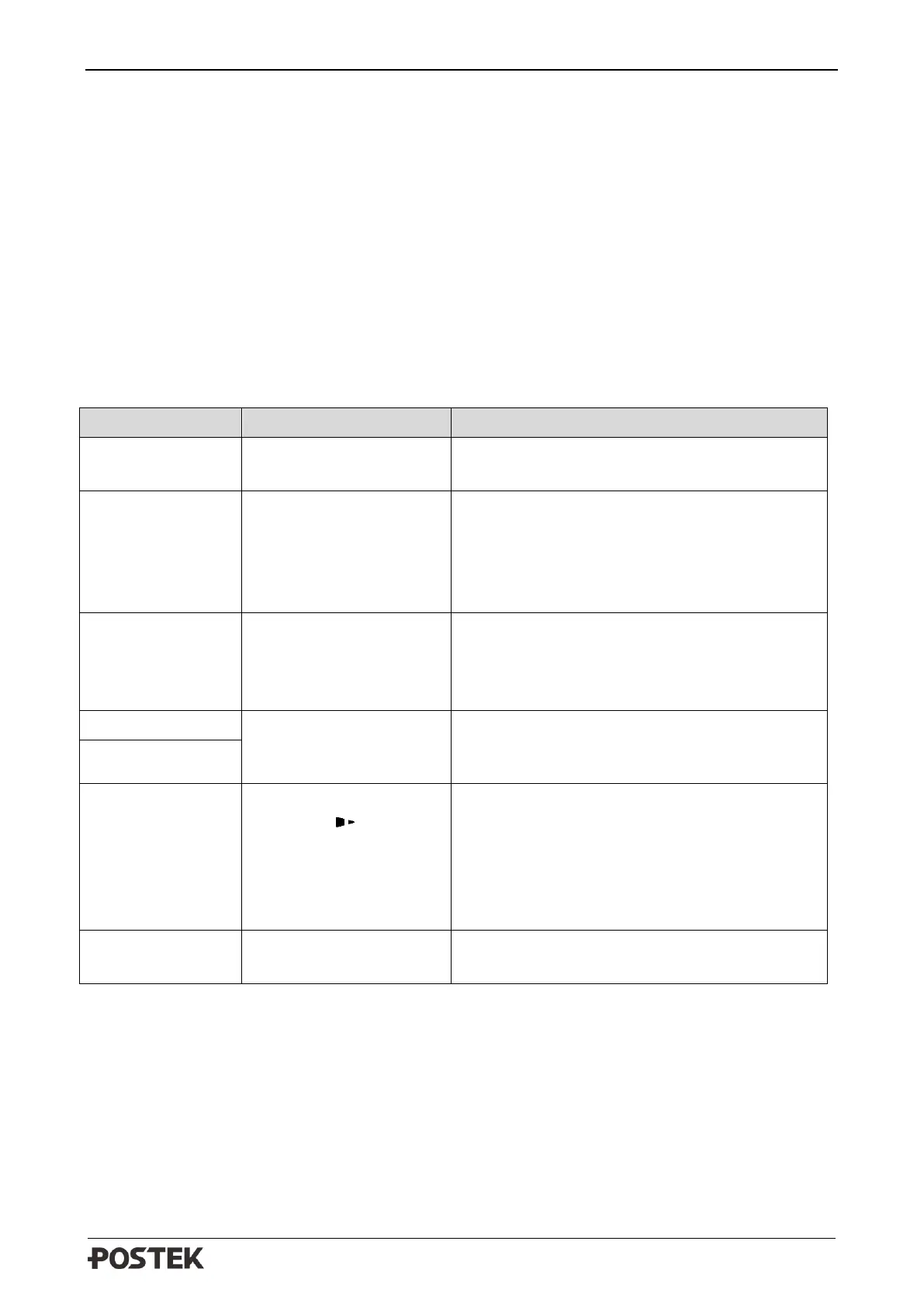
The LCD displays messages when there is an error. See Table 5-1 below for LCD errors, the
possible causes, and the recommended solutions.
Table 5-1 Error Messages
The printhead module is
released or unlocked.
Press down the printhead module to the close
position.
Problems occurred with
printer’s flash or RAM
memory during printing
or executing printing
data/command.
Please restart the printer, and then disable the
“DUMP MODE” setting from the main menu.
Or contact an authorized POSTEK service
provider for technical support if problems exist.
The labels’ data has been
sent to printer but cannot
be identified due to the
invalid format or syntax.
Please follow the command syntax or data
format in the command manual to edit data, and
then resend it to the printer.
See 5.2 LED Error
Indications for more
information
Press and hold
[CANCEL/ Reset] for 4
seconds, then the printer
will enter the system
mode, and display this
message on LCD.
To perform the advanced functions or the
printer will return to normal state automatically
if no operations are performed within 4
seconds.
The firmware upgrade is
interrupted.
Please contact an authorized POSTEK service
provider for technical support.



 To Next Page