G2000e/G3000e/G6000e User’s Manual Chapter 5: Troubleshooting
41
5.3 RFID Errors
If error occurs during RFID calibration or RFID encoding, please check Table 5-3 below to solve
the problem accordingly.
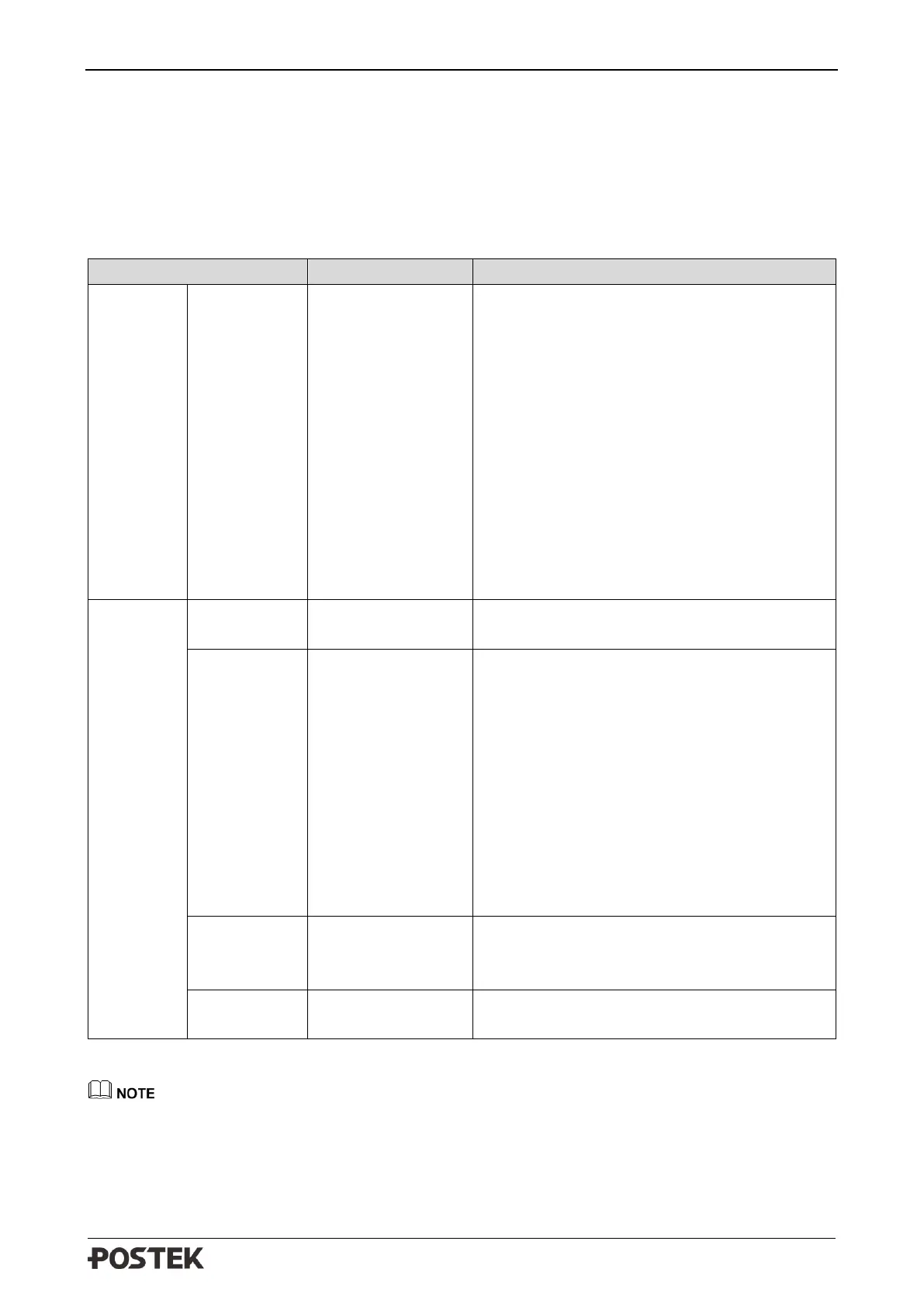
Table 5-3 RFID Errors
• Check and confirm the RFID protocol is
supported (EPC Class 1 Gen2/ISO
18000-6C) and correctly selected in the
printer commands/label software.
• Clear the other RFID labels around the
printer to eliminate signal interference
from other RFID chips.
• If all above situations are excluded, please
perform RFID calibration again.
• If problem still persists, please Set RFID
Offset value manually and increase the
RFID read power, then print and encode
directly.
Fails to read any
RFID label
Increase the RFID read power and test print
and encode directly.
Fails to write RFID
label
• Check whether the RFID label is locked.
• Check whether the encoding data exceeds
the chip memory.
• Check the data format is correct or not,
usually it should be 4 bytes or multiples of
4 bytes.
• Check whether it's special label, which
can only be encoded for once.
• If all above situations are excluded, for Ge
series printers, increase the RFID write
power and test print and encode directly.
Fails to read the
next RFID label
Set the RFID OFFSET value manually
referring to 3.3.4 Setting RFID Offset, then
test print and encode directly.
Multiple RFID
labels are read
Decrease the RFID read power test print and
encode directly.
To adjust the RFID settings, please press the [PAUSE/Self Test] button, and then press and hold
[FEED/Calibration] button to enter the setting menu, then find “RFID OFFSET” and “RFID
POWER”. When increase/decrease the value, please adjust 2 dB/mm each time. After adjusting the
values, please DO NOT perform RFID calibration again, just print directly.



 To Next Page