G2000e/G3000e/G6000e User’s Manual Chapter 3: Operations and Settings
22
LCD Display
The LCD can display the printer’s status, total print quantities, error messages, and is also valuable
when configuring the printer. Table 3-3 are common examples of LCD displays.
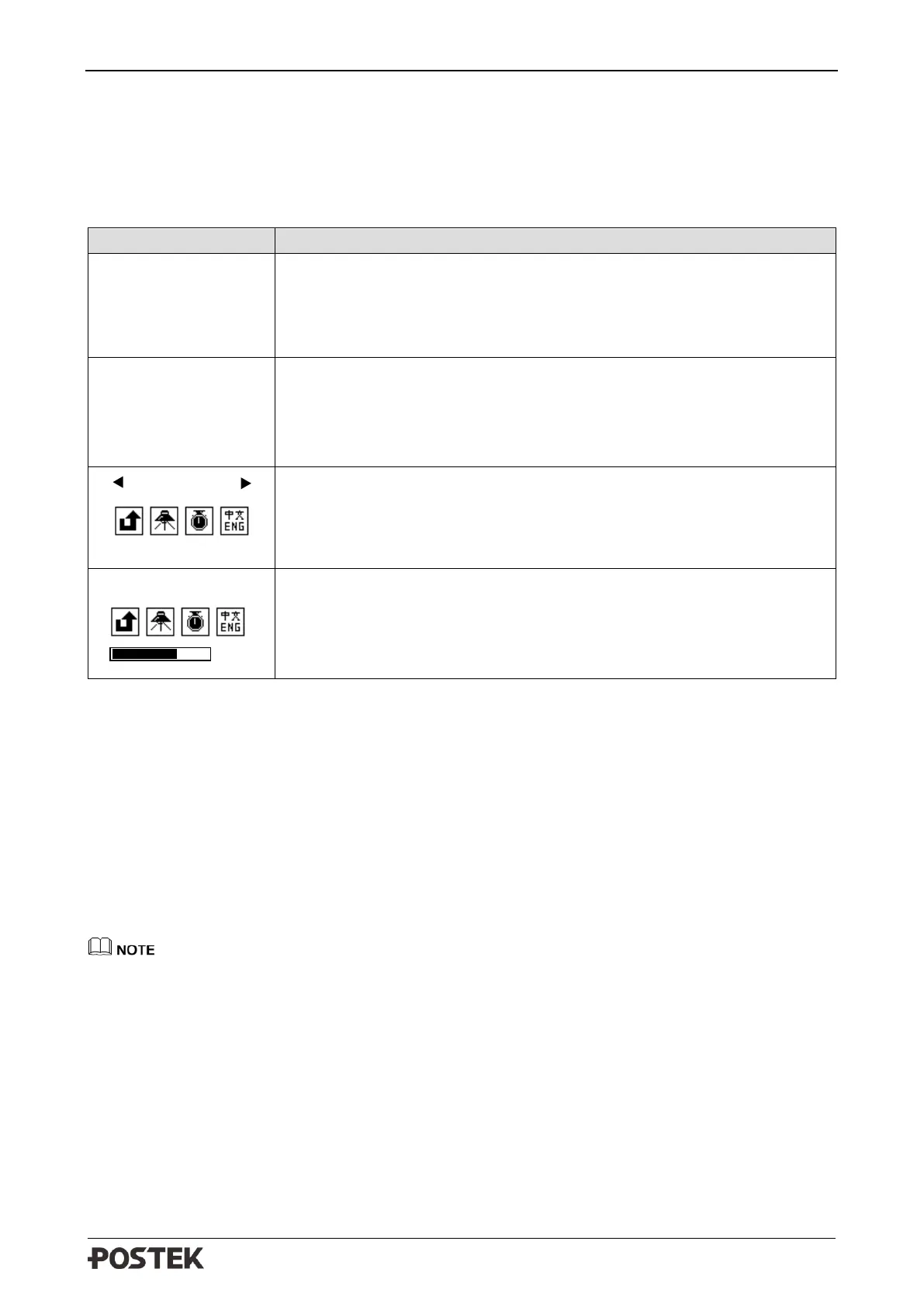
Table 3-3 Menu Example Description
Ready Status [Resolution]
Total printed labels count, it will be reset to 0 if cycle the printer power.
Firmware Version
Current Date Current Time
Printing Pause Status
Remaining labels (pages) count of the current job / Total labels (pages)
qty of the current job, it will be reset to 0 if cycle the printer power.
Current Date Current Time
Setting the main menu
The first row shows the variable selected.
01/40 indicates a total of 40 settings with the 1st item now selected.
Setting an item
The first row shows the variable selected. Some items include a progress
bar.
12 indicates the current setting value of 12.
3.1.3 Advanced Functions
Media Calibration
When the printer is on standby, press and hold the [FEED/Calibration] button (hold for around 4
seconds), the printer will automatically feed labels and the media calibration is done. During this
process, all three indicators will start blinking. When all three indicators stop blinking and return to
a steady state, the media calibration is complete.
• When it is the first time installing the media or when changing to a different type of media,
media calibration must be performed.
• No calibration is needed when using continuous media.
Obtaining Printer Configuration Information
When the printer is on standby, press and hold the [PAUSE/Self Test] button (hold for around 4
seconds), all three indicators will blink once and then return to a steady state, the printer will print a
self-test page with detailed information regarding the printer’s configuration then return to standby.
PAUSE
1\888
2016-01-01 08:08:08
READY [600DPI]
TOTAL: 888
VERSION: 1.50
2016-01-01 08:08:08



 To Next Page