G2000e/G3000e/G6000e User’s Manual Chapter 5: Troubleshooting
42
5.4 Miscellaneous Issues
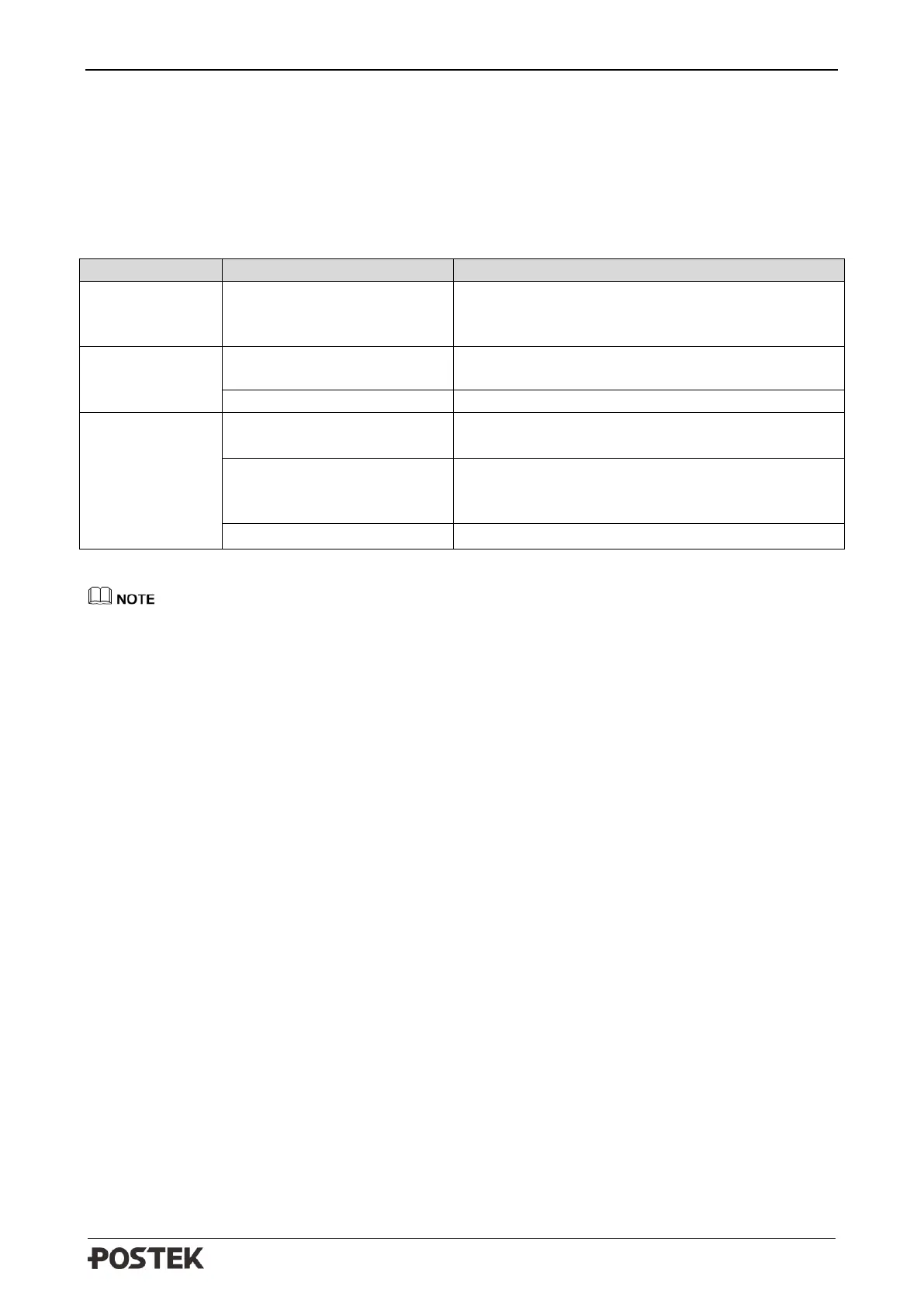
Table 5-4 identifies miscellaneous issues with the printer, the possible causes, and the recommended
solutions.
Table 5-4 Miscellaneous Printer Issues
Vertical Blank
Lines Appear
Clean the Printhead. Follow the recommended
maintenance guidelines for cleaning the
Printhead.
Data Sent but
Not Printing
Ensure the correct driver is chosen in the label
software.
The printing parameters are
set inappropriately.
• Adjust print darkness setting value.
• Adjust print speed setting value.
Clean the Printhead. Follow the recommended
maintenance guidelines for cleaning the
Printhead.
Change to higher-quality consumables.
For errors not listed here, please contact an authorized POSTEK Service Provider for further
assistance.



 To Next Page