16
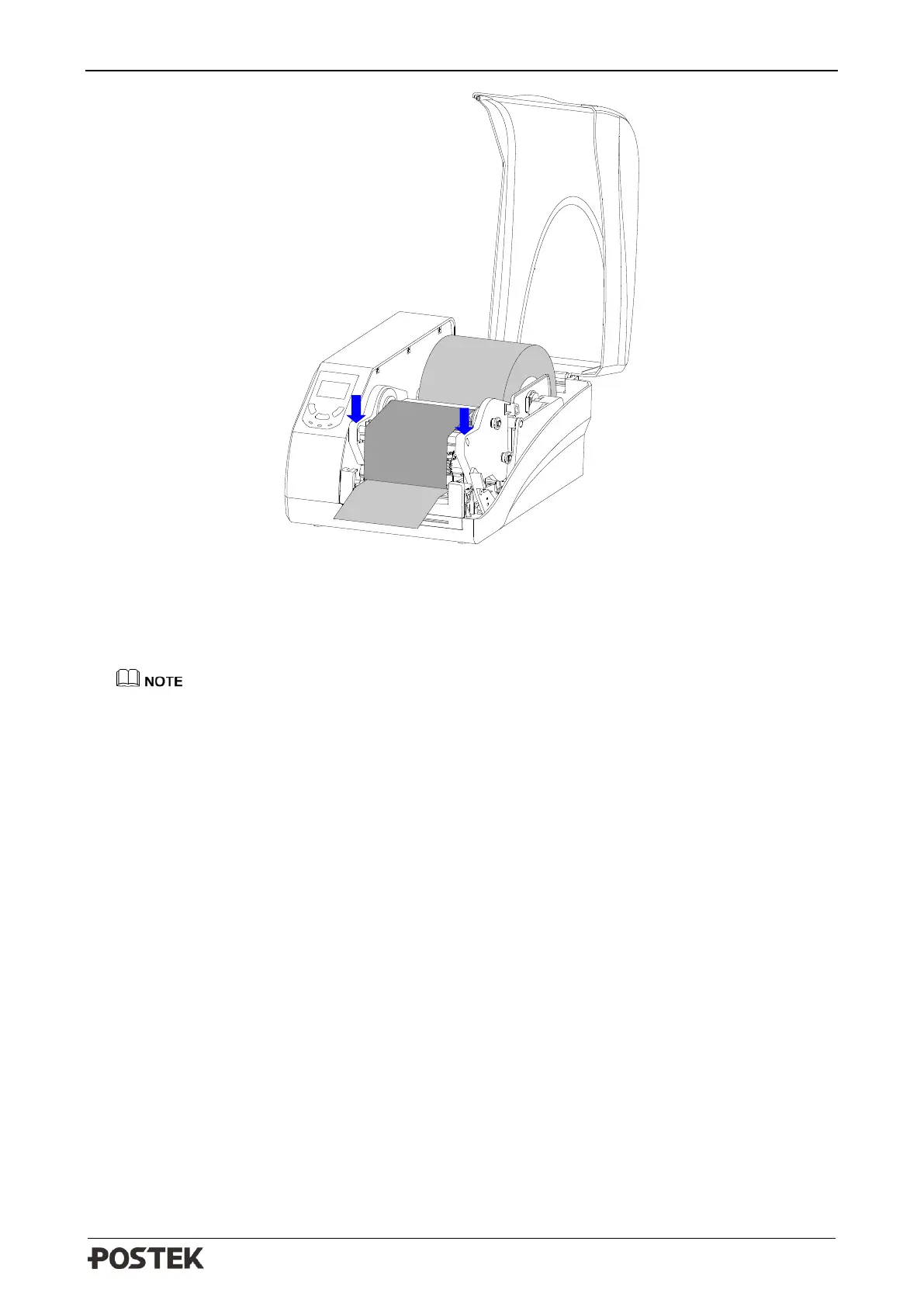
Figure 2-13 Press Down to Lock the Printhead Module
7. Turn on the printer, press and hold the [FEED/Calibration] button (hold for around 4 seconds),
then the printer will automatically feed labels and the media calibration is done.
Calibration must be made when media is loaded to the printer for the first time, or when there is
a change to a different type of media.
2.2.5 Adjusting the Position of Media Sensor
1. Lift the right cover.
2. Push down the Printhead Release Lever to release the Printhead Module.
3. To adjust the position of the Reflective Sensor: Lift the Printhead Module to expose the Media
Sensor cover, remove the Media Sensor cover and slide the Media Sensor to the appropriate
position, then replace the media sensor cover.
4. To adjust the position of the Transmissive Sensor: Flip the Toggle Switch to choose center or
right position according to the media type, see Figure 2-14.



 To Next Page