15
alignment.
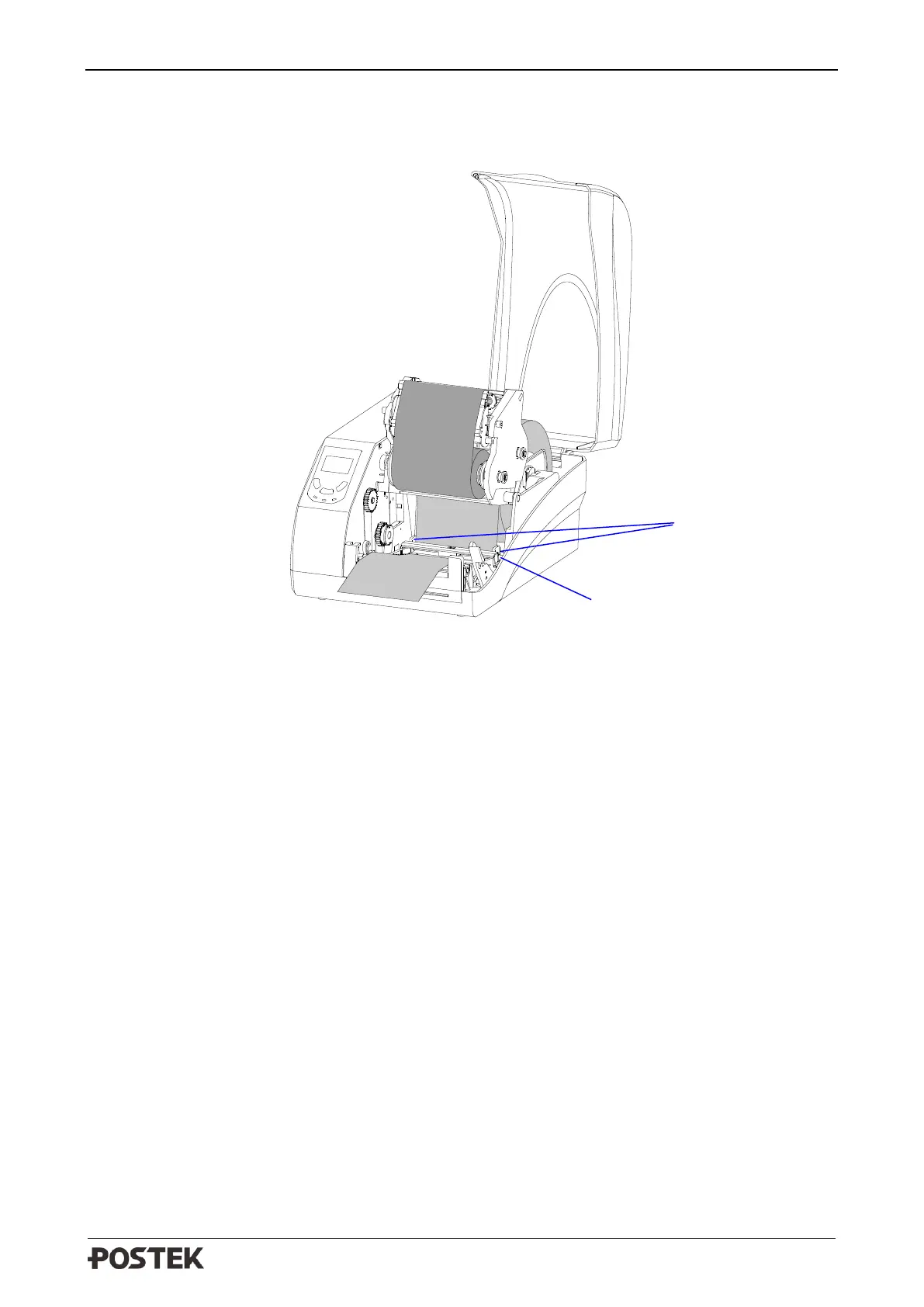
4. Thread the media under the Media Guide Rod and Transmissive Media Sensor, as shown in
Figure 2-12.
Figure 2-12 Load the Media
5. Slide the Media Guide to the edge of the media, making sure that the media remains flat and is
placed in the middle of the Tear-off Bar. This can be checked with the ruler on the Tear-off Bar.
6. Press the Printhead Module downward until you hear a “click”, as shown in Figure 2-13.



 To Next Page