Installation
35
Powerware
®
9125 User’s Guide (2500–3000 VA) : Rev B www.powerware.com
10. Switch the main utility breaker on. All front panel indicators
flash briefly and the UPS conducts a self-test.
When the self-test is complete, the
indicator flashes,
indicating the UPS is in Standby mode with the equipment
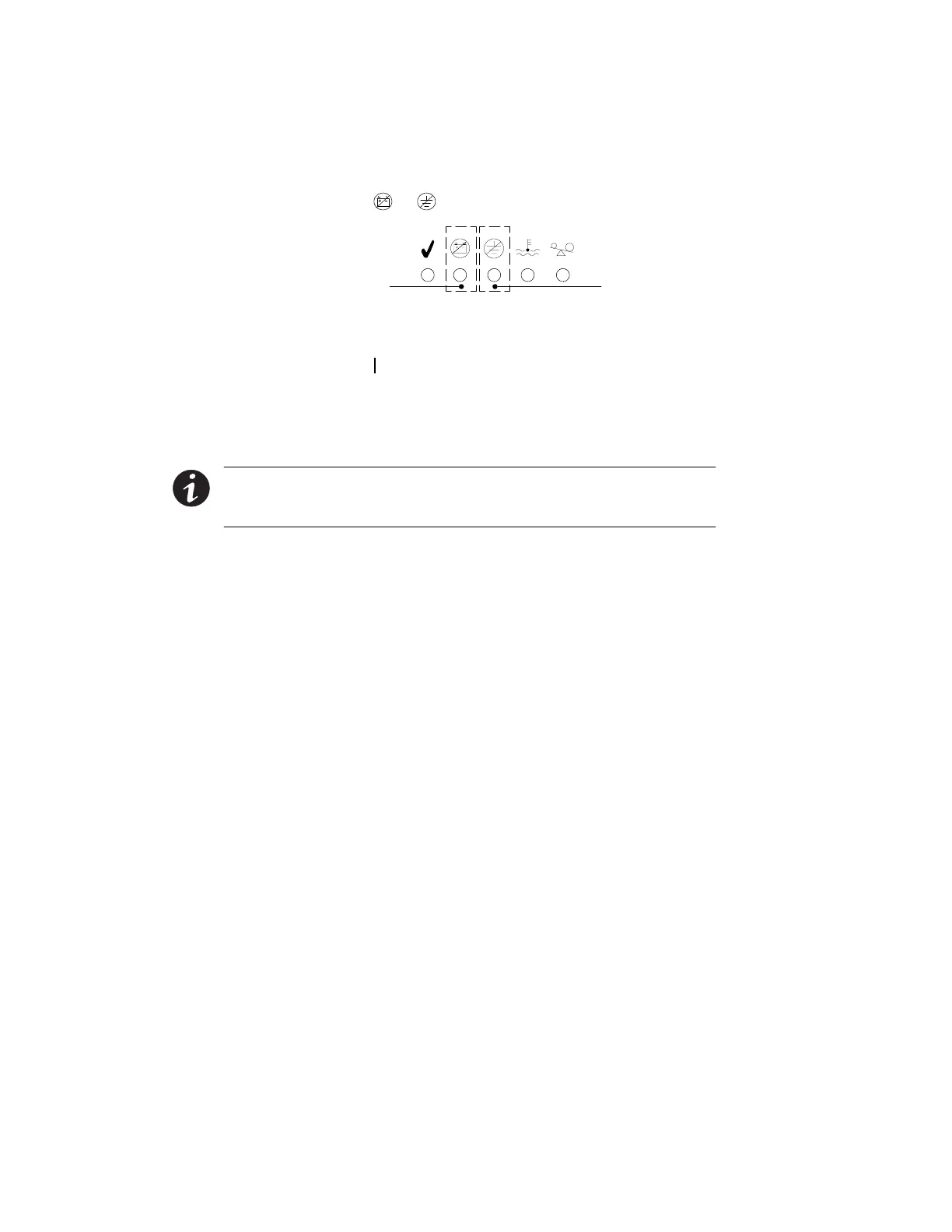
offline. If the
or indicator flashes, see page 69.
Site Wiring Fault
Indicator
Battery Service
Indicator
Figure 20. Fault Indicators
11. Press the On button(seeFigure27onpage42).The
indicator stops flashing and the bar graph indicators display the
percentage of load being applied to the UPS.
The UPS is now in Normal mode and supplying power to your
equipment.
NOTE The batteries charge to 90% capacity in approximately 3 hours. However, it is
recommended that the batteries charge for 24 hours after installation or long-term
storage.












 To Next Page