15
Step 12: Cleaning Oven Exterior
• If any stains have formed on exterior, wipe away with damp cloth or
towel.
• You may also spray cleaner on a dry cloth and wipe affected area to
remove stain.
• Make sure not to spray cleaner directly on exterior of oven.
• The unit is ready to be turned on.
Quarterly Maintenance
To ensure proper operation of the unit, the quarterly maintenance must be done every 3 months or
as frequent as needed.
Supplies and Equipment
Required: Phillips screwdriver, protective gloves, clean damp and dry towels or cloths, and protective
eyewear.
Recommended: Vacuum, dust mask, and a pipe cleaner.
Step 1: Cool Down Oven and Unplug
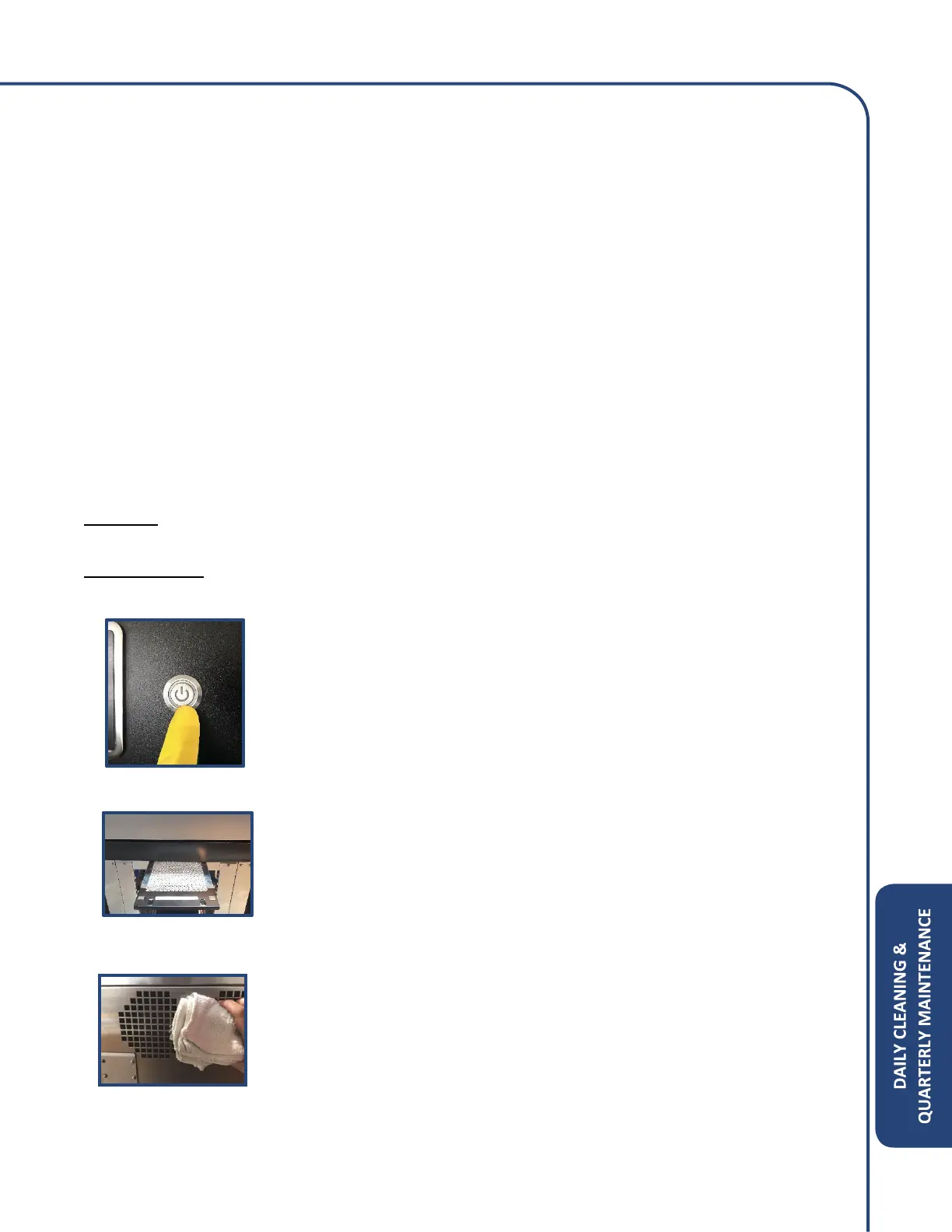
• Turn the oven off by pressing the power button on panel.
• Please look at daily cleaning for further instructions on how to clean
the cavity.
• Once oven is cooled down, carefully unplug the power cord from the
outlet.
Step 2: Remove Air Filter
• Remove bottom panel under door.
• Locate the tab on the filter and pull towards front of unit.
• Clean or replace filter as necessary.
Step 3: Clean the Rear Cooling Fan Vents
• Use a damp cloth to wipe away any debris build up on the rear panel
cooling dan vents.
• The use of a brush and vacuum are also encouraged to collect any lint
or dust from falling on any other components.
• Do not spray any cleaner on the rear panel as it can get into the
component connections.



 To Next Page