39
Preheating
The editable parameters in Preheating are:
Temperature Group 1
Temperature Group 2
Preheating Time: Define the time of the stopwatch of the Preheating screen. The purpose is to
equalize the temperature inside the chamber when the lower and upper resistances reach the
temperature.
USB
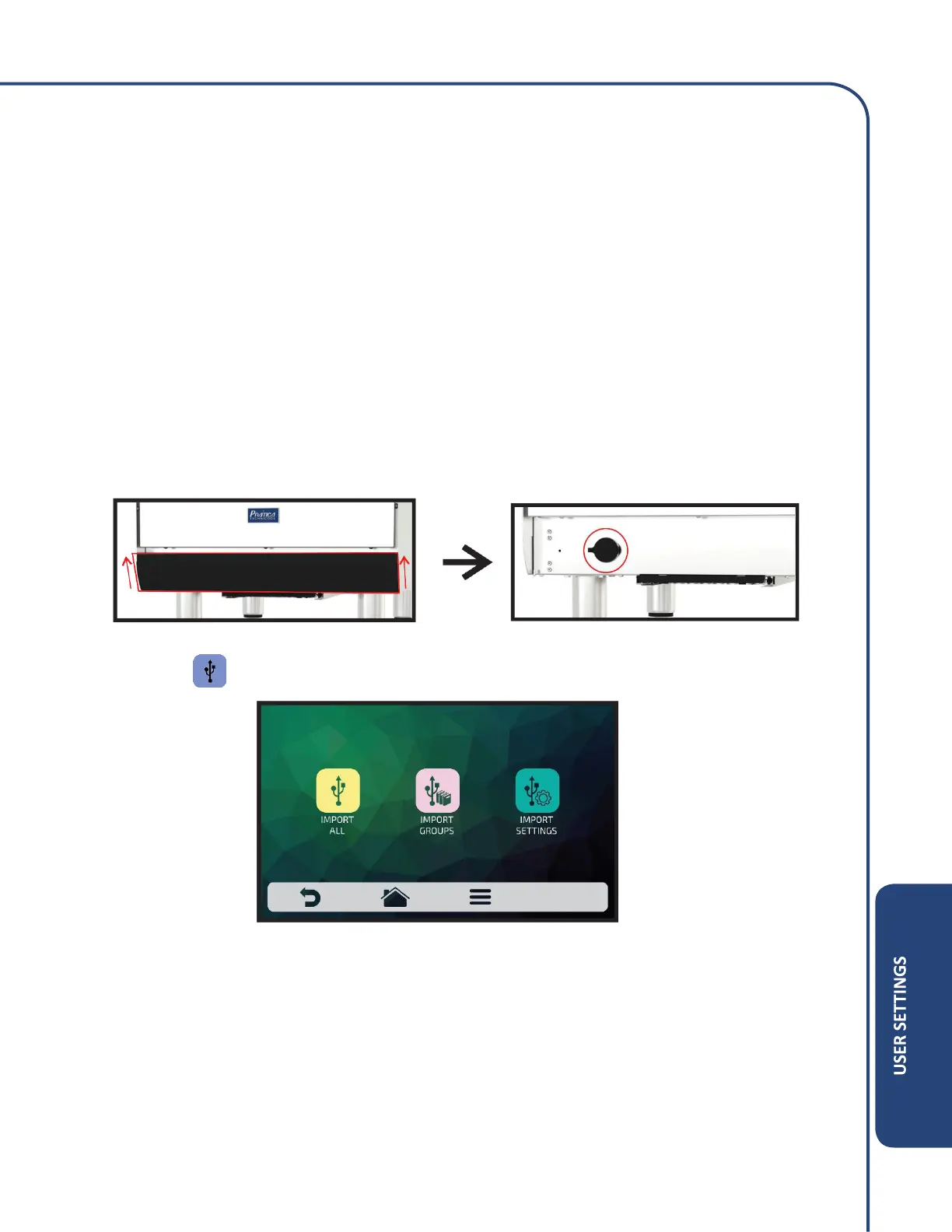
To access the USB port, remove the protector by lifting and pulling forward.
Press the icon . The function available in USB are: Import, Export and Update System.
When selecting one of the functions, the message: ‘Insert the flash drive and wait for recognition’ will
appear.
After the recognition, the user will be taken to the function options previously chosen.
Import: All, Group or Settings.
Export: All, Group or Settings.
System Update.
In case of error, the displayed message will be: ‘There was an error during the Import / Export /
Update. Please remove the flash drive and restart the process’.



 To Next Page