41
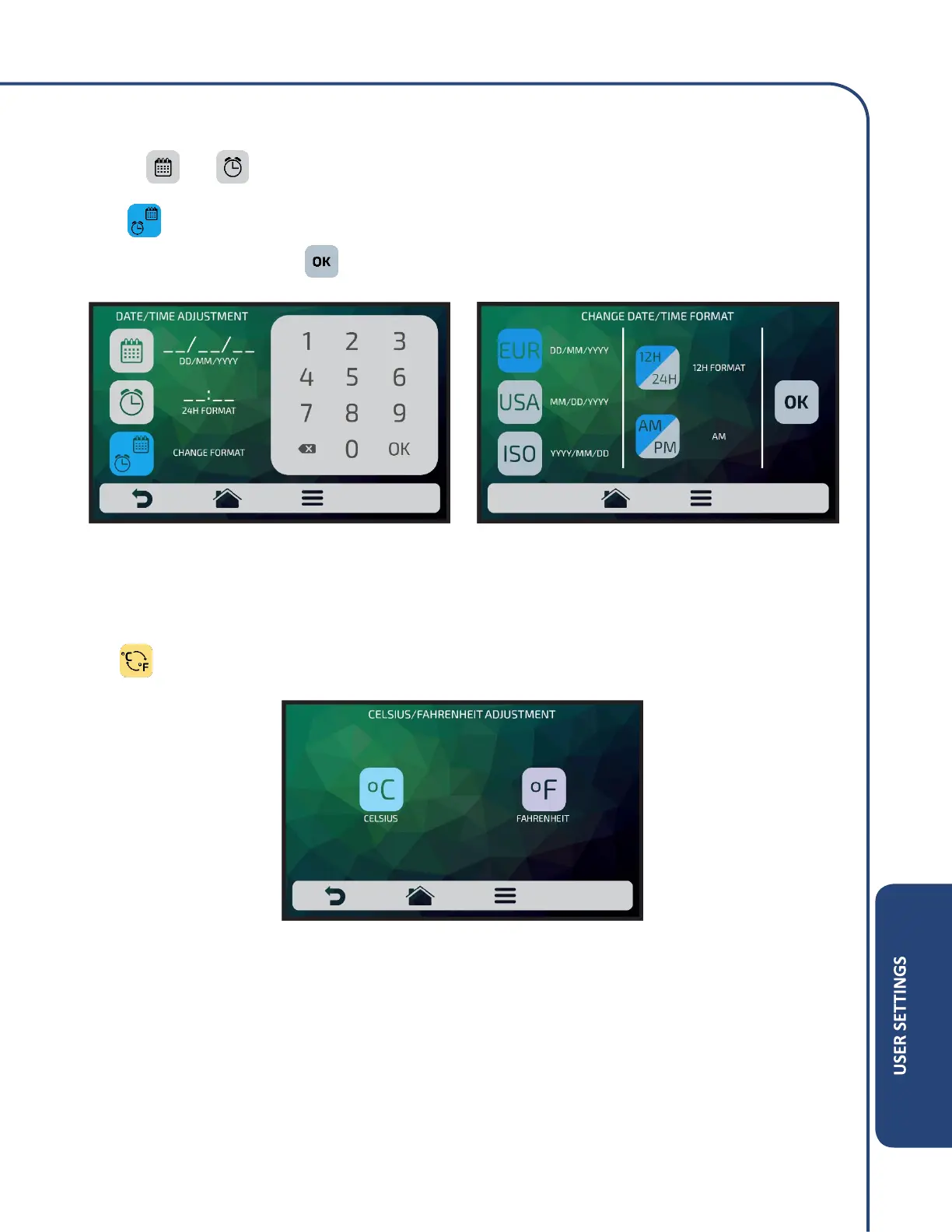
Click on and to edit, respectively, the date and time.
Press to change the date / time format. The opposite screen will be displayed. Choose the date
and time format and click on to confirm and return to the options.
Celsius / Fahrenheit
Change the temperature format displayed in the oven between Celsius and Fahrenheit, click on the
icon among the User’s Settings and define the temperature format you wish.



 To Next Page