37
Edit Group
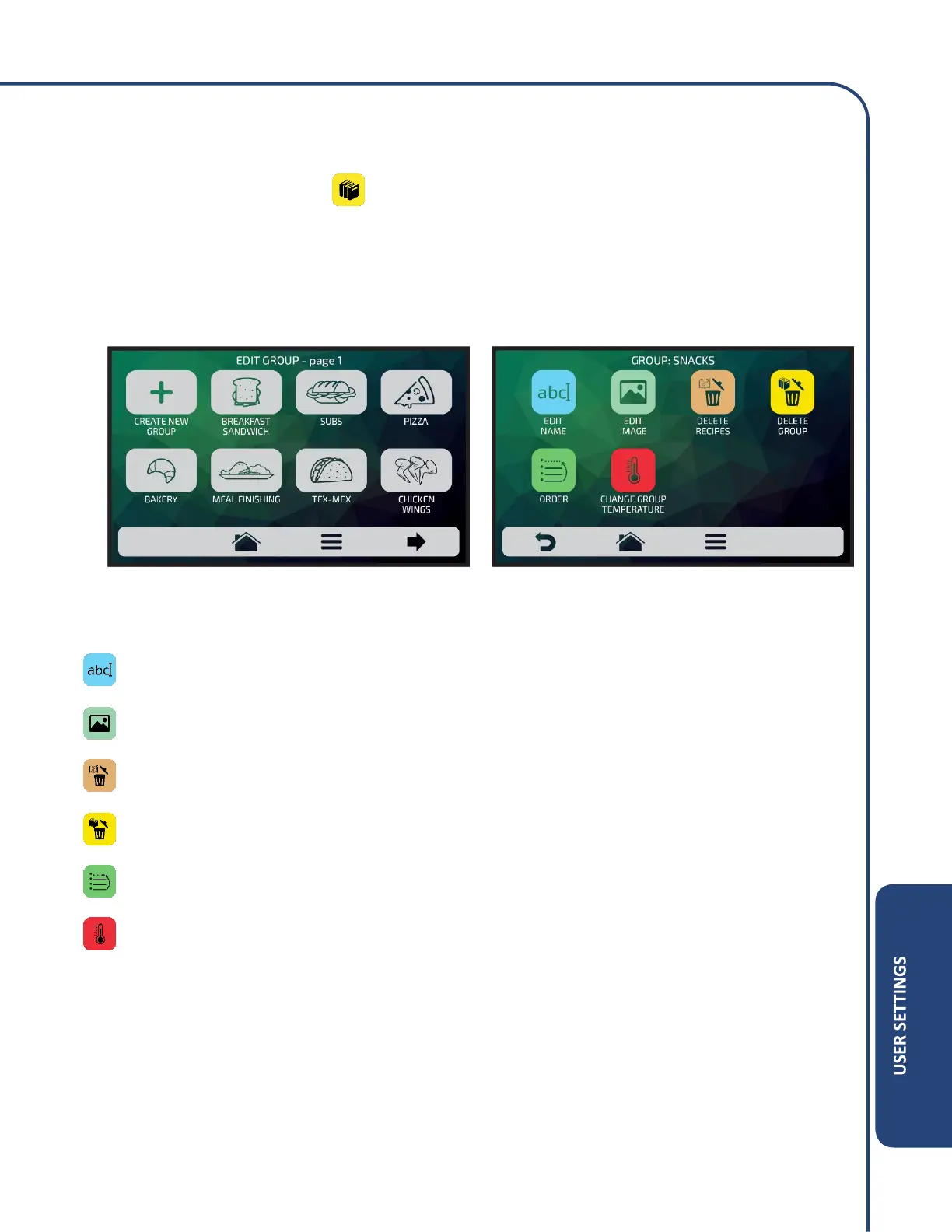
To edit the groups, touch on the icon, the groups screen will be presented. However, in the first
position will be the icon which it is possible to Create New Group.
Choose between creating a new group or select the group you wish to edit. It is possible to have up
to a total of sixteen groups.
The available choosing between editing or creating a group will be:
Edit Name: changes the group’s name, you may use letters, numbers or special characters.
Edit Image: changes the image group icon takes.
Delete Recipes: deletes the previously selected recipes.
Delete Group: deletes all the information of the selected group, including the recipes.
Order: orders the location in which the group appears among the existing groups.
Change Group Temperature: Changes the preheating temperature group.



 To Next Page