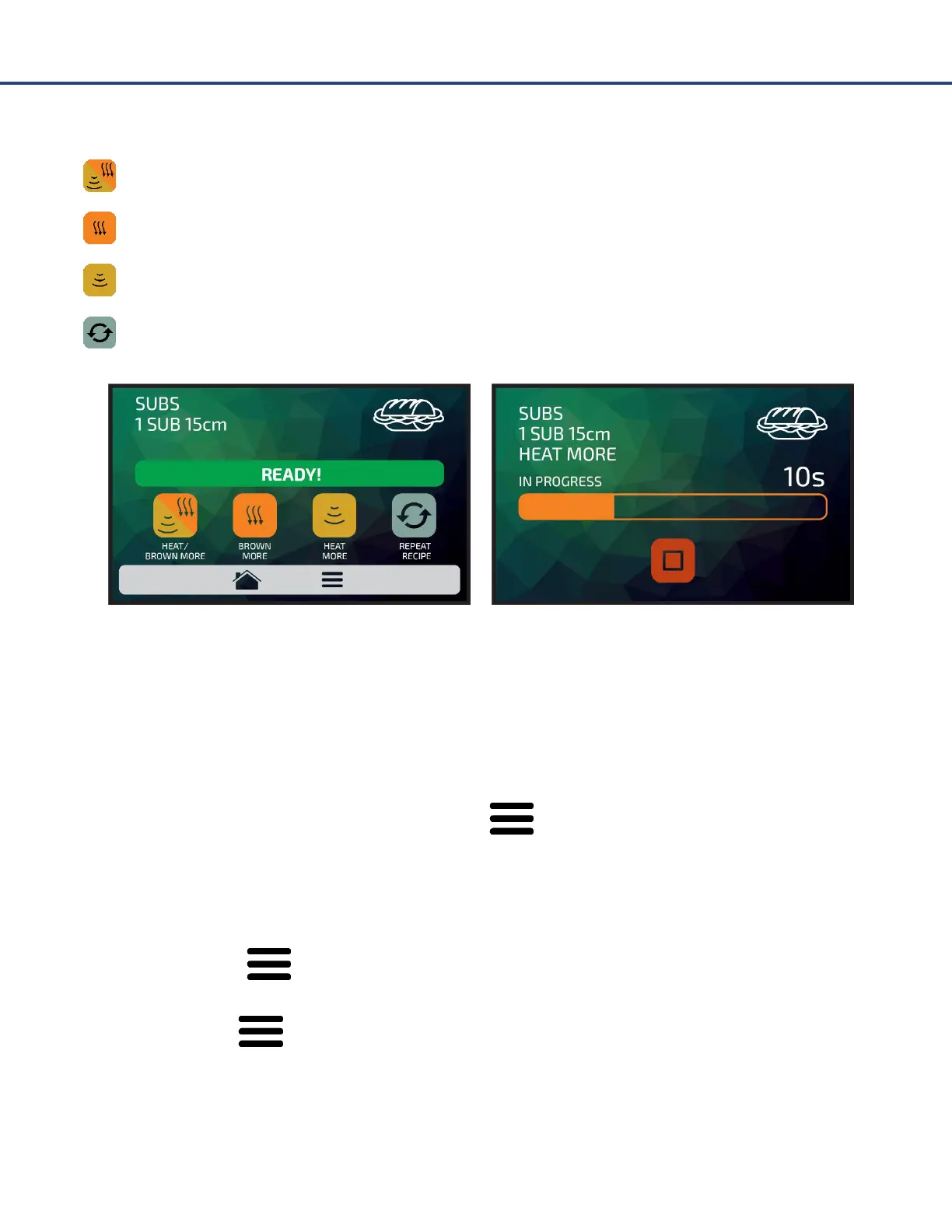
After the completion of a recipe, the following options will be released:
Heat/Brown More: Activates the microwave and hot air during a predetermined time.
Brown More: Activates only the hot air during a predetermined time.
Heat More: Activates only the microwave during a predetermined time.
Repeat Recipe: Repeats the same recipe chosen by the user.
In ‘Heat/Brown More’, ‘Brown More’ and ‘Heat More’, the time will be defined at the moment of
creating the recipe.
Accessing the Options
To access the settings, at any time, touch on the icon found in the fixed menu bar.
In the Options Screen, there will be information such as: Current Temperature in the Chamber,
Current Temperature in the Heater, Test Mode, Favorites, Daily Cleaning Guide and Settings.
Touching on the icon once more will return to the origin screen.
Example: If the icon was pressed from the Recipes screen, pushing it once more will return to
Recipes screen.



 To Next Page