User’s Manual | 44
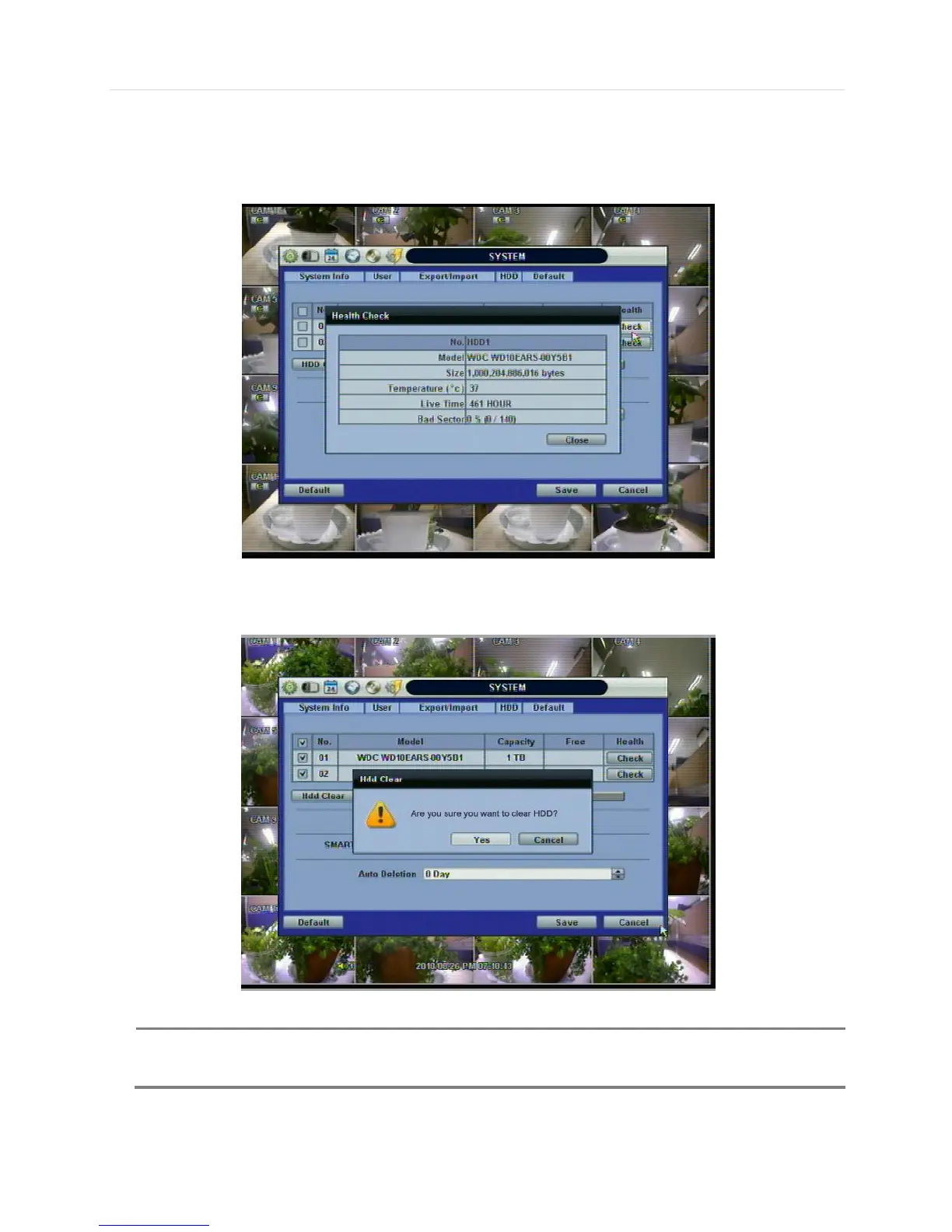
On the DVR system, DVR Health Check is represented in % sign as shown below. It indicates the lifetime and the
temperature in Celcius of the hard disk drive.
If system resources are occupied with task, such as making a network connection or performing video playback during the
format process, the format may fail. If the format fails, reboot the system resources and then try to format again.
[Format completed]
NOTE 1) Formatting may take around 2 minutes for 250GB, 3 minutes for 500GB, or 4 minutes for 750GB.
2) The system always reserves a maximum of 5GB of space in each built-in HDD to utilize



 To Next Page