28000 System Installation
Page 28
28000 Signal Conditioning Installation Instructions Precision Filters, Inc.
Rev. B
Separate the Slide Mounting Sections
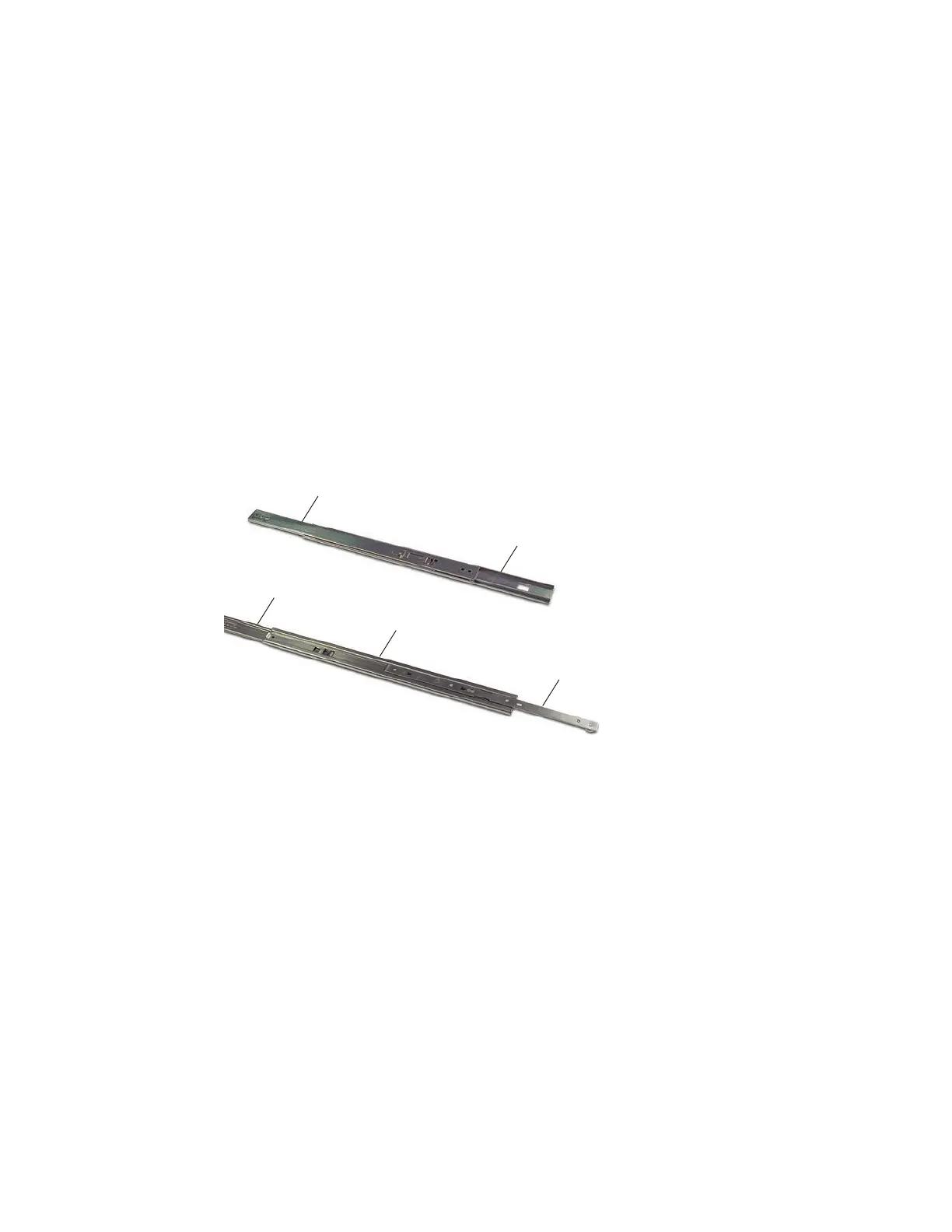
Each slide mount assembly consists of three main sections:
• Chassis mounting section
• Mid-support section
• Cabinet mounting section
The chassis mounting section separates from the other sections and attaches to the mainframe.
The mid-support and the cabinet mounting sections do not separate, and they attach to the
cabinet rail assembly.
Step 1
To separate the chassis mounting section from the mid-support section, hold the
mid-support section and slide the cabinet mounting section back at least 3 inches.
See Figure 15.
Cabinet
Mounting
Section
Cabinet
Mounting
Section
Mid-Support
Section
Mid-Support
Section
Chassis
Mounting
Section
Figure 15 Separating Slide Mount Sections, Step 1
Step 2 Slide the chassis mounting section forward until it stops. Depress the stop tab
through the mid-support section and continue sliding the chassis mounting section
out of the mid-support section. See Figure 16.
Step 3
Repeat to separate the chassis mounting section from the other slide mount
assembly.



 To Next Page