Precision Filters, Inc. 28000 Signal Conditioning System Installation Instructions
Rev. B
Maintenance and Troubleshooting
Page 75
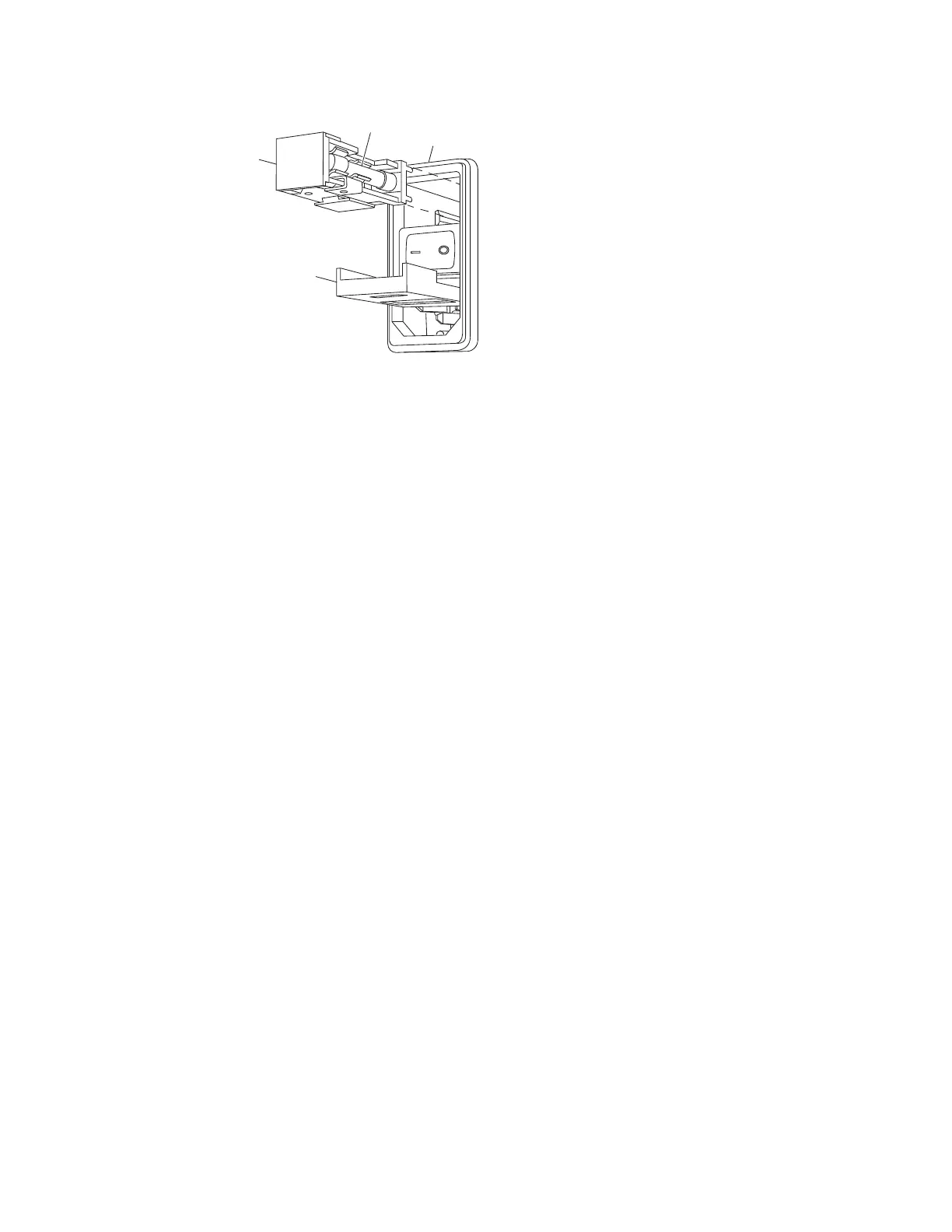
Fuse
Holder
Fuse
Door
Fuse
Power Entry
Module
Figure 52 28004 Fuse Location
Step 4 Pull the fuse holder out. Insert a small at head screwdriver into the slot on right
of the fuse holder, pry the fuse loose, and pull the holder out of the power supply
module.
Step 5
Replace the fuse(s) with the correct fuse(s). See Table 21.
Note:
Fuse drawers with a 115 VAC line voltage single-fuse conguration have a metal
conversion clip on the opposite side of the existing fuse. Do not remove this clip.
Step 6
Reinstall the fuse holder in the same position as it was before removal.
Step 7 Close the fuse door. Check that the correct line voltage number is visible in the fuse
door window. If the correct line voltage number is not visible, open the fuse door,
turn the fuse holder over, and then replace it.
Changing the Line Voltage from 115 VAC to 230 VAC
Step 1
Follow steps 1 through 3 in the preceding section, Changing a Fuse:
28004-ACPS-X.
Step 2
Remove existing fuse.
Step 3 Turn the fuse holder over and remove the metal conversion clip from the fuse
holder. See Figure 53.
Step 4
Place two 5 x 20 mm SLO-BLO 1.5 Amp 250 Volt fuses in the fuse holder.
Step 5 Replace the fuse holder and close the fuse door.
Step 6 Check that the line voltage number 230 is visible in the fuse door window. If the
correct line voltage number is not visible, open the fuse door, turn the fuse holder
over, and replace it.



 To Next Page