Precision Filters, Inc. 28000 Signal Conditioning System Installation Instructions
Rev. B
Maintenance and Troubleshooting
Page 79
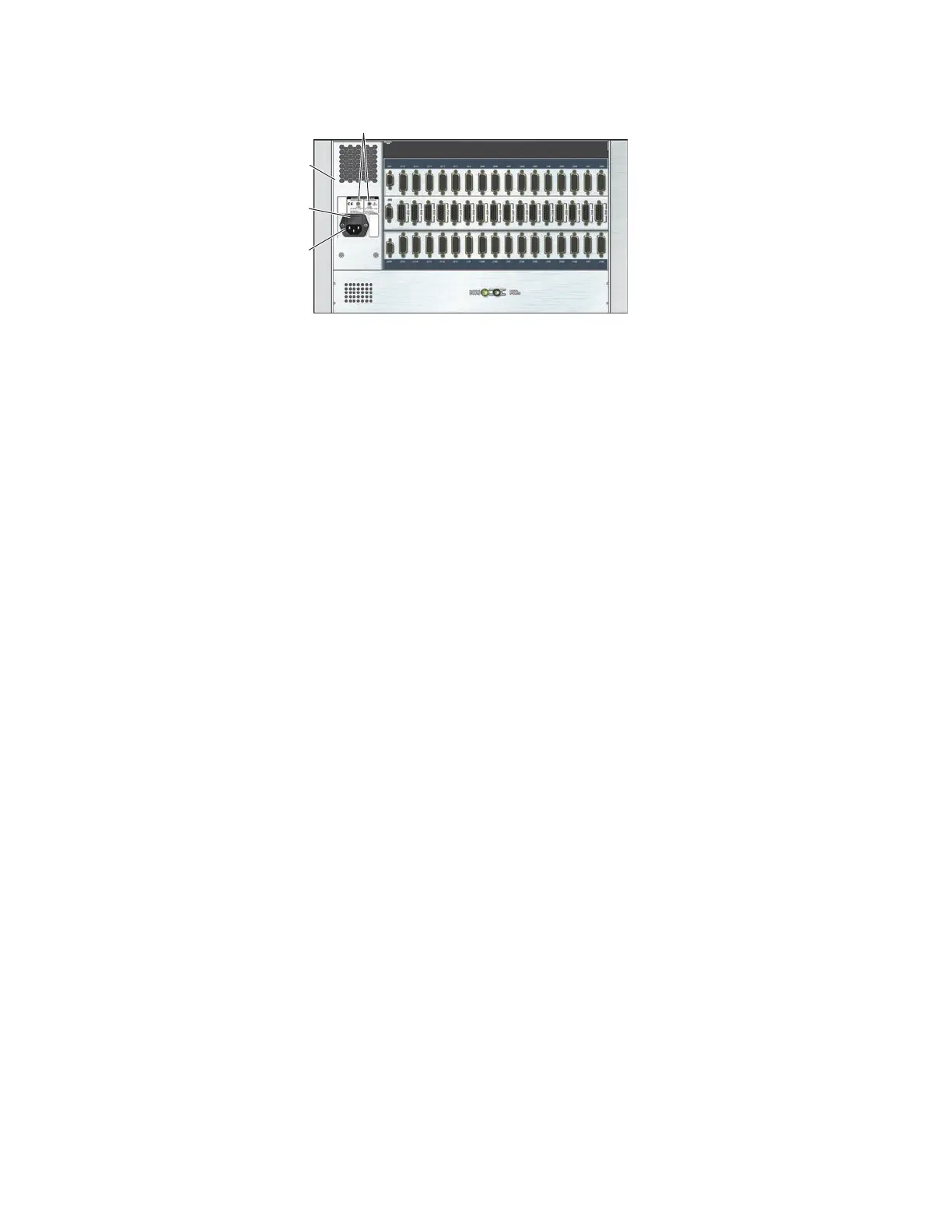
Line Voltage Indicators
28016B-ACPS-X
Power Supply
Power
Entry Module
Fuse Drawer
Figure 55 280016B-ACPS-X Power Entry Module (28016-M5 Mainframe Rear Panel Shown)
Voltage Selection - 28016B-ACPS-X
The 28016B-ACPS power supply line voltage is set at the factory. Consult with Precision Fil-
ters about using the power supply with a different line voltage.
3.2.6 Removing and Installing the Backplane Interface (BIF Controller) Card
CAUTION
Switch off power to the 28000 system power before installing or removing
cards. Failure to do so will damage sensitive components. The backplane
interface (BIF) controller card is not hot replaceable and cannot be
removed or installed while power is applied to the system.
CAUTION
Circuit cards are sensitive to electrostatic discharge (ESD). Properly
ground yourself and the mainframe before removing the card from the
mainframe. Store the card in a static-shielding bag. Failure to do so may
damage sensitive components.
The backplane interface (BIF controller) card is installed in a dedicated slot in each 28000
system mainframe. The BIF controller card is located directly under the power supply in the
28004 and the 28008 mainframes (Figure 56) and to the left of the power supply in the 28016
mainframe (Figure 57).



 To Next Page