9. Operational failures and resolving them
Premier Tech 51 / 64 Solido SMART
DOKK5110E 15.04.2020
9. Operational failures and resolving them
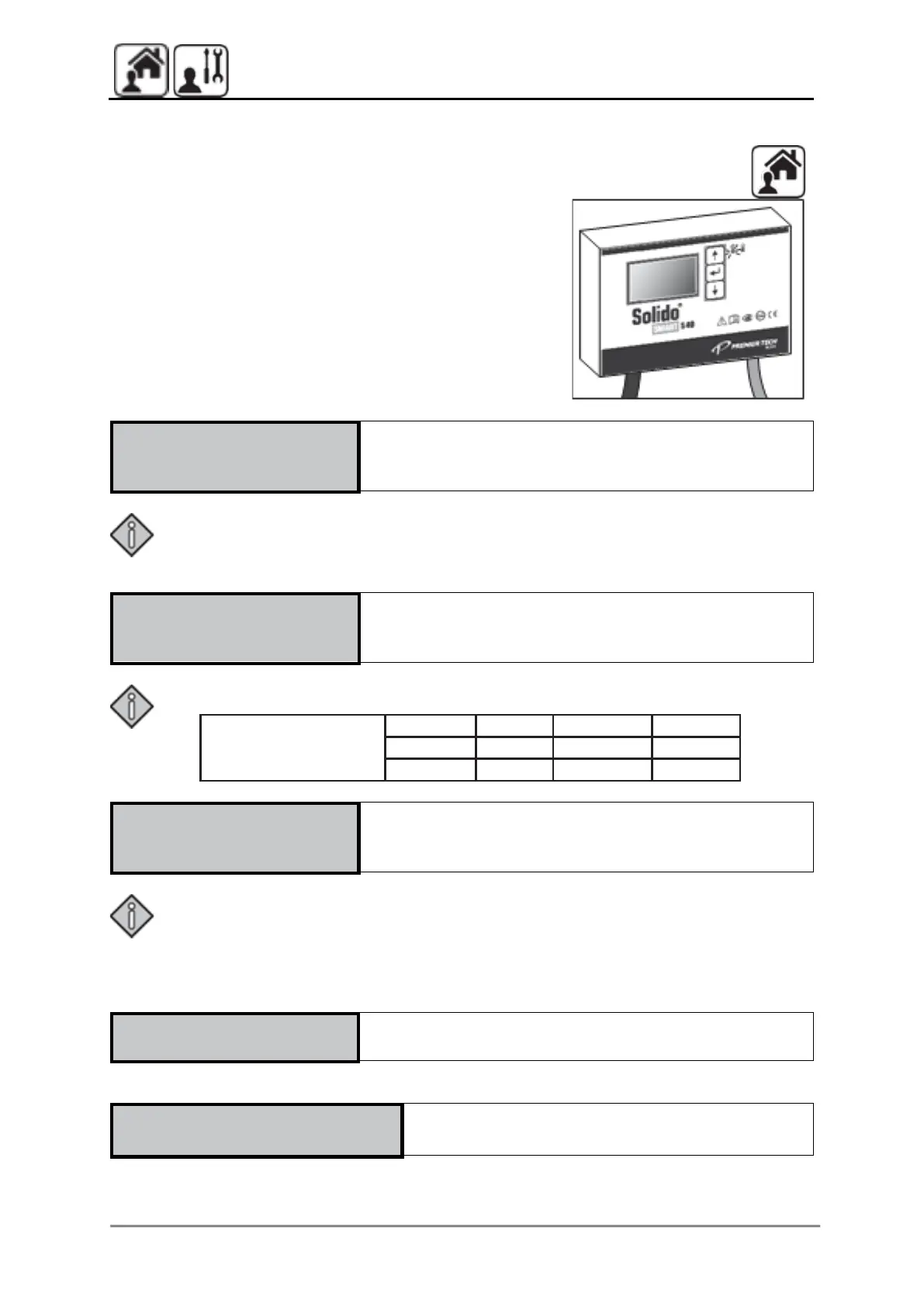
9.1 S40 control alarm messages
In the event of an alarm, an acoustic signal
sounds and the red LED starts to flash. The
standard version of the Solido SMART plants
(basic controller version) can display the
following alarm messages in the bottom
line on the basic screen:
The plant power supply is interrupted.
Note:
• Check the power supply in your house (fuse, general power outage) and inform
the relevant maintenance service if necessary.
The minimum power requirement for the compressor
has not been met.
Power consumption
setpoints
The floating switch in the SBR is triggered and
indicates a plant overfill.
Note:
Check the plant for an overflow immediately. If the cause of the overflow cannot
be corrected immediately, remove the mains plug and operate the plant in
emergency overflow mode. Otherwise, there is a risk of a massive sludge output.
Please inform your maintenance company immediately.
The accumulator batteries have to be changed. See
chapter 8.9.
Plants with KWP instead KWH (optional):
The maximum power requirement of the
clearwater pump (KWP) has been met.


 To Next Page