5757
Owner’s Manual
Quick Start:
Level
Setting
OverviewHookupControlsConnecting
to a
Computer
TutorialsTechnical
Information
Trouble-
shooting
and Warranty
Software: Universal Control,
SL Remote, Capture,
and Studio One Artist
Scenes, Presets, and System Menu 5
Scenes, Presets,
and System Menu
System Menu 5.4
parameter can be adjusted from the StudioLive while it is synced to a computer,
in which case you need to use the Universal Control Device Window to make
your S/PDIF assignments and change your sample rate. (See Section 7.1.1 for
more details.) When two StudioLives are cascaded together, the Status will read
“Linked,” and you will be able to see which StudioLive is the Master unit. For
more information on using multiple StudioLives, please review Section 8.9.
To ensure the safety of the audio equipment connected to it, the StudioLive
will mute all post-converter outputs for two seconds when the sample rate is
changed and while it is connecting to a computer. This includes the Main and
the Control Room outputs, as well as the Aux and Subgroup outputs. While
this oers a good measure of protection to your sound system, it could put the
brakes on a live show. Because of this, it very important that the sample rate
be selected and locked in prior to beginning any recording or performance.
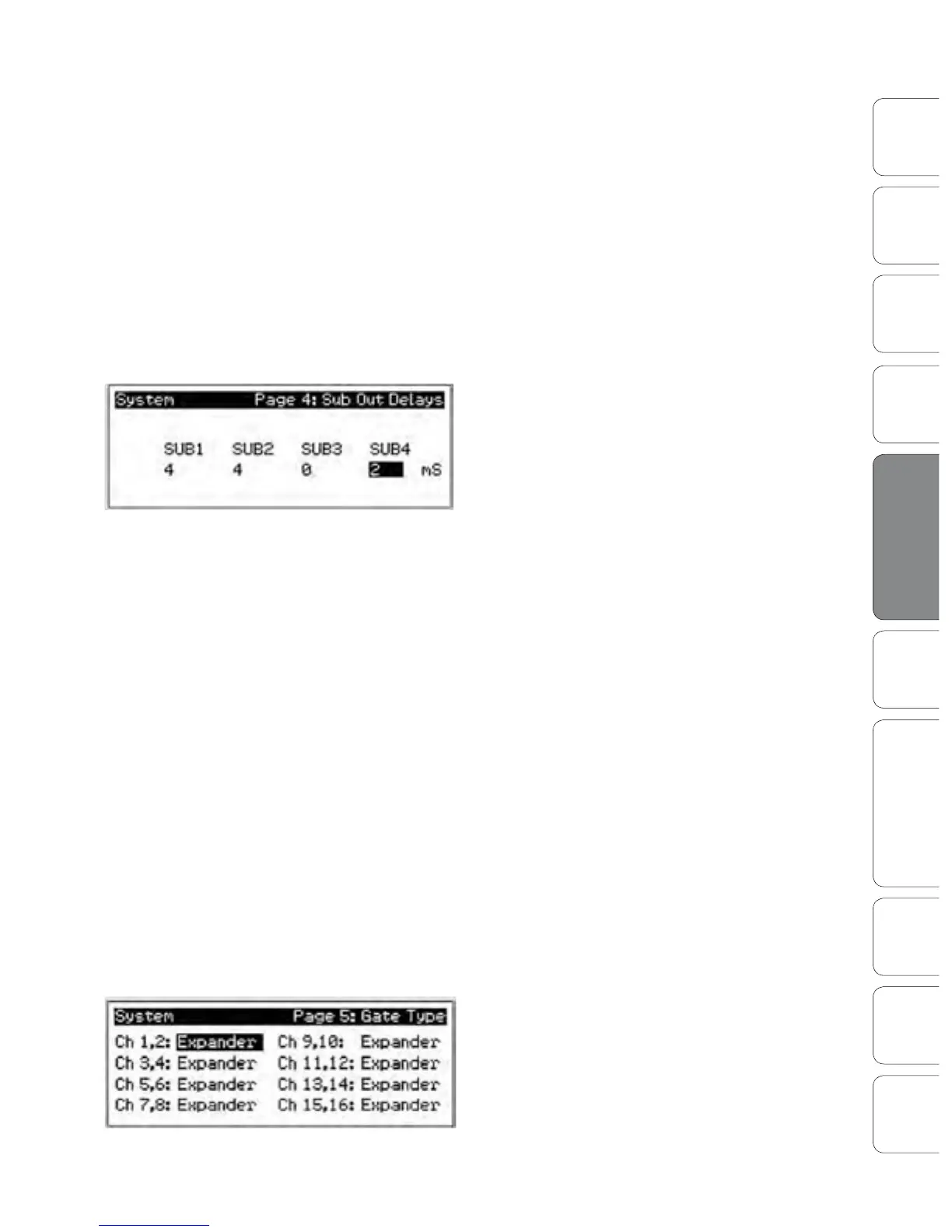
Sub Out Delay
On Page 4 of your System menu, you will nd
the Sub Out Delays. Your StudioLive provides
you with the ability to delay the audio from each
of your subgroup outputs by 2 to 500 ms, in
increments of 2 ms. When you correctly set the
delay time for these outputs, you ensure that the
sound from each speaker in the P.A. system arrives
at the listening position at the same time.
The delay should be set for the speakers to which your listener will be closest.
Let‘s say you are using your StudioLive in a large theater with a balcony, and you
have three pairs of speakers: a pair in front of the stage, a pair in the rear of the
auditorium, and a pair at the front of the balcony. You will need to delay the rear
speakers so that the listeners closest to them will hear the audio from both the
rear and stage speakers at the same time. This is also true for the audience in the
balcony. While the balcony speakers will provide the loudest source of audio, the
balcony audience will still be able to hear the stage speakers, so a delay must be
set for the balcony speakers. You will need to calculate approximately 0.885 ms
of delay time per foot. So if your balcony speakers in the above example are 61
feet from your stage speakers, you will need to set their delay time to 54 ms.
Speaker delay can also be used to correct o-axis phasing issues in small clubs.
Because of space restrictions, you can’t always place your main speakers for
the best possible sound reproduction. Sometimes your left-side speaker will
need to be closer to the audience to make room for a pillar or a staircase or
the bathroom, so an audience member standing in the center of the room
will not have the best listening experience. By using a pair of subgroups as the
source for your mains, you can factor in that 2 to 4 ms delay the left speaker
needs so that unbalanced speaker placement is no longer an issue.
Gate Type
The StudioLive lets you choose between an Expander
and a Noise Gate for each pair of Channels. In
practice, expanders and noise gates are used almost
identically. The main practical dierence is that an
expander is smoother and more gradual so that it is
easier to set the attack and release times correctly.











 To Next Page