5858
PreSonus StudioLive
™
16.4.2
Quick Start:
Level
Setting
Overview Hookup Controls Tutorials Technical
Information
Trouble-
shooting
and Warranty
Software: Universal Control,
SL Remote, Capture,
and Studio One Artist
5 Scenes, Presets, and System Menu
Scenes, Presets,
and System Menu
5.4 System Menu
Because of this, the global default setting for the StudioLive is the
Expander. Any changes made to this page are stored with custom
scenes. When you recall as scene, the gate type that you have chosen for
each stereo pair of channels will also be recalled. For more information
on expanders and noise gates, please review Section 8.2
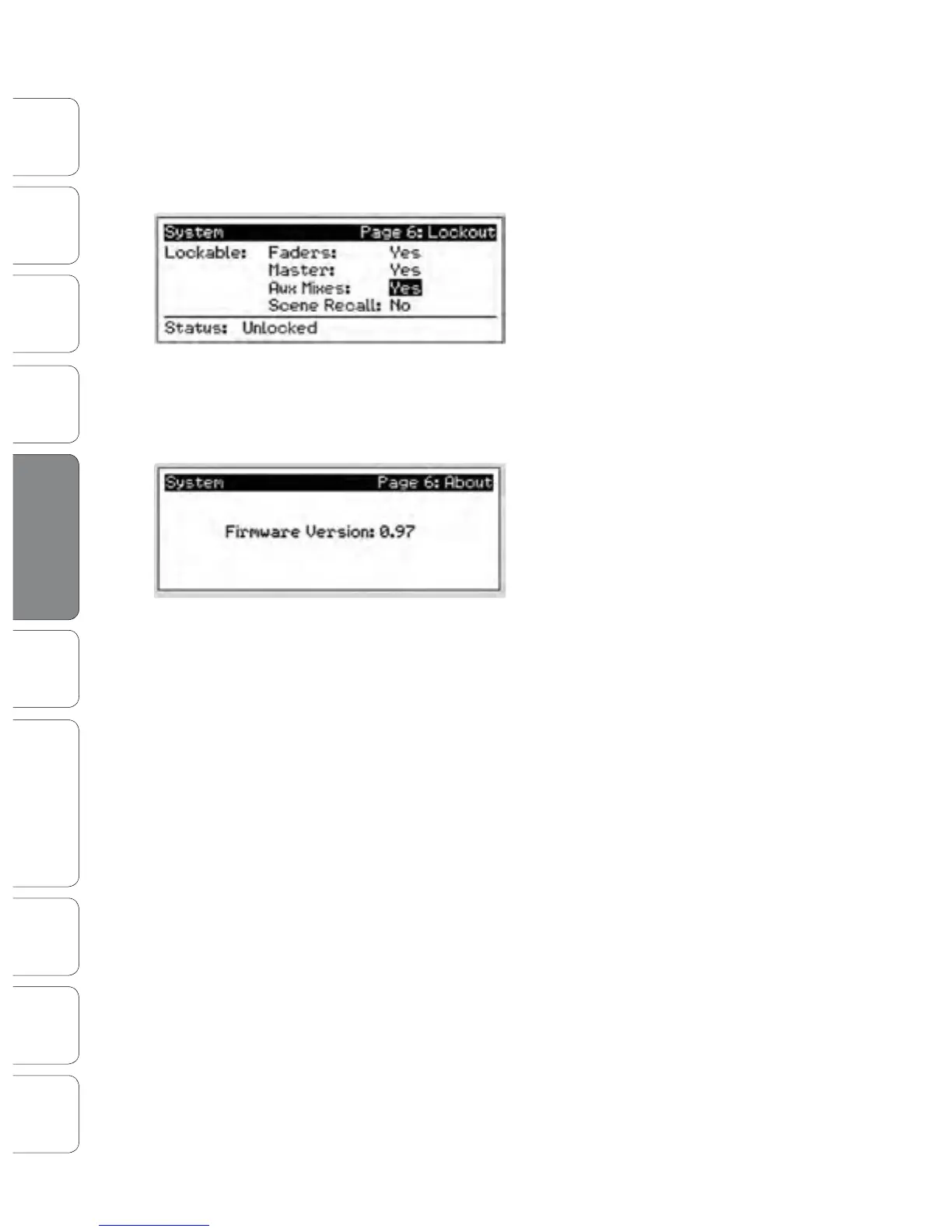
Lockout Mode
Your StudioLive features a Lockout mode that
allows you to create a password and lock the
controls. This is especially useful in situations
where several people will be running sound but
only one or two are knowledgeable enough to
set up dynamics processing and the like.
Right out of the box, the StudioLive cannot be locked, so don’t worry
about hitting the wrong button. To enable the Lockout feature, you
must rst connect and sync your StudioLive to a computer. Please
review Section 7.2.6 for more information on this feature.
Firmware Version
Press the Page Down button to view the rmware
version currently loaded on your StudioLive.
You normally will only view this screen when
performing a system update, in order to conrm
that the new rmware was successfully loaded.
Connecting
to a
Computer











 To Next Page