7.9 Printing out the Event Memory
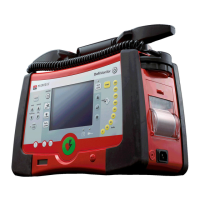
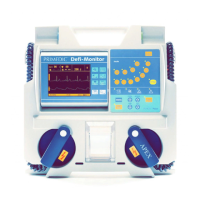
The PRIMEDIC™ DefiMonitor XD automatically stores the last 30 defibrillations /
cardioversions / events in an Event Memory. It stores the ECG (5 seconds before and 5
seconds after each shock) and the pulse graph (only on XD 3, XD30, XD300 or XD330 if SpO
2
active) as well as all relevant parameters.
A new event will then "push" the oldest event out of the memory.
The memory content, starting with the last recorded event, is printed out in the setup menu.
Procedure:
Open the setup menu and select the menu item "Memo Print" with the cursor keys.
Press Enter.
The Memo Print function is activated. To stop the printout, press the printer On/Off button.
Printout is produced at 25 mm/s.
Data in the Event Memory remains stored even after printout. It can be
printed out as often as required.


 To Next Page