EasyManua.ls Logo

Printronix SL4M - PRINTER SETUP Menu

Printronix SL4M
308 pages
Print Icon
To Next Page IconTo Next Page
To Previous Page IconTo Previous Page
Loading...
106
Chapter 4
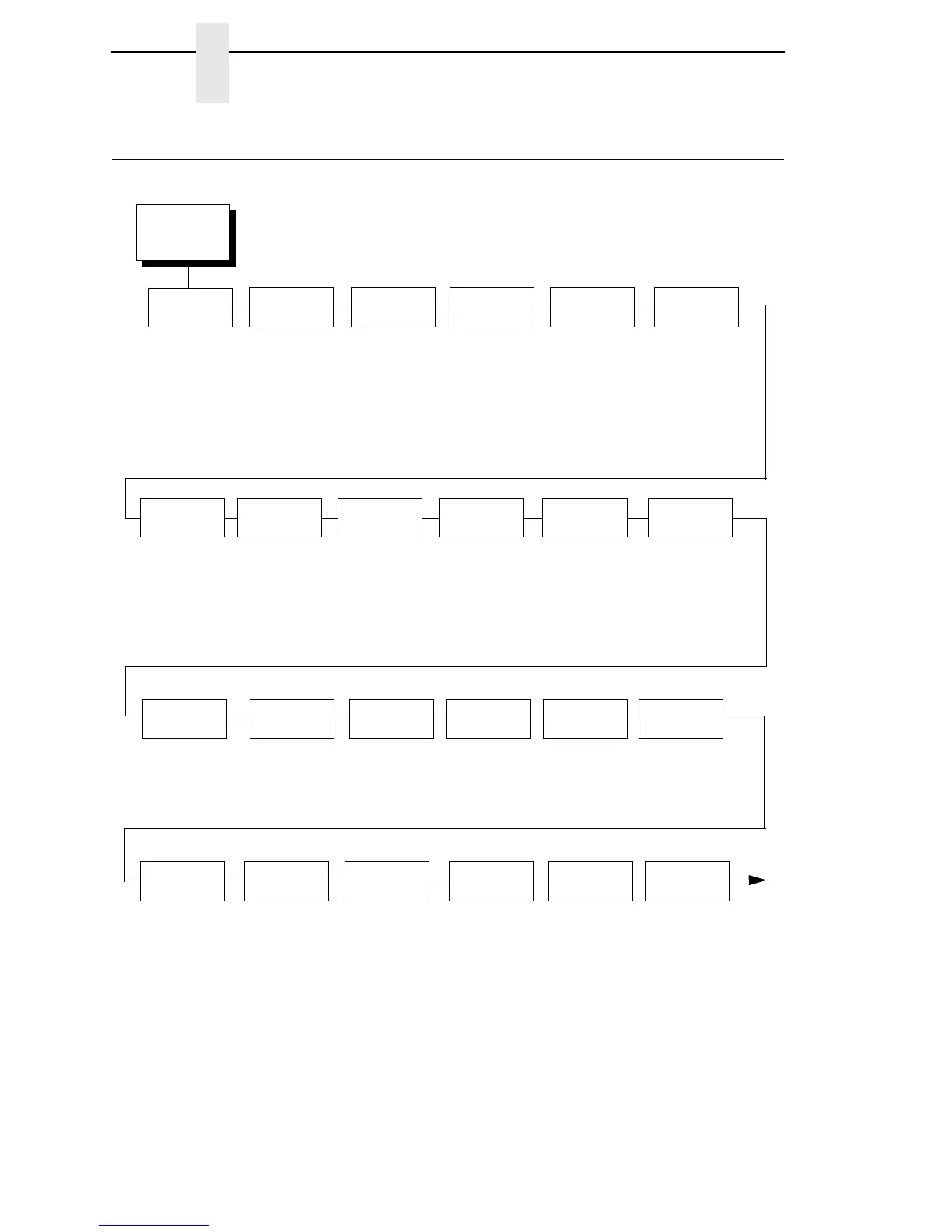
PRINTER SETUP Menu
PRINTER SETUP Menu
PRINTER
SETUP
(from page 66)
Display
Language
English*
German
French
Italian
Spanish
Portuguese
Simp. Chinese
Trad. Chinese
Korean
Save Char
to Fls
Del Char
frm RAM
Ld Char at
PwrUp
Disable*
Enable
Del Set
from RAM
Ld Set
at PwrUp
Disable*
Enable
Main FFS
Overwrite Files*
Enable*
Disable
View Main Files
Delete Files
Flash Avail.
Notes:
* = Factory Default
Italicized items are available only when Admin User is set to Enable (in the PRINTER SETUP menu).
1
This menu appears only if a CST (Character Sequence Table) file is loaded. If a RFID option is installed,
loading a CST will hide/override the ‘SMT:Status’ menu.
Power Saver
Time
15 minutes*
30 minutes
45 minutes
60 minutes
240 minutes
1 minute
5 minutes
10 minutes
Pwr Save
Control
Enable*
Disable
Alarm
On*
Cont. Beep
Off
Power-up
State
Online*
Offline
PTX Setup
Parse
Enable*
Ignore
Disable
PTX Setup
SFCC
21h*
01-FF
Cancel Key
Enable*
Disable
Ret. Status
Port
Automatic*
Disable
E-Net Data Port
Serial
E-Net Stat Port
USB
IEEE 1284
Del Char
frm Fls
Ld Char
from Fls
Save Set
to Fls
PAA: Status
1
Disable*
Enable
Ld Set
from Fls
Compatibility
Default*
Laser
P5000
T3000
T1006
Del Set
frm Fls
PJL
Control
Disable*
Enable
Rcv. Status
Port
Automatic*
Serial

Table of Contents

Other manuals for Printronix SL4M

Related product manuals