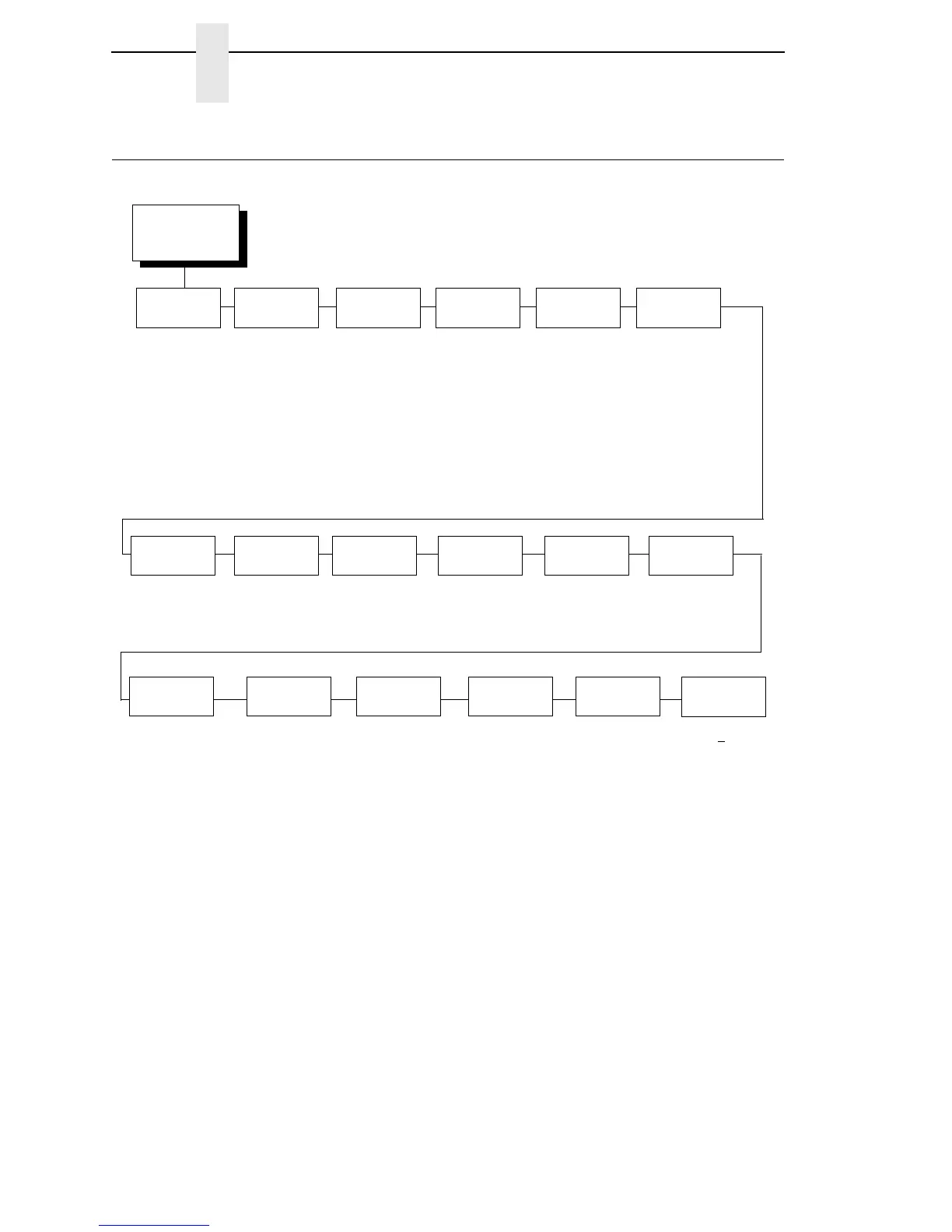
DIAGNOSTICS
(from page 67)
Printer
Tests
Checkerboard*
Grey
Grid
Current Config
Left Test
Right Test
Combo Test
Ethernet Test
1
Barcode Demo
Novram Err Log
RFID Report
2
Hex Dump
Mode
Disable*
Enable
Test
Count
5 Pages*
10 Pages
Continuous
1 Page
2 Pages
Software
Build
XXXXXX
3
Print
Error Log
Clear
Error Log
FLASH
Installed
Ptr On Time
XX Megabytes
3
DRAM
Installed
XX Megabytes
3
XXX.X Hours
3
Printer Usage
XXXXX Inches
3
Head
On Time
XX.X Hours
3
Reset Head
Data
Head
Resolution
XXX DPI
3
Head
Voltage
XX.XX+
X.XX volts
3
* = Factory Default
Italicized items are available only when Admin User is set to Enable (in the PRINTER
SETUP menu).
1
This menu appears only if the NIC or Wireless NIC is installed.
2
This menu appears only if the RFID encoder is installed.
3
You cannot change this value; it is a display only item.
4
This menu appears only if a Feature file is loaded.
5
This menu appears only if the EMC (Expanded Memory Cartridge) is installed.
Feature
File
4
XXXXXX- XXX
3
PrintHead
Usage
XXXXX Inches
EMC FLASH
Installed
5
XX Megabytes
3
Auto
Dump
Disable*
Enable














 To Next Page