231
Installing the QCMC
CAUTION
You must power off the printer before you install or remove the QCMC,
or you may damage the QCMC and the printer. If you remove the QCMC
after powering on the printer with the QCMC installed, the fault message
“MEMORY REMOVED Check QCMC” will display. You cannot clear this
message by reinserting the QCMC. You must cycle power.
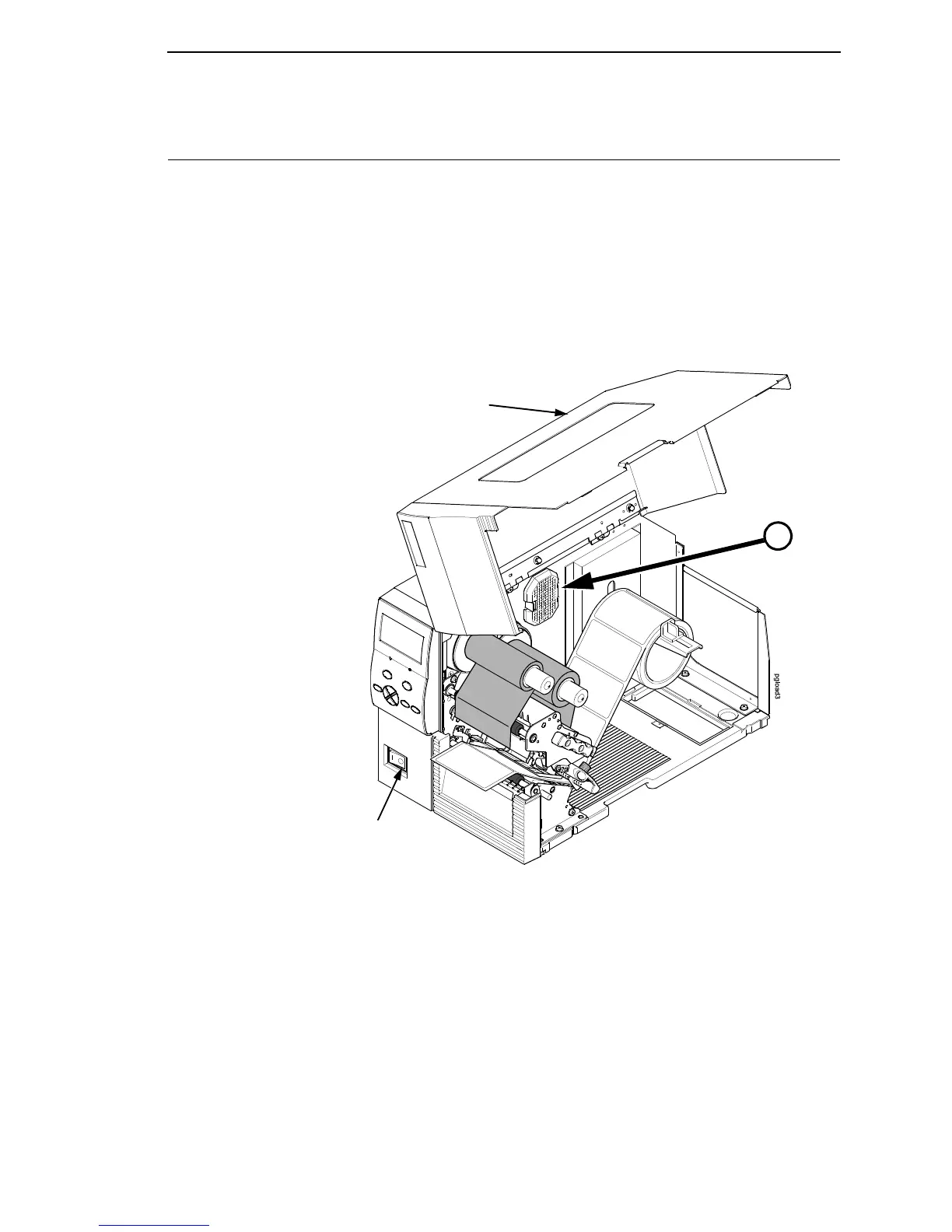
1. Set the printer power switch to O (Off) from the front of the printer.
2. Raise the media cover.
Figure 6. Powering Off the Printer
Media
Cover
Power
Switch
A
See page 232.














 To Next Page