232
Appendix B
Installing the QCMC
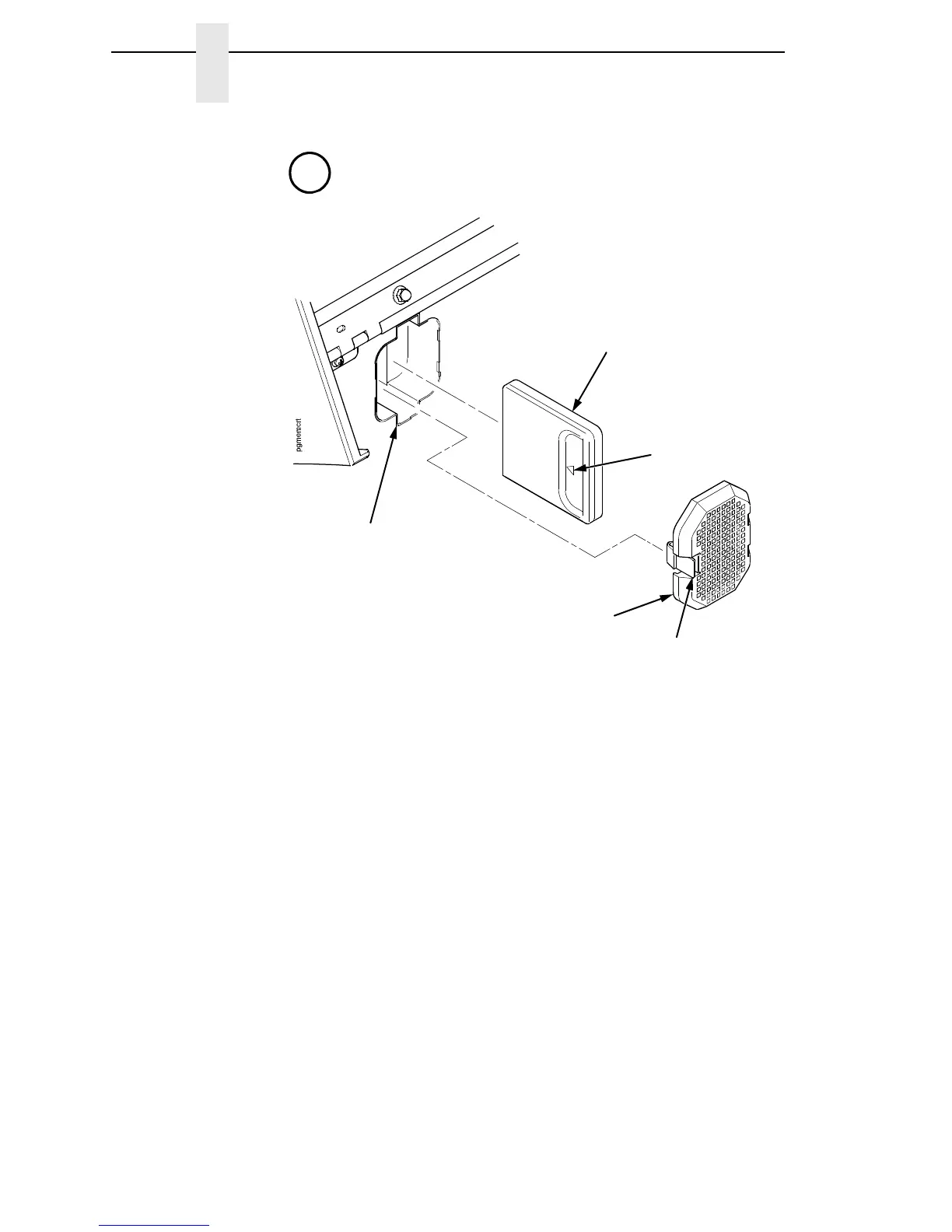
Figure 7. Installing the QCMC
3. Press the release tab and remove the QCMC slot cover.
4. Plug the QCMC (with the arrow positioned as shown) into the QCMC slot.
5. Install the QCMC slot cover.
6. Lower the media cover.
7. Set the printer power switch to | (On).
8. Make sure the Enter key is not locked and that Admin User is set to
Enable.
9. Follow the instructions shown on the printer control panel to set up the
Quick Change feature.
See “Saving the Printer’s Configuration to the
QCMC” on page 233.
QCMC Slot
Cover
QCMC Slot
Arrow
Release
Tab
A
From page 231.
QCMC














 To Next Page