EasyManua.ls Logo

Printronix SL4M - CONFIGURATION MENU

Printronix SL4M
308 pages
Print Icon
To Next Page IconTo Next Page
To Previous Page IconTo Previous Page
Loading...
141
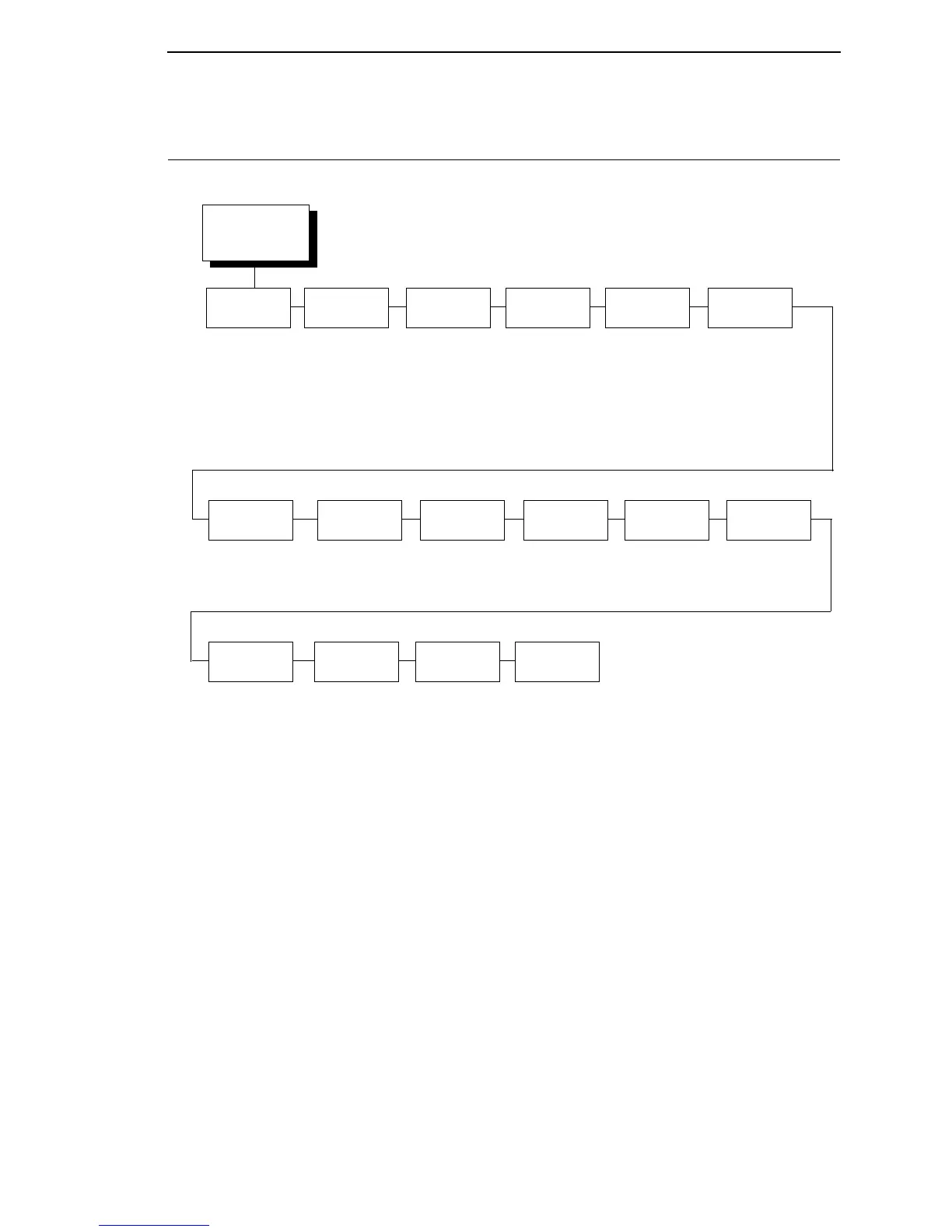
CONFIGURATION MENU
CONFIGURATION
(from page 67)
Save
Config.
Cfg 1*
Cfg 1 to Cfg 8
Delete
Config.
Cfg All*
All
1 to 8
Notes:
* = Factory Default
Italicized items are available only when Admin User is set to
Enable (in the PRINTER SETUP menu).
1
These menus allow the setting of a 15 character string.
Load
Config.
Factory*
1 to 8
Print
Config
Current*
Factory
Power-Up
All
1 to 8
Power-Up
Config.
Factory*
1 to 8
Protect
Configs.
Disable*
Enable
Name
Config 1
1
Name
Config 2
1
Name
Config 3
1
Name
Config 4
1
Name
Config 5
1
Name
Config 6
1
Name
Config 7
1
Name
Config 8
1
Reset
Cfg Names
Auto Save
Cfg 1*
1 to 8
All
Enable*
Disable
Cfg 1* Cfg 2* Cfg 3* Cfg 4* Cfg 5* Cfg 6*
Cfg 7* Cfg 8*

Table of Contents

Other manuals for Printronix SL4M

Related product manuals