Loading Roll Media
25
Loading Roll Media
IMPORTANT
If you are using direct thermal mode, clean the printhead, platen roller,
and lower media sensor every time you change the media. See
“Cleaning the Printhead, Platen Roller, Media Sensors, and Media
Damper” on page 176.
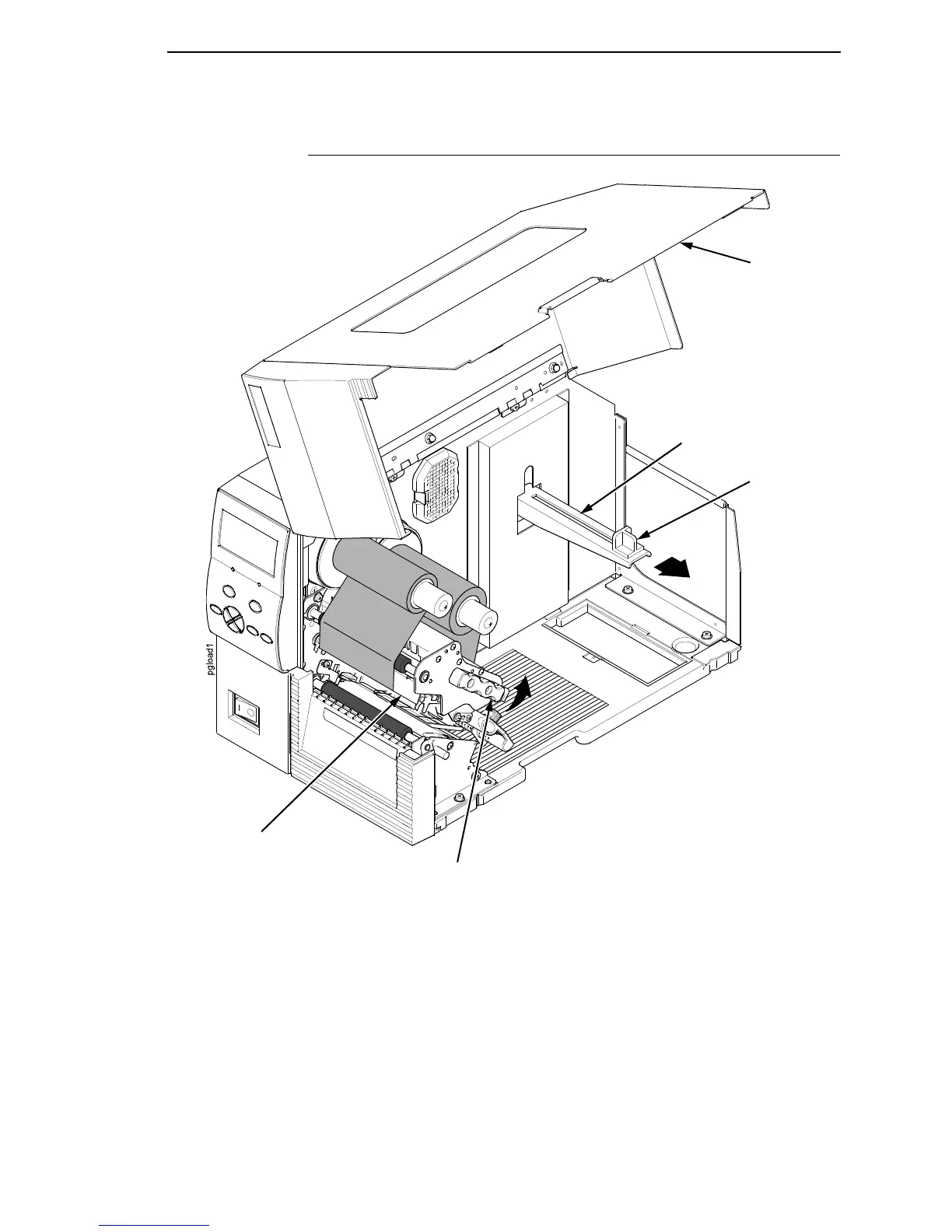
1. Slide the media hanger guide outward to the end of the media hanger as
shown.
2. Remove and dispose of any empty media core.
3. Open the pivoting deck by rotating the deck lock lever fully
counterclockwise.
Media Hanger
Guide
Deck Lock Lever
Pivoting Deck
Media Cover
Media Hanger














 To Next Page