19
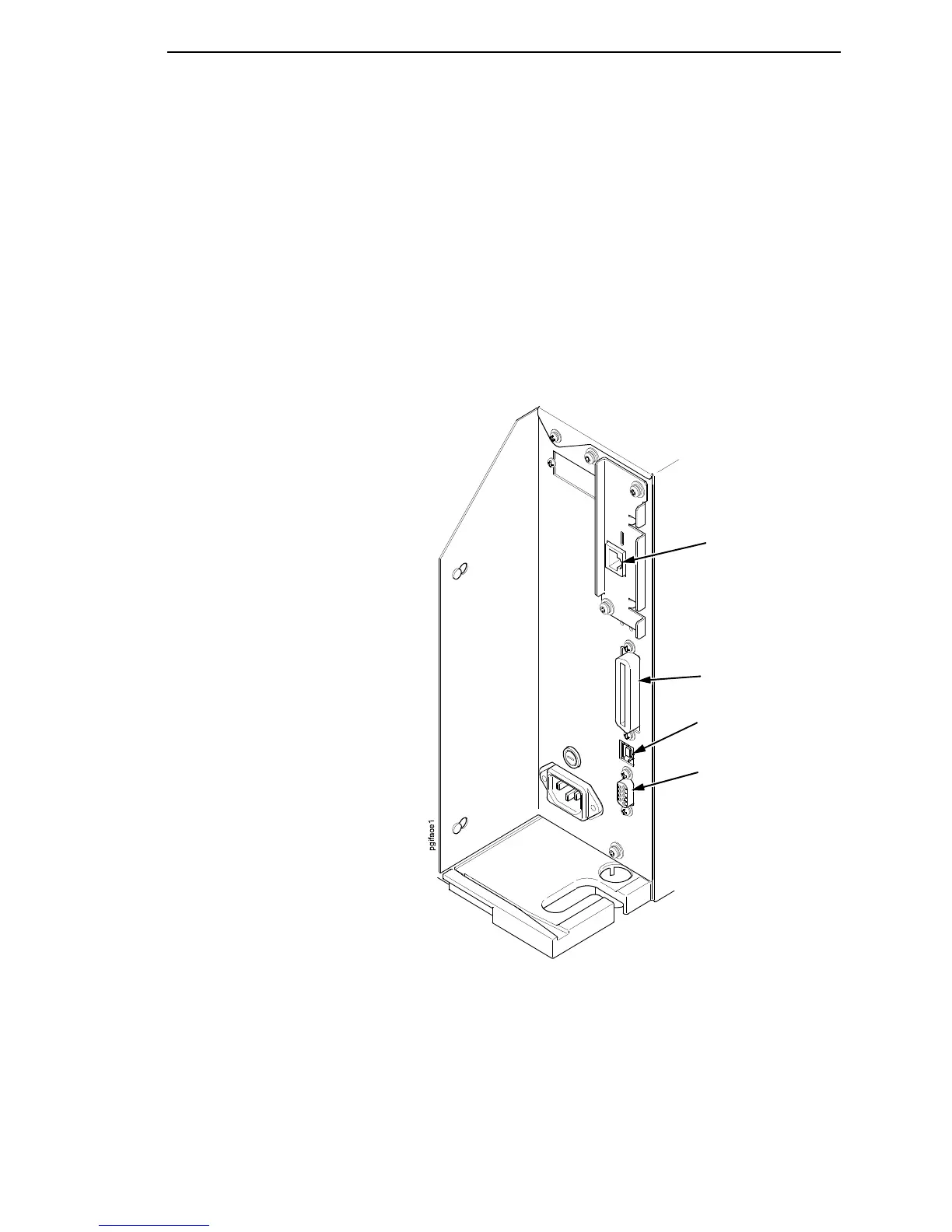
c. USB
Attach a USB cable with noise suppresion filters on BOTH ends from
the computer to the USB connector at the back of the printer.
d. NIC Connection
Insert a suitable NIC cable from your hub or switch to the NIC
connector located in the I/O panel in the rear of your printer.
NOTE: The printer supports simultaneous connection of the parallel, serial,
USB, and NIC interfaces using the Auto Switching feature.
Auto Switching is described on page 53.
Parallel Interface
Serial Interface
RS-232
Ethernet Interface
(optional)
Interface Panel with Ethernet Option
USB Connection














 To Next Page